
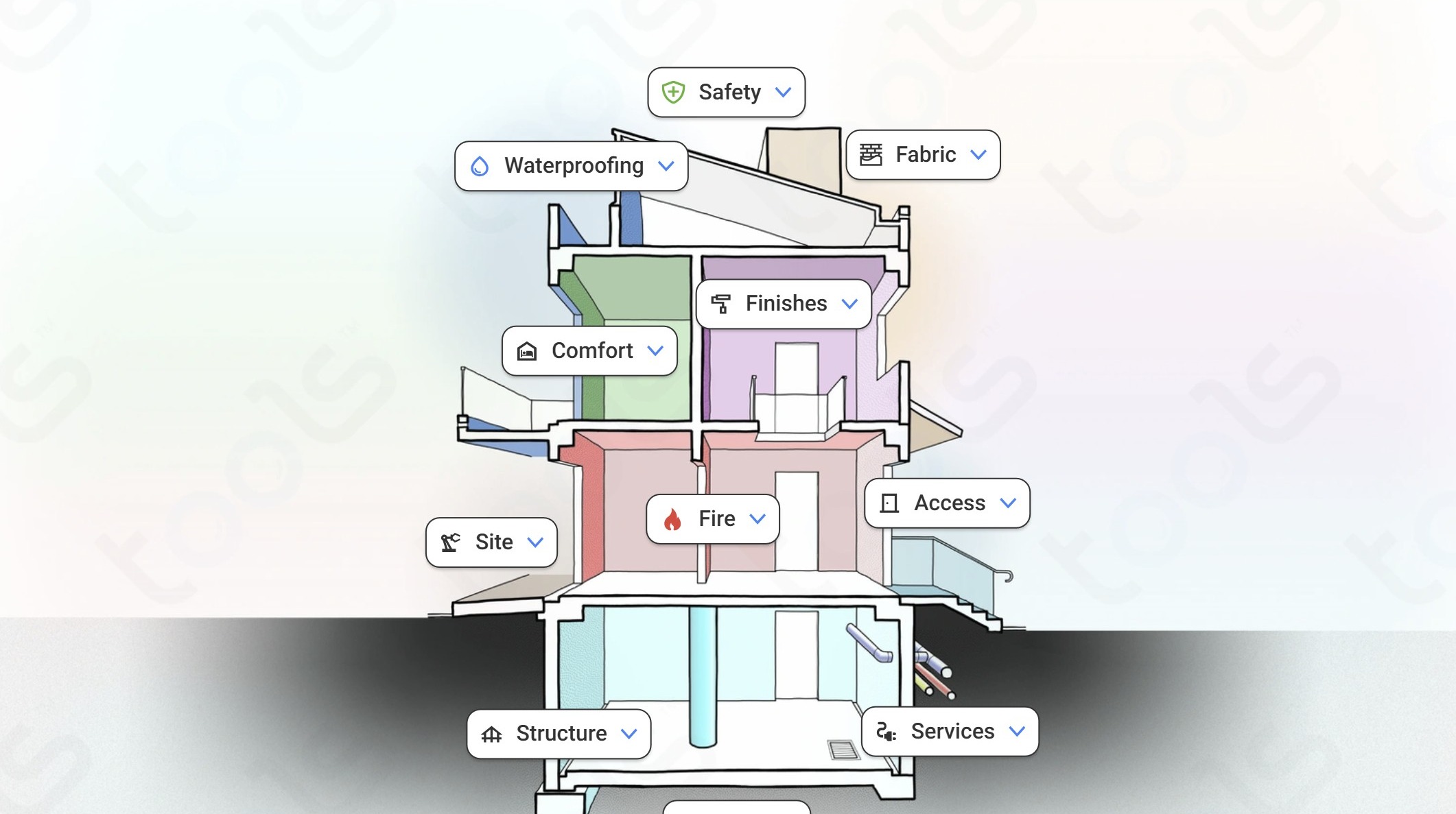
1. Navigate to your Tools application
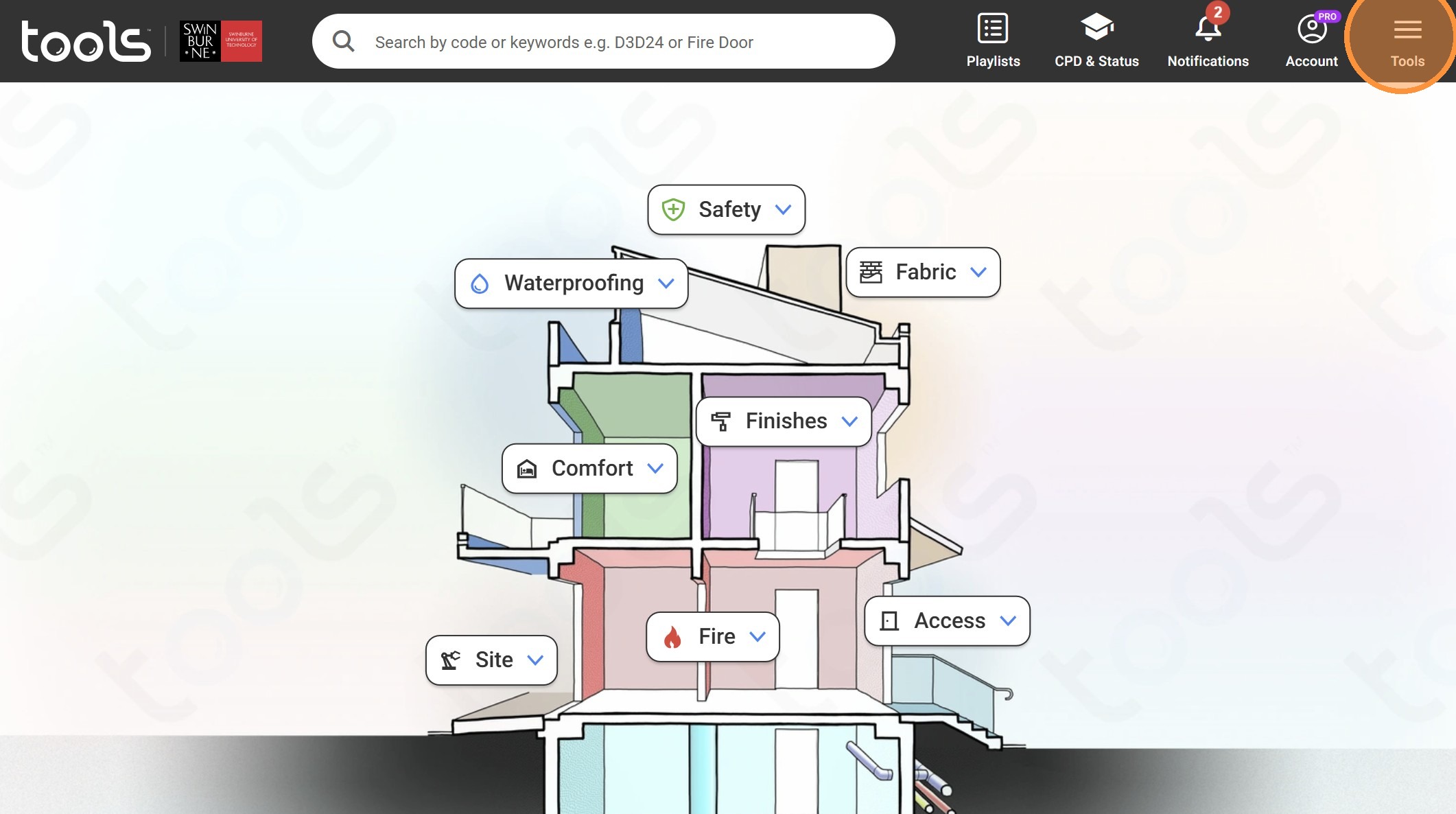
2. Click here.
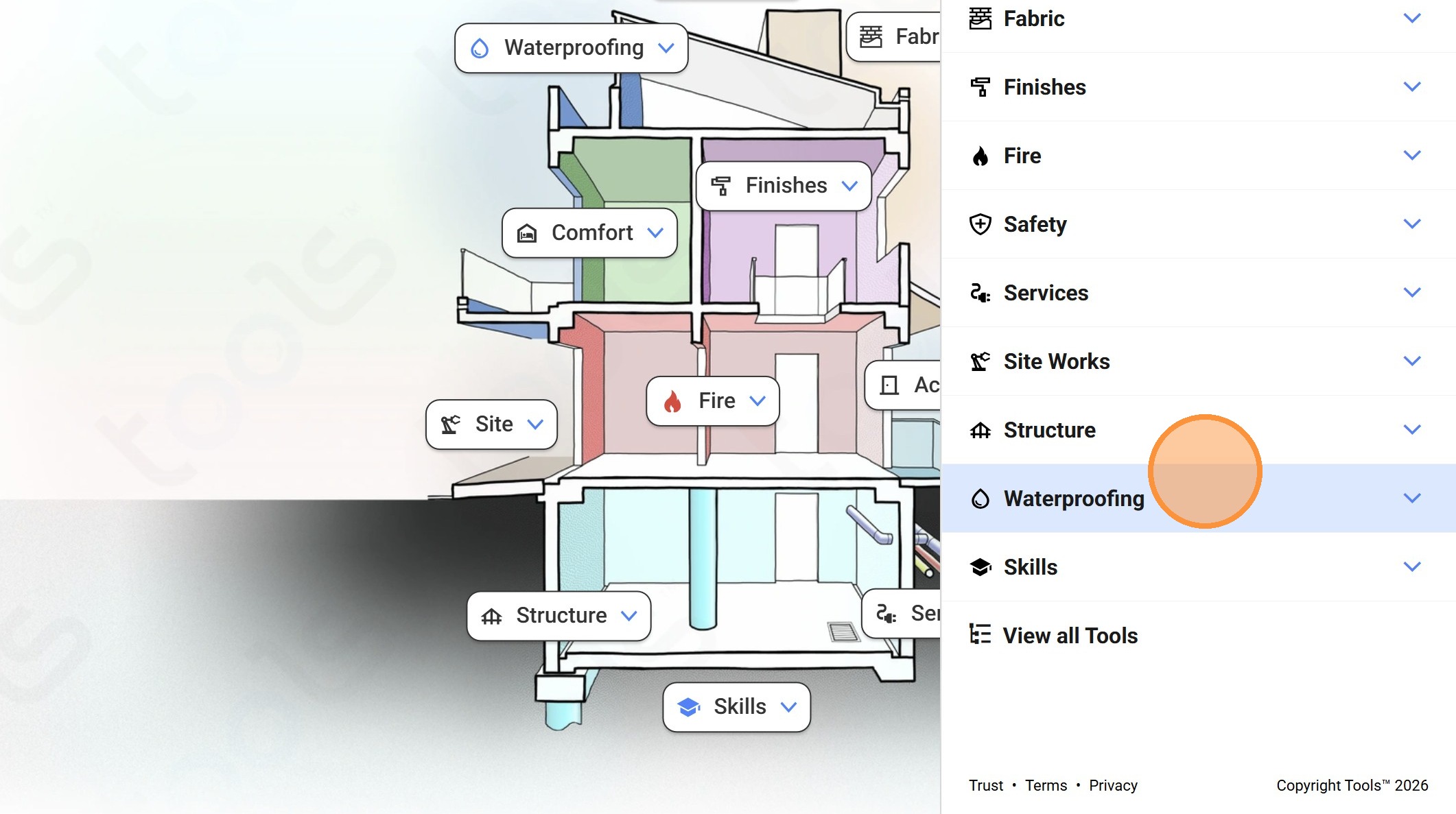
3. Click "Waterproofing"
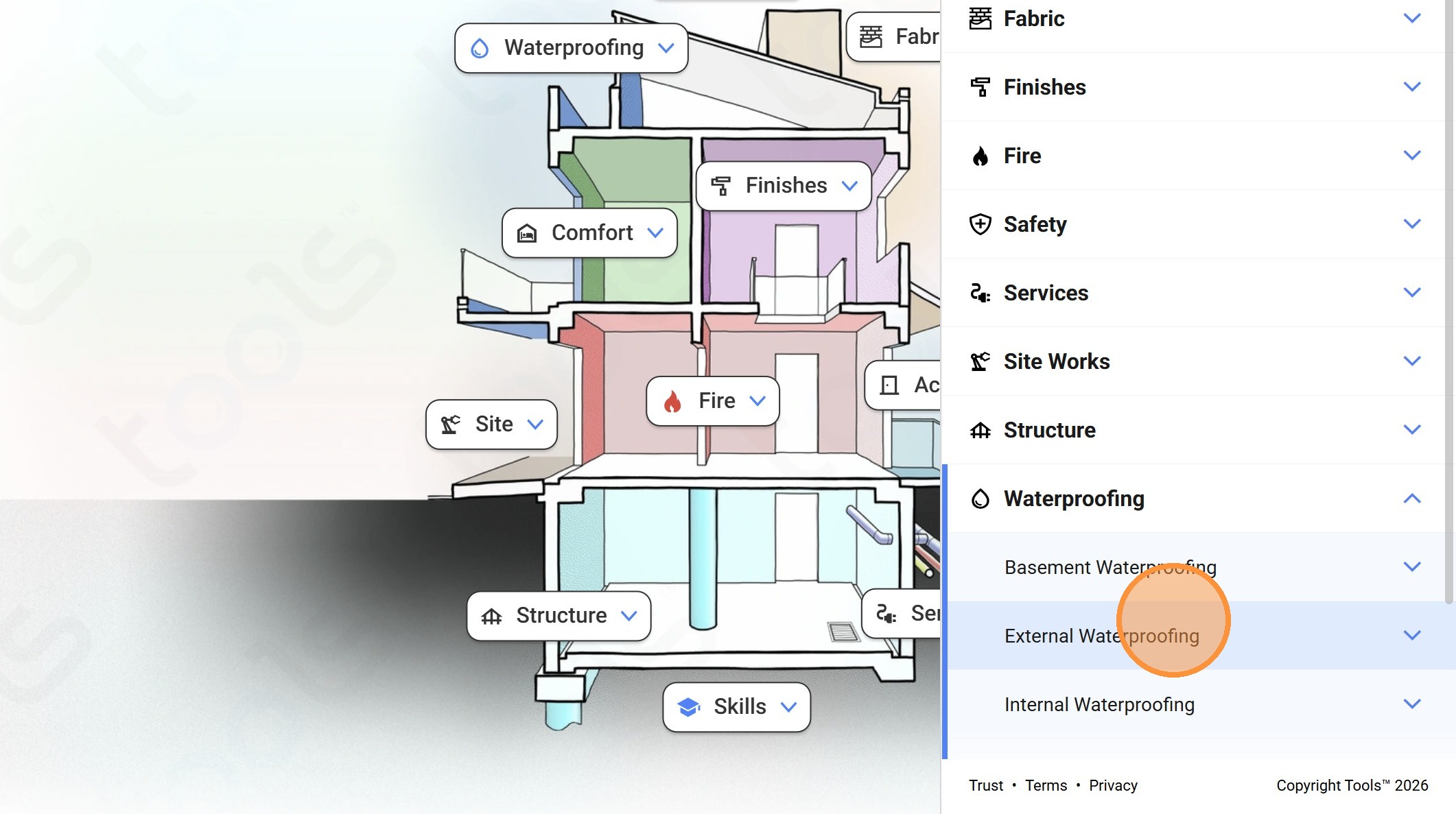
4. Click "External Waterproofing"
5. Click "Threshold"
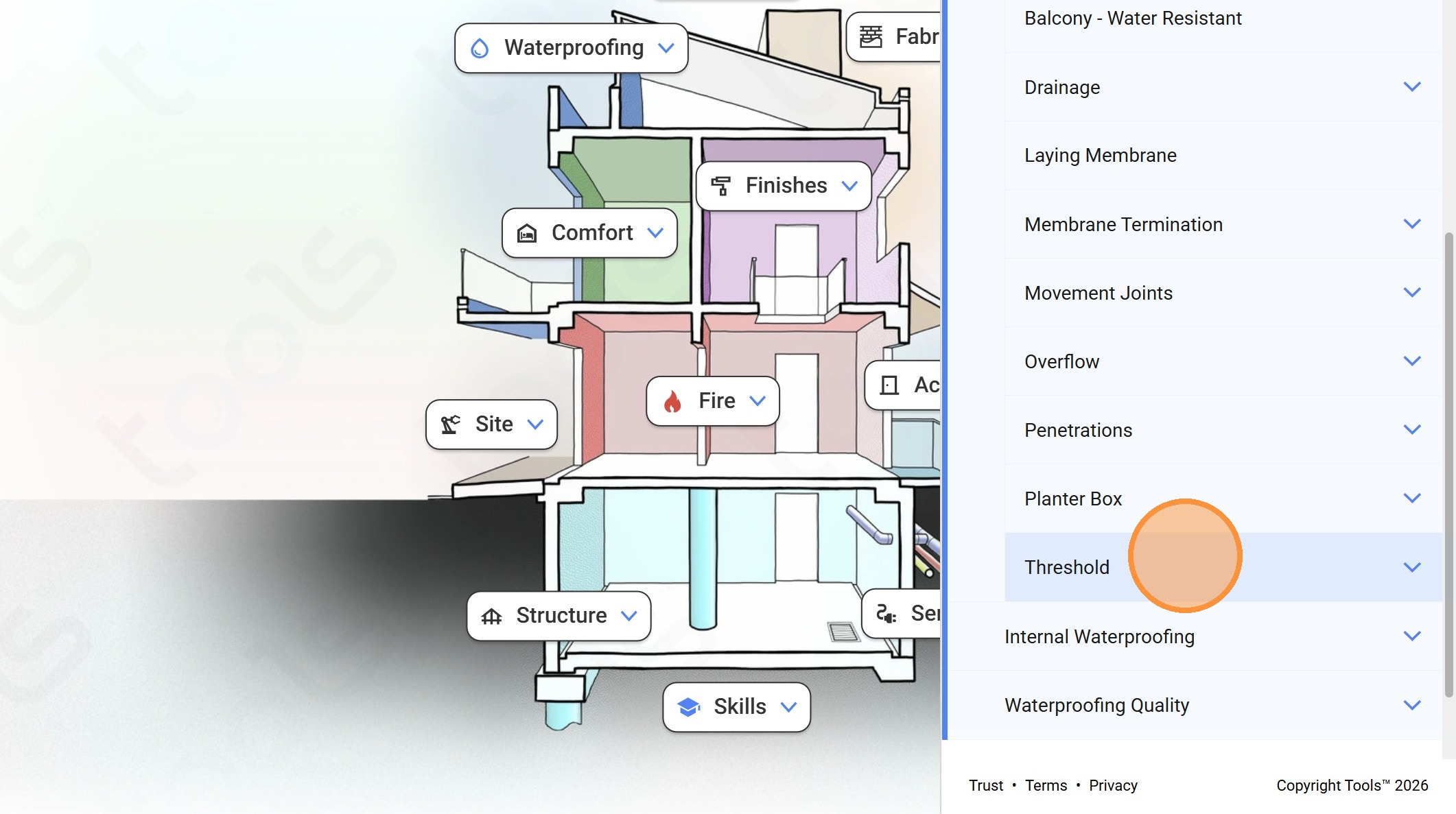
6. Click "Sub Sill on Hob"
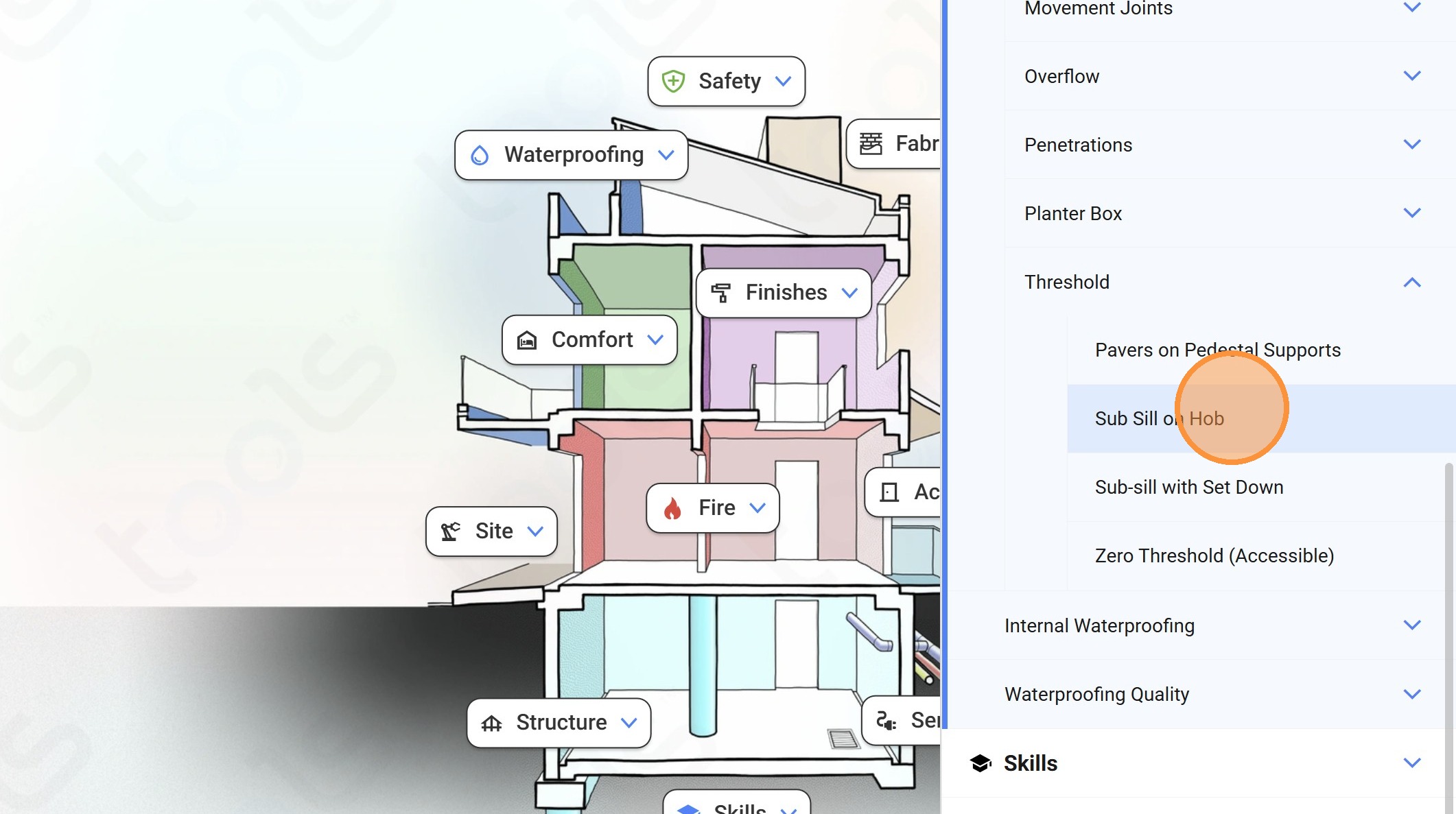
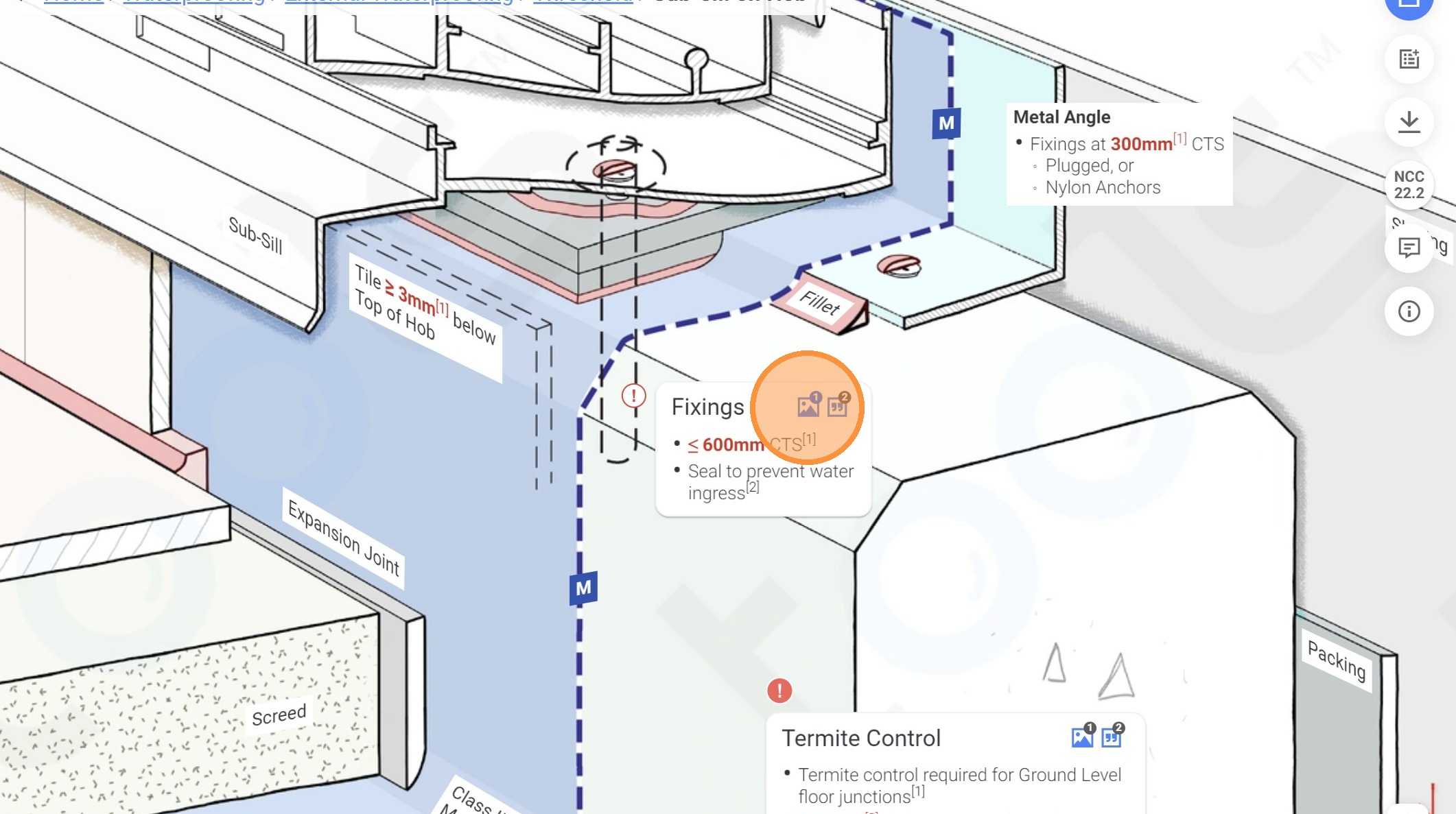
7. Click on this panel.
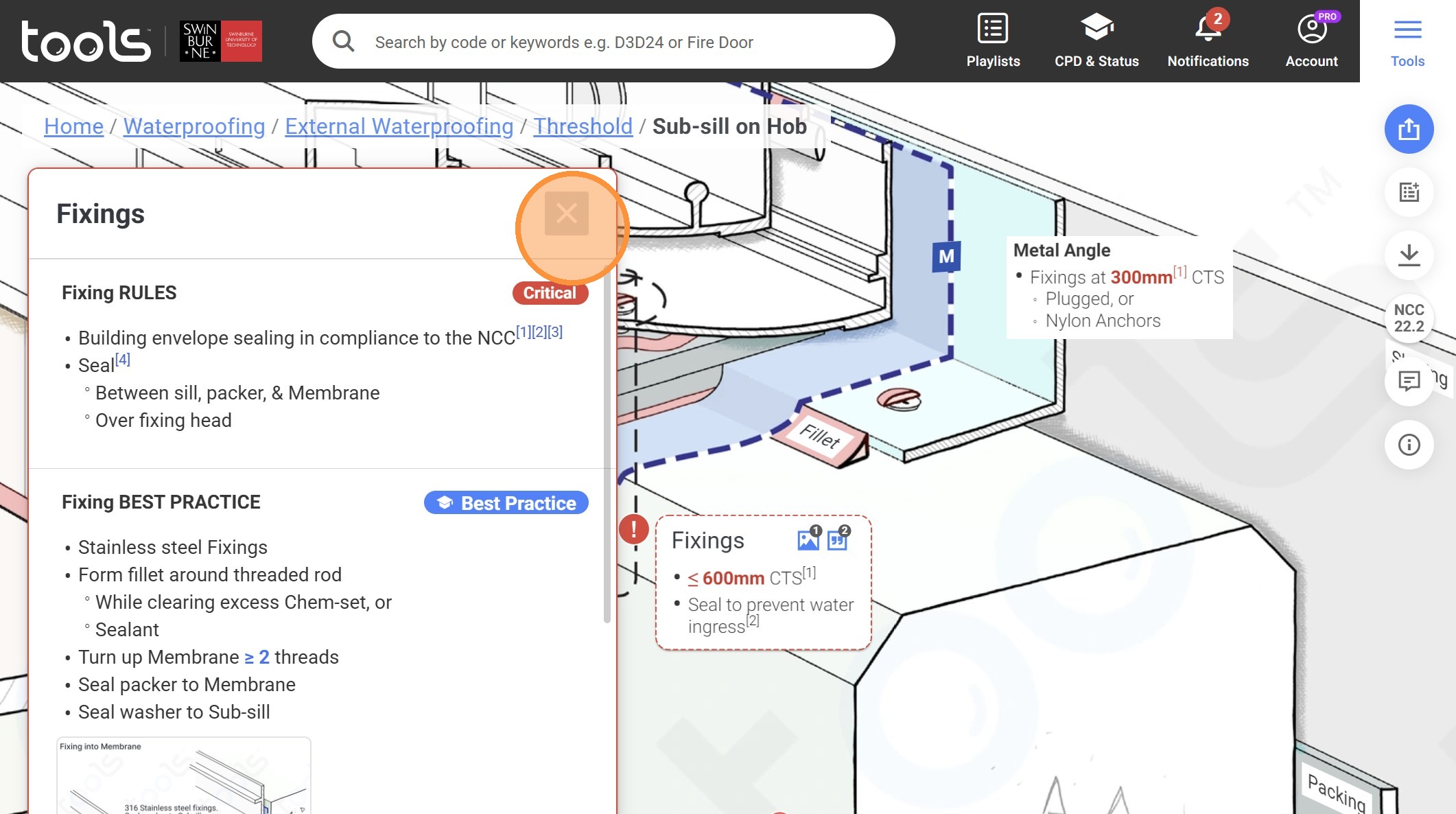
8. Click on the close icon.
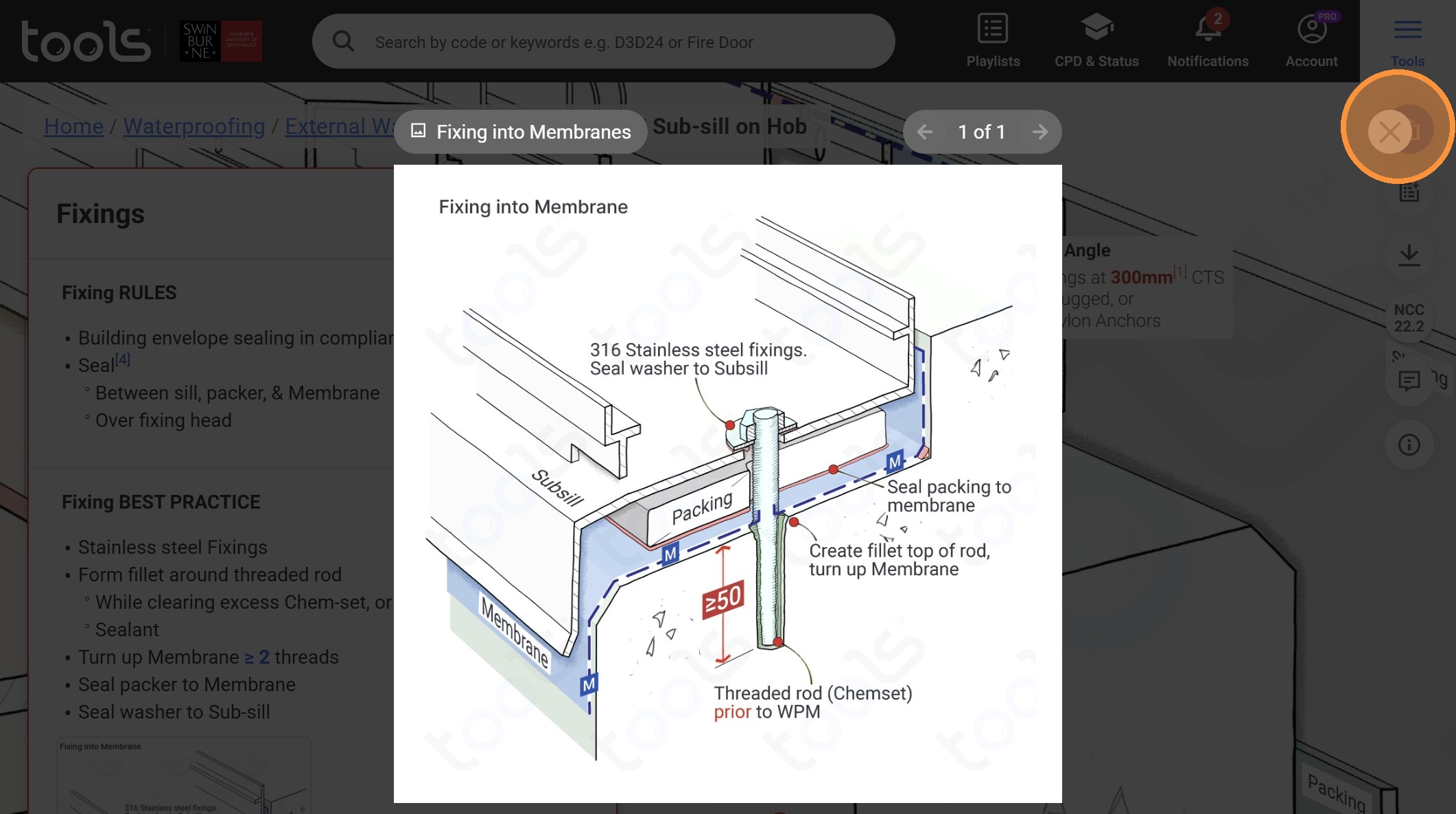
9. Click on "close"
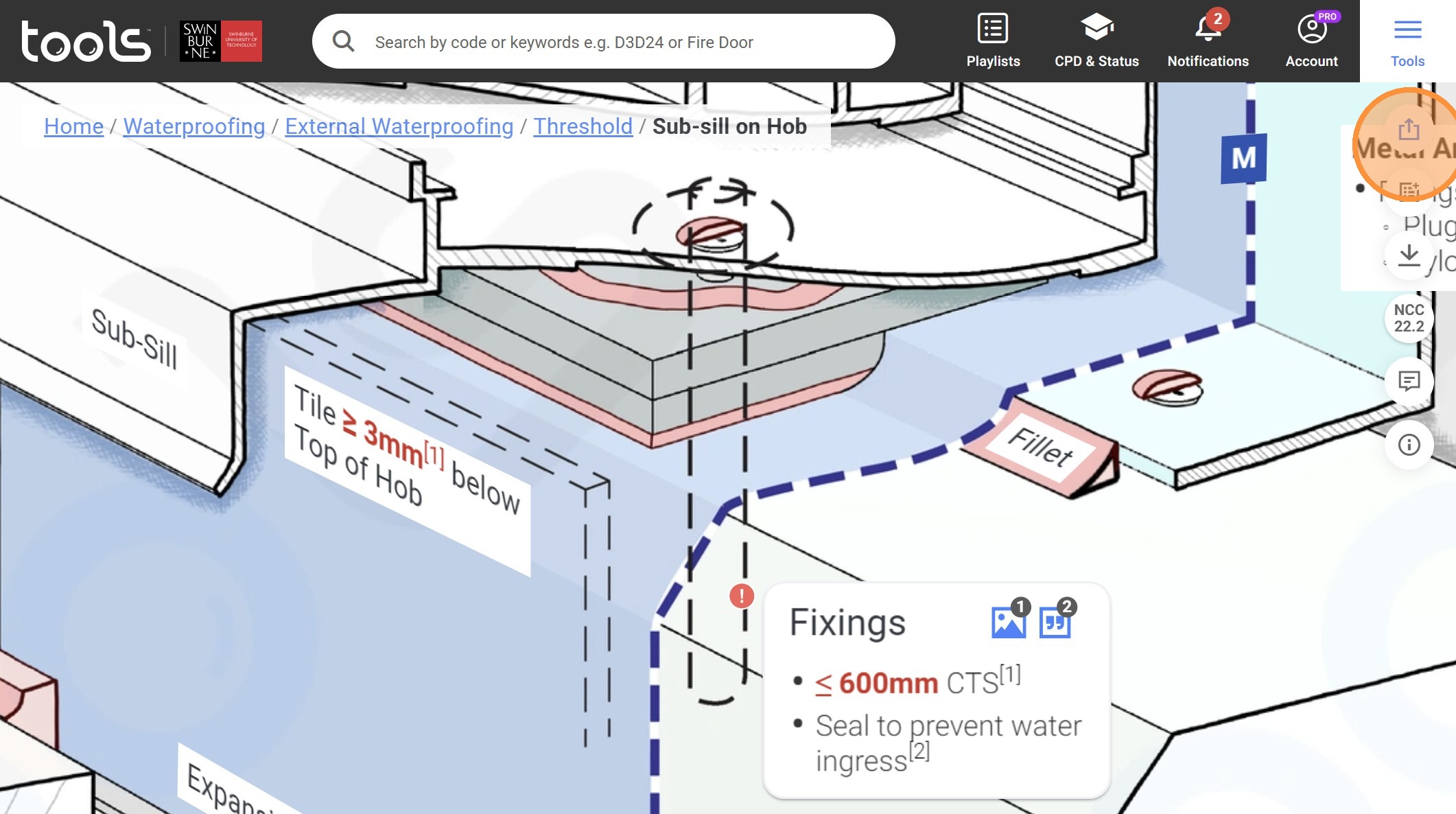
10. Click the share button.
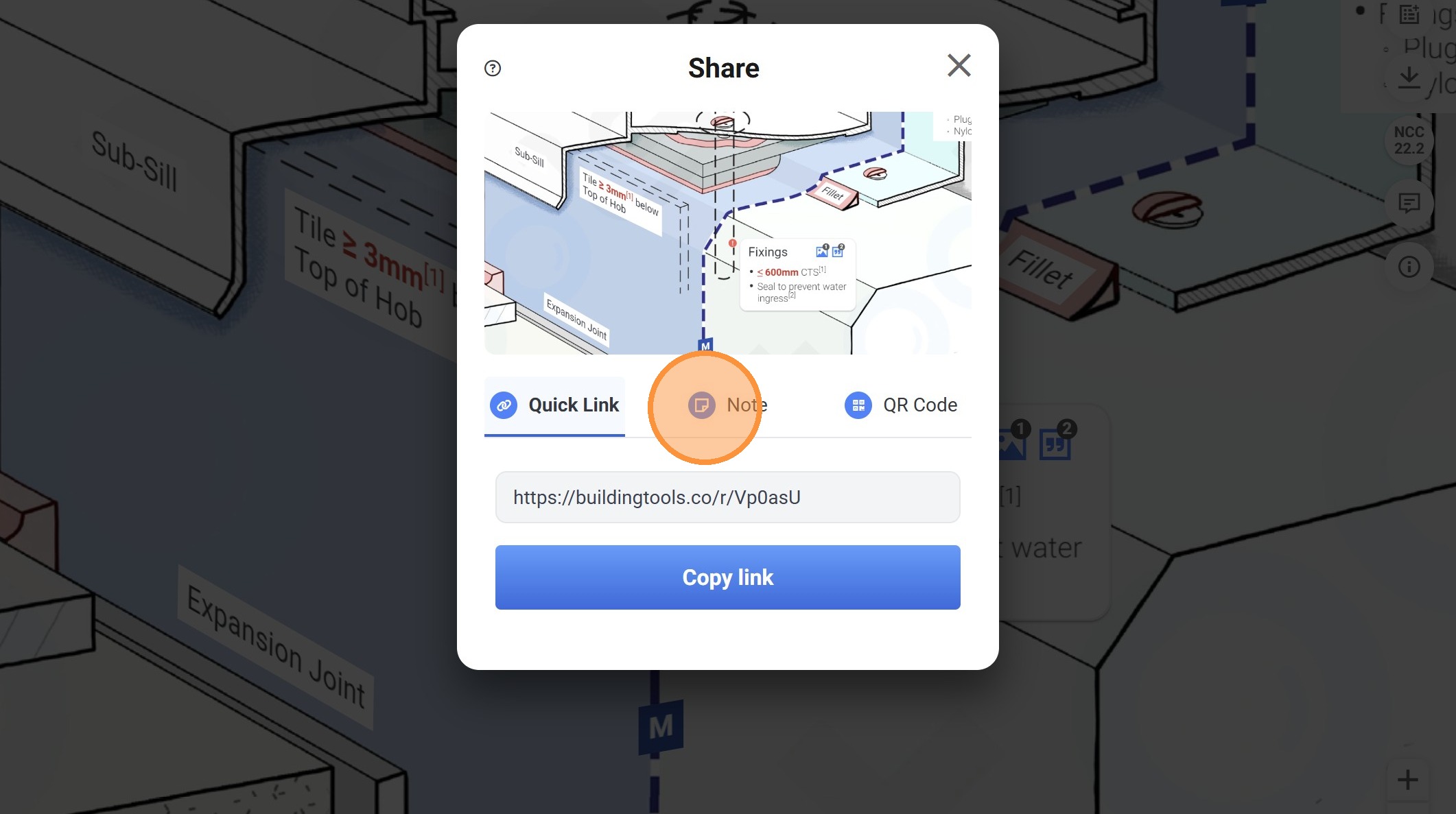
11. Click on "Note".
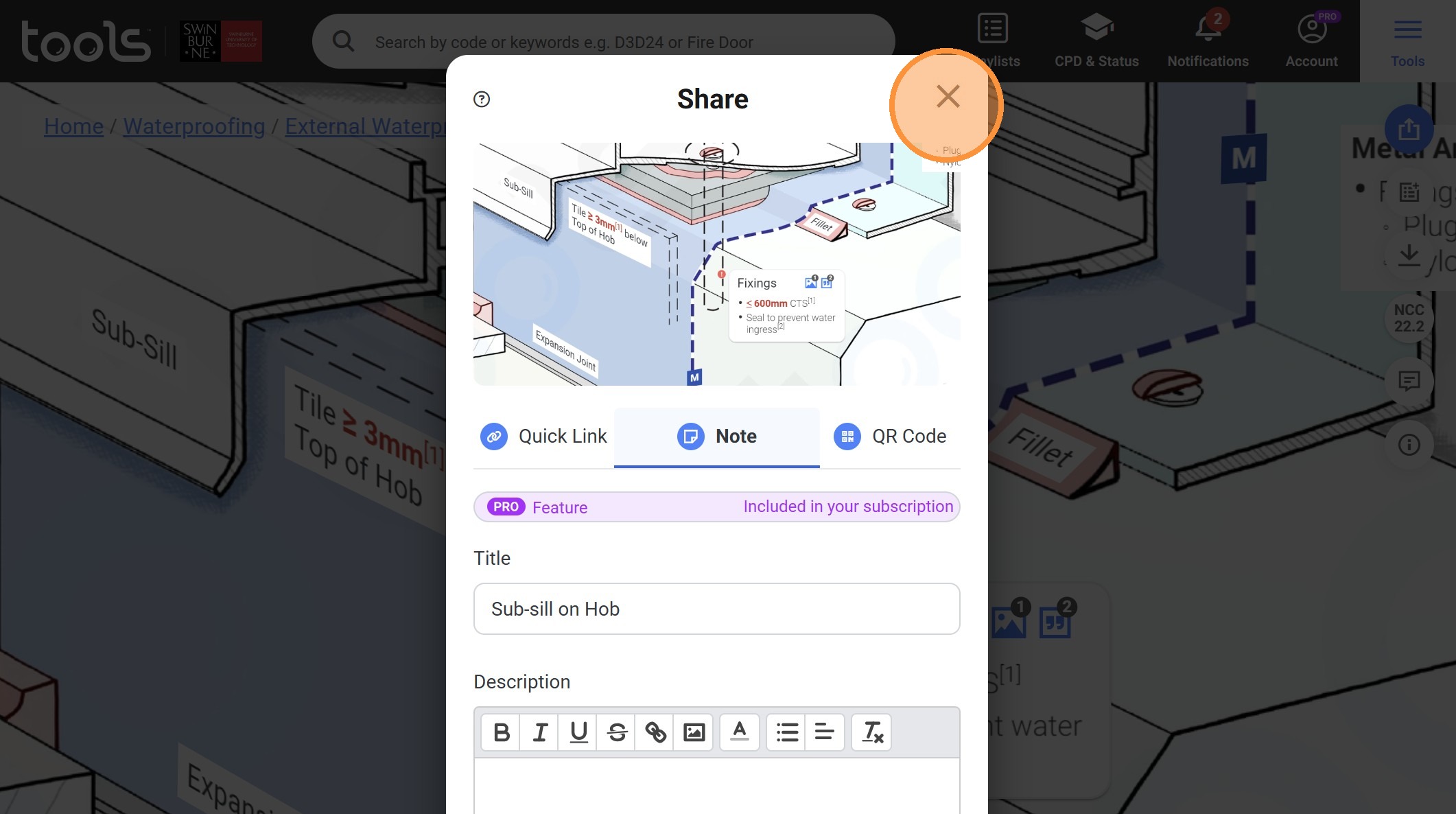
12. Click the close icon.
13. Click "Wet Area Waterstops"
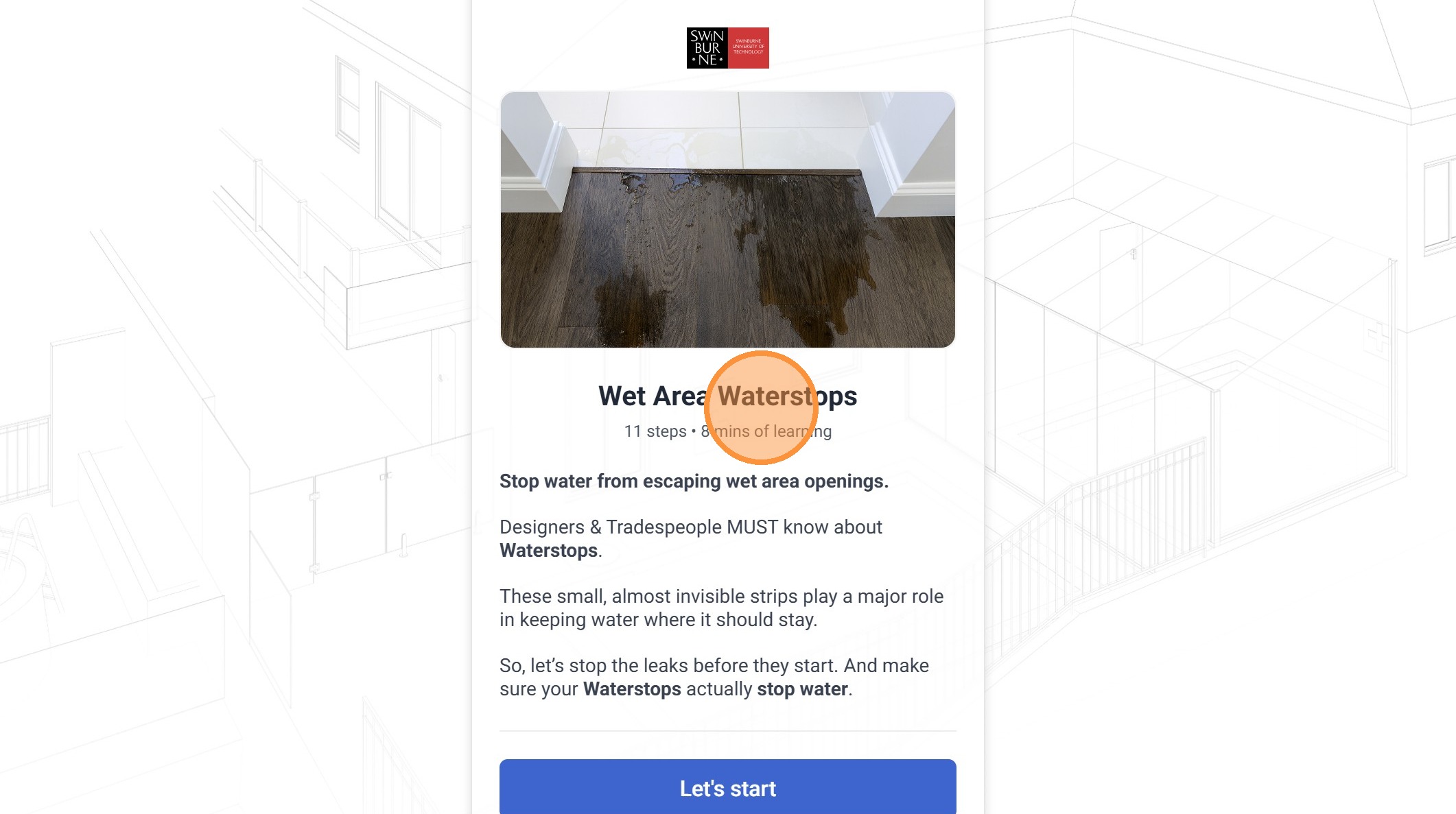
14. Click "Let's start"
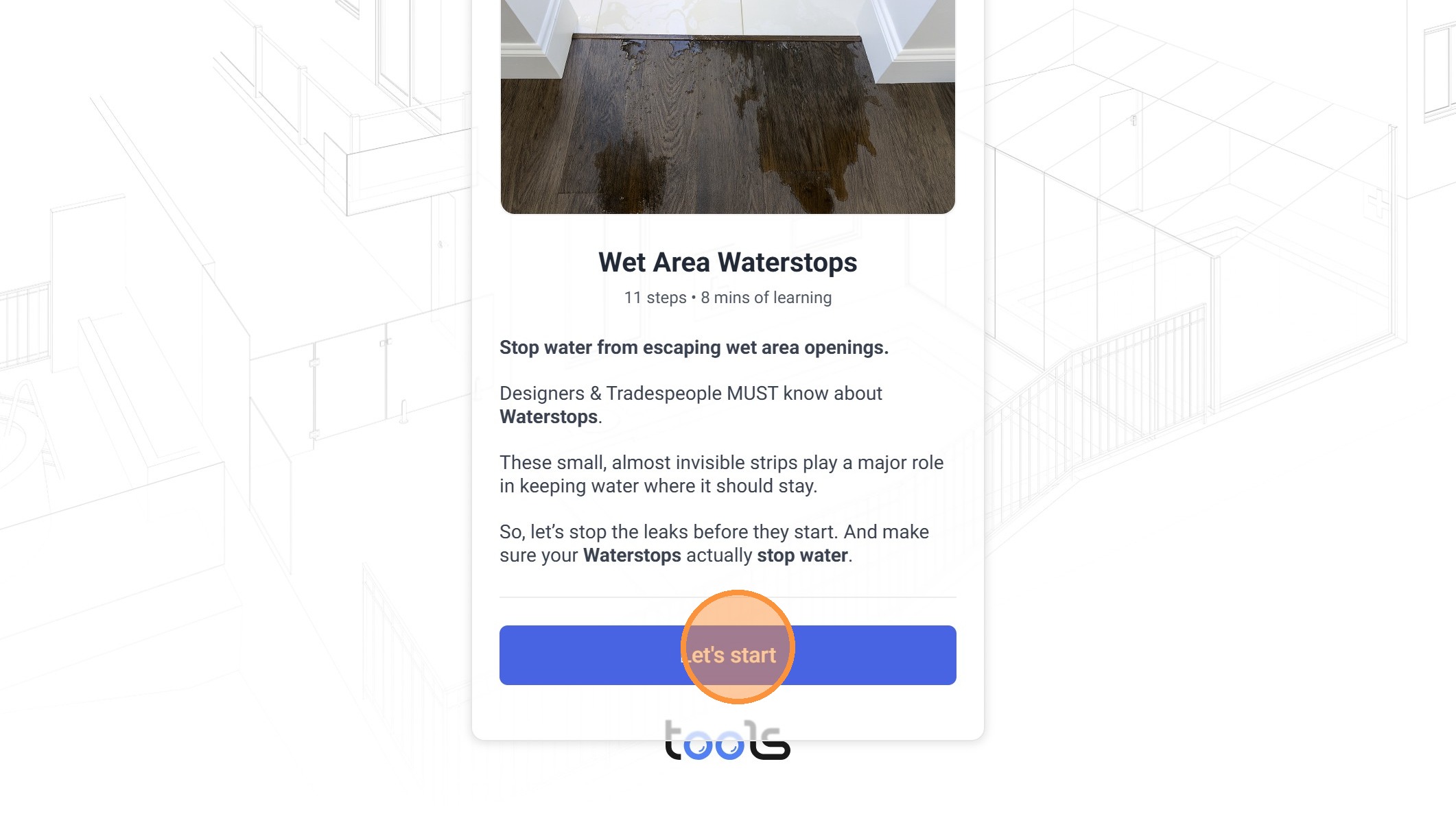
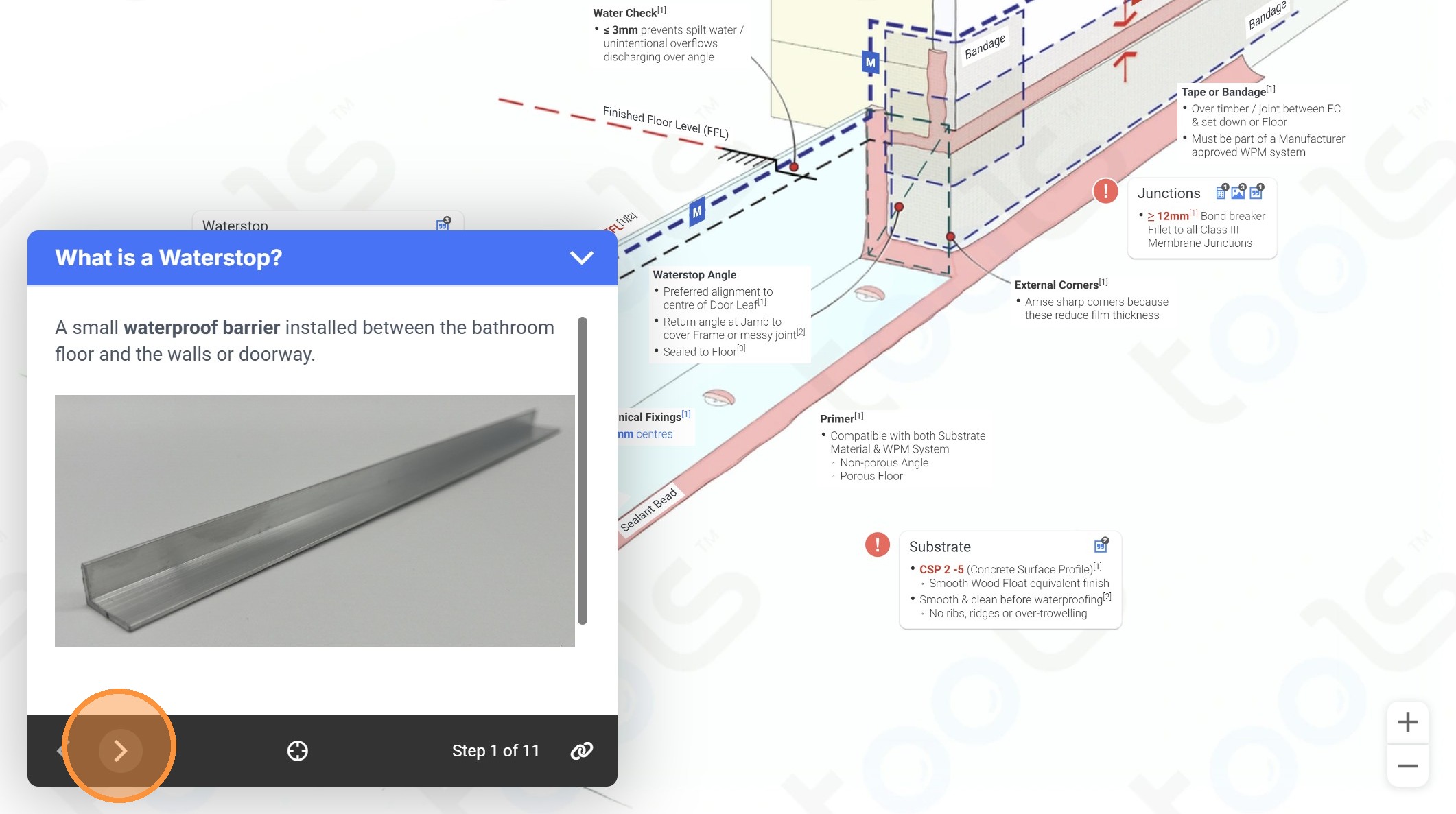
15. Click to navigate to the next page
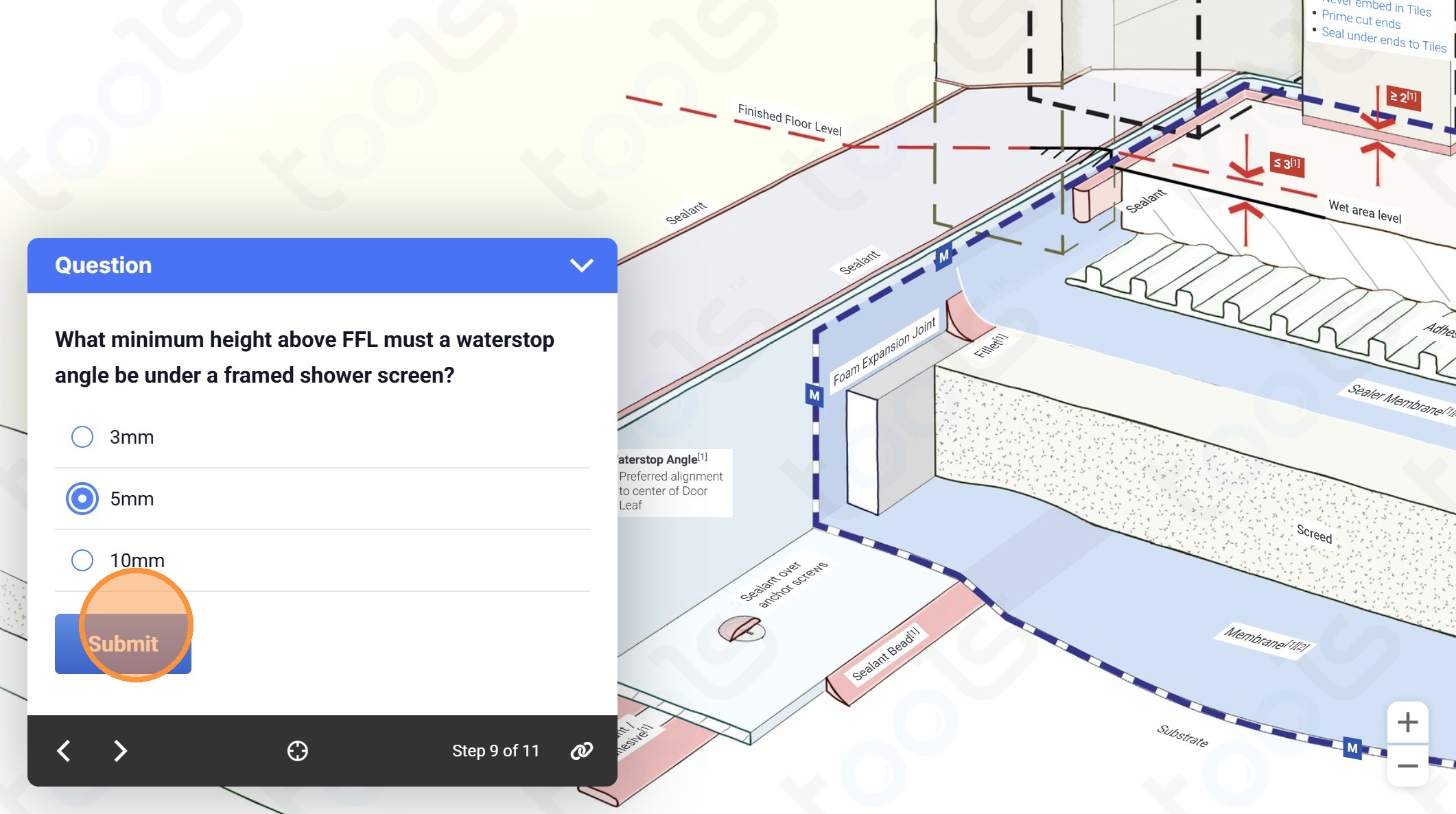
16. Click "5mm"
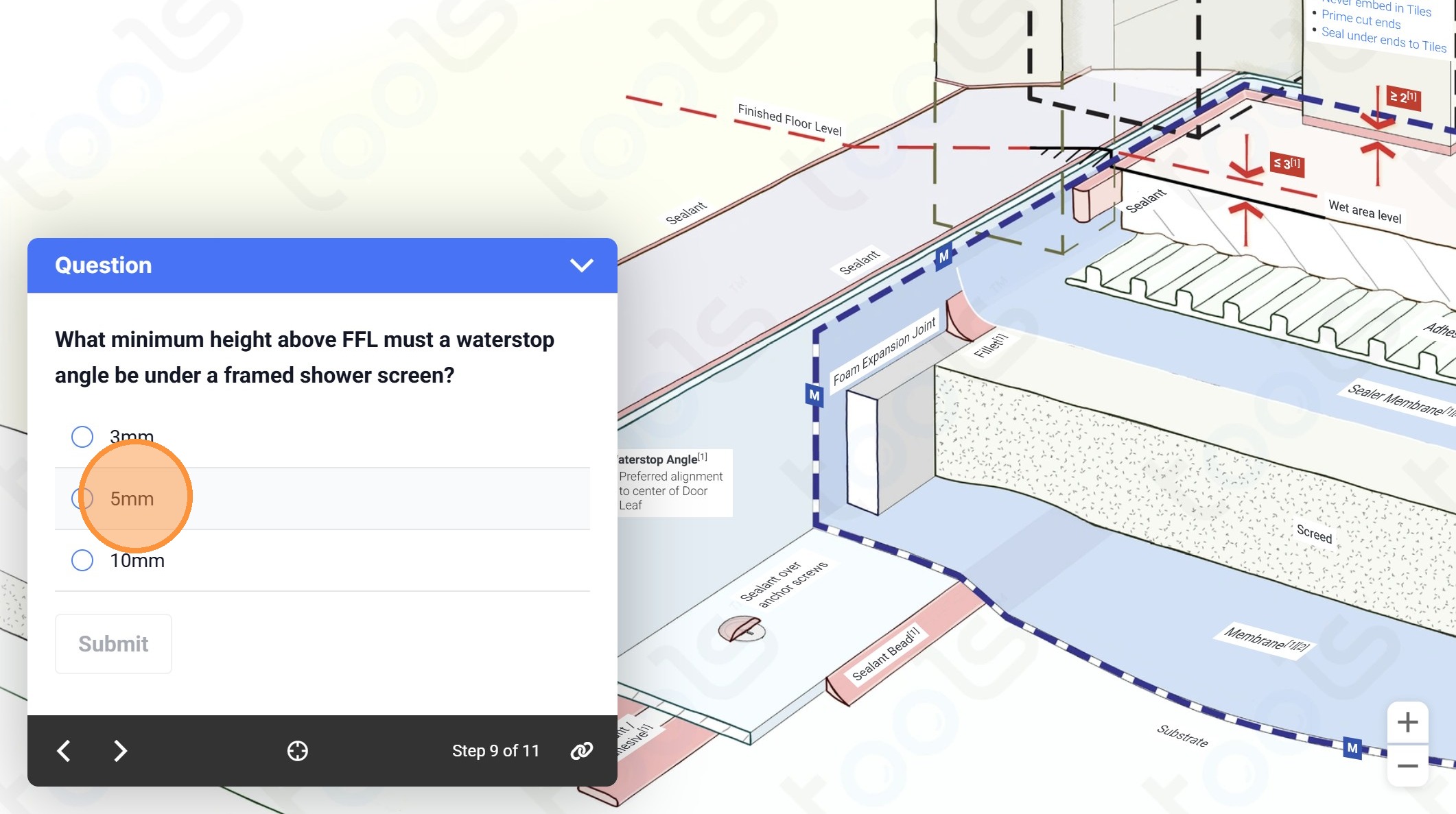
17. Click "Submit"
18. Click to navigate to the next page
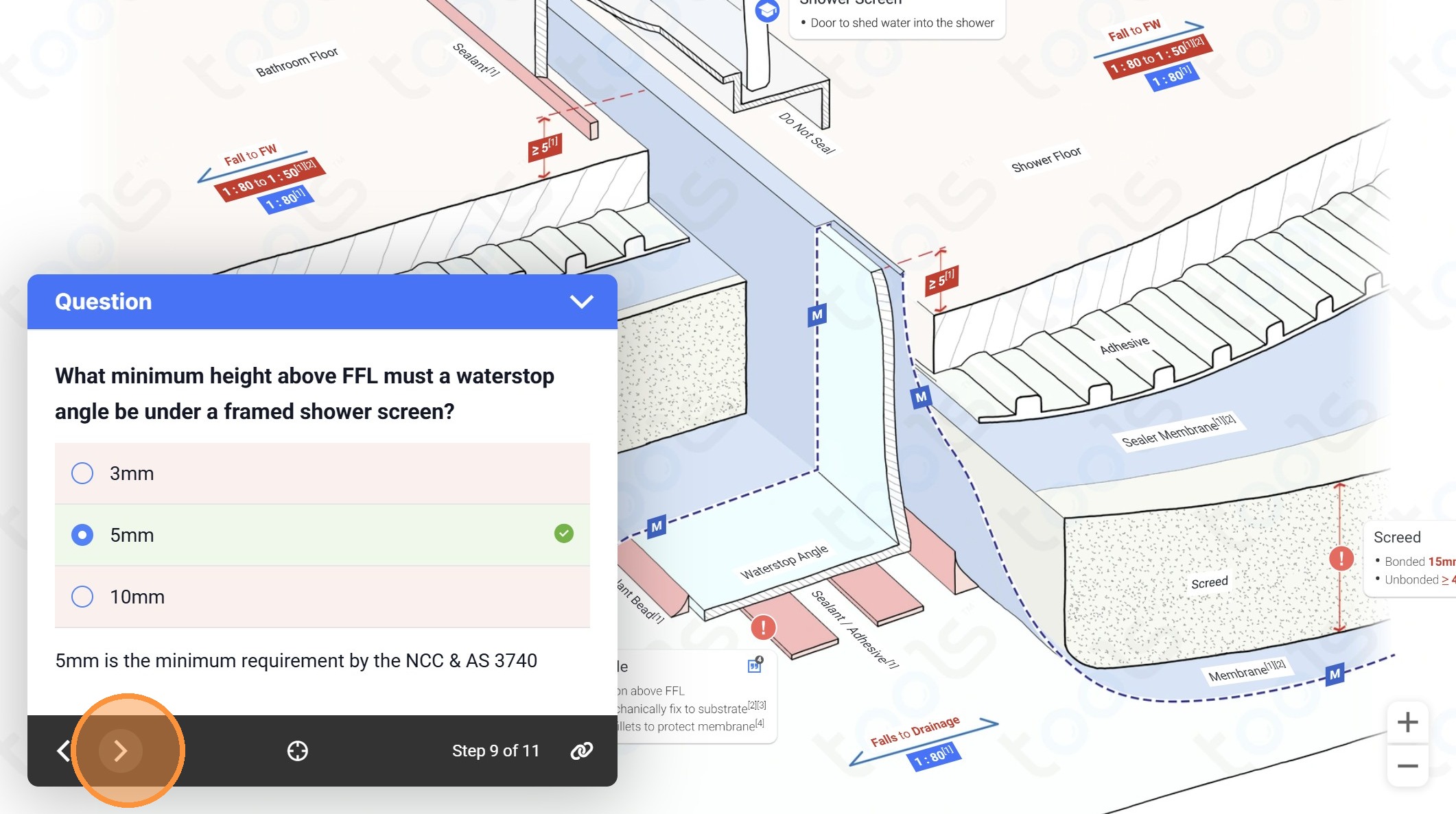
19. Click "12mm"
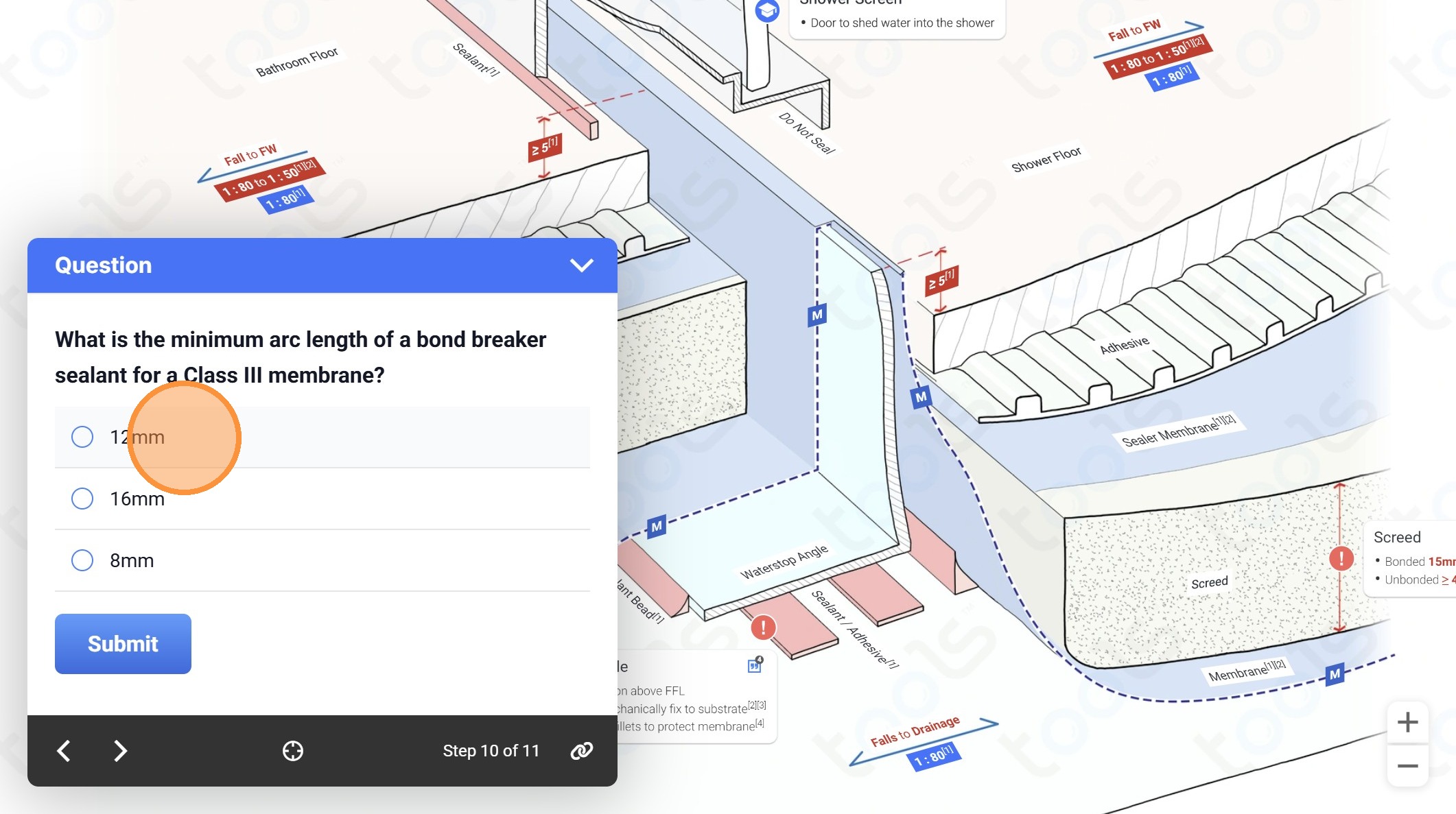
20. Click "Submit"
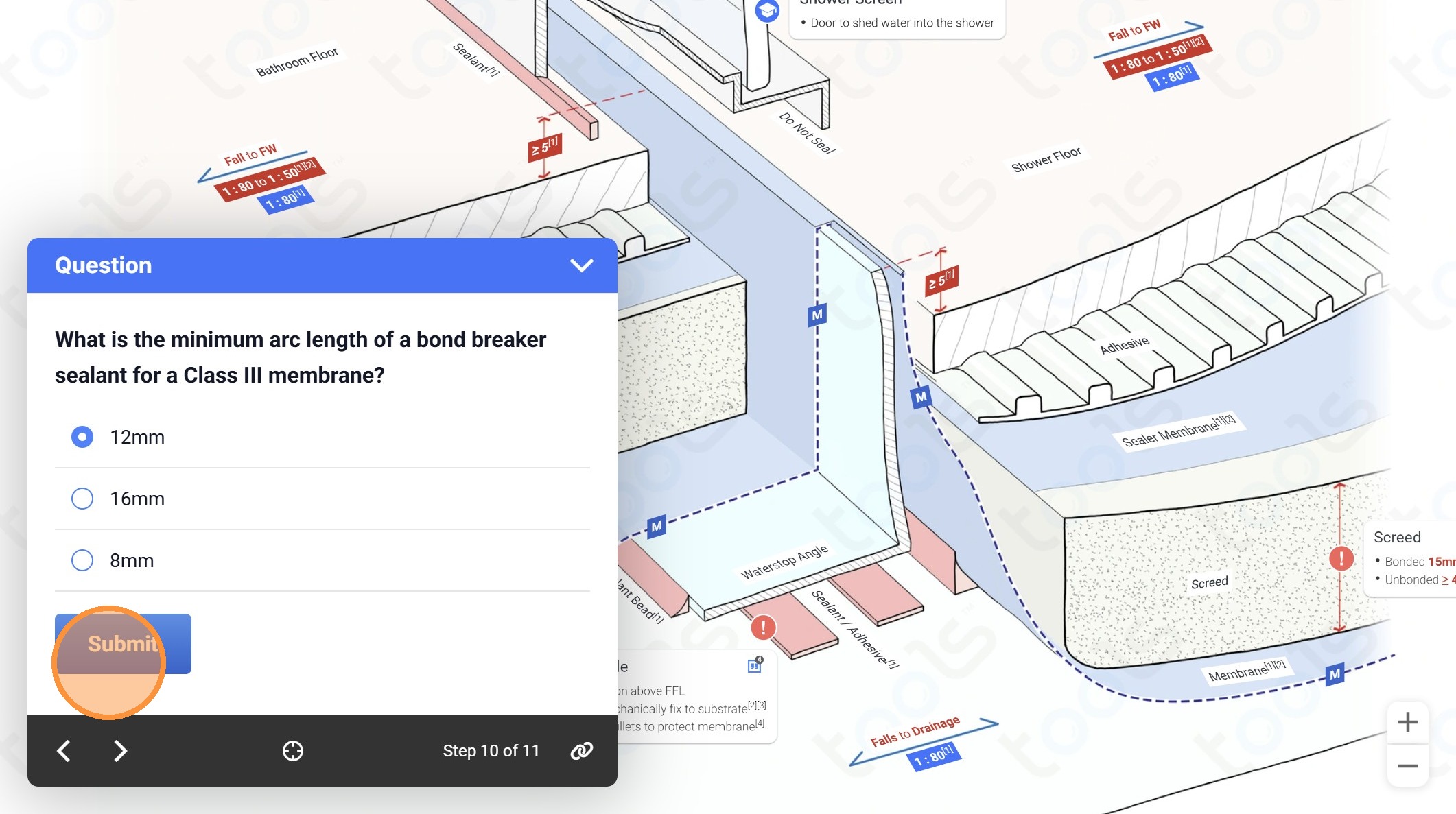
21. Click to navigate to the next page
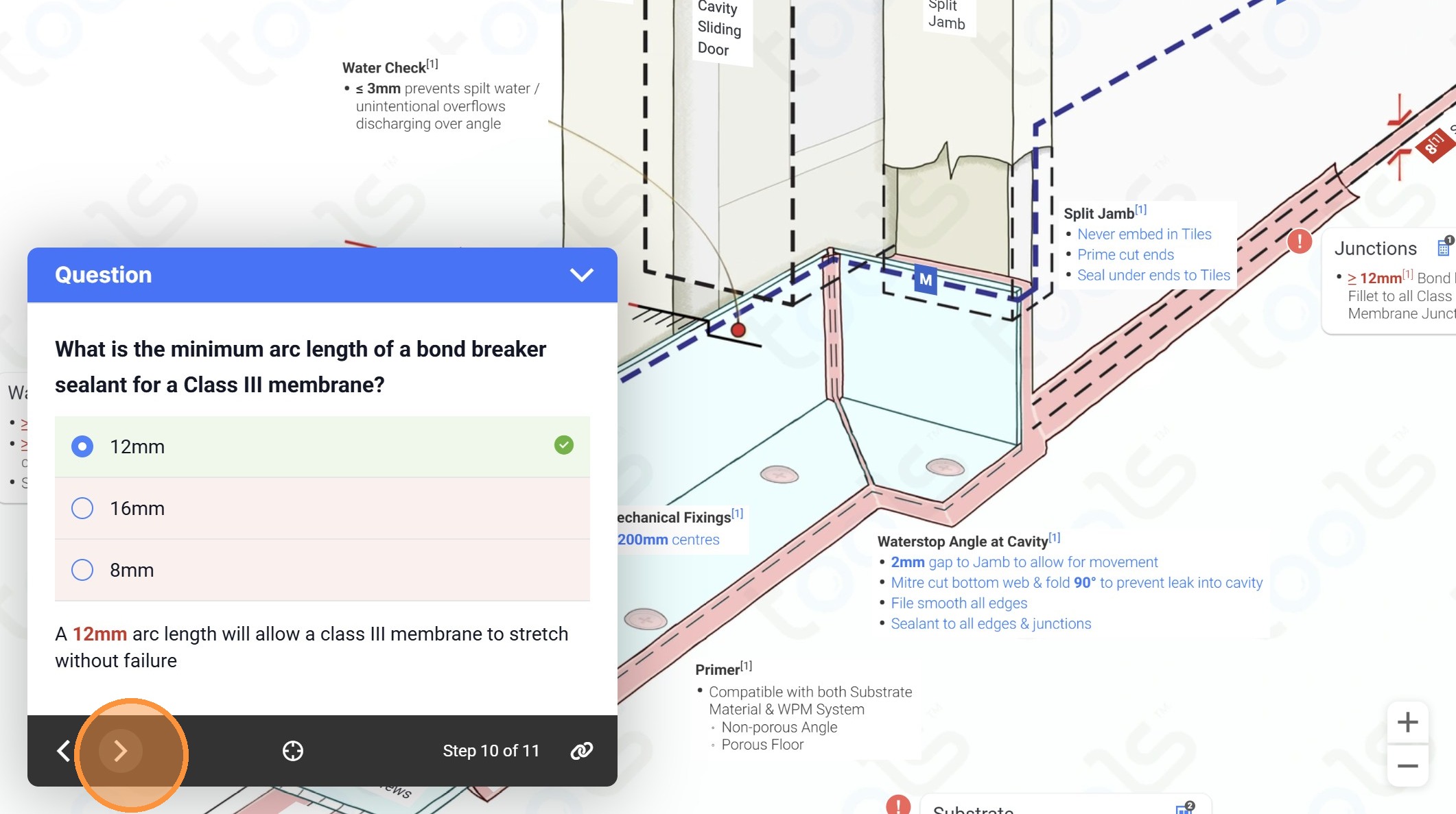
22. Click "No"
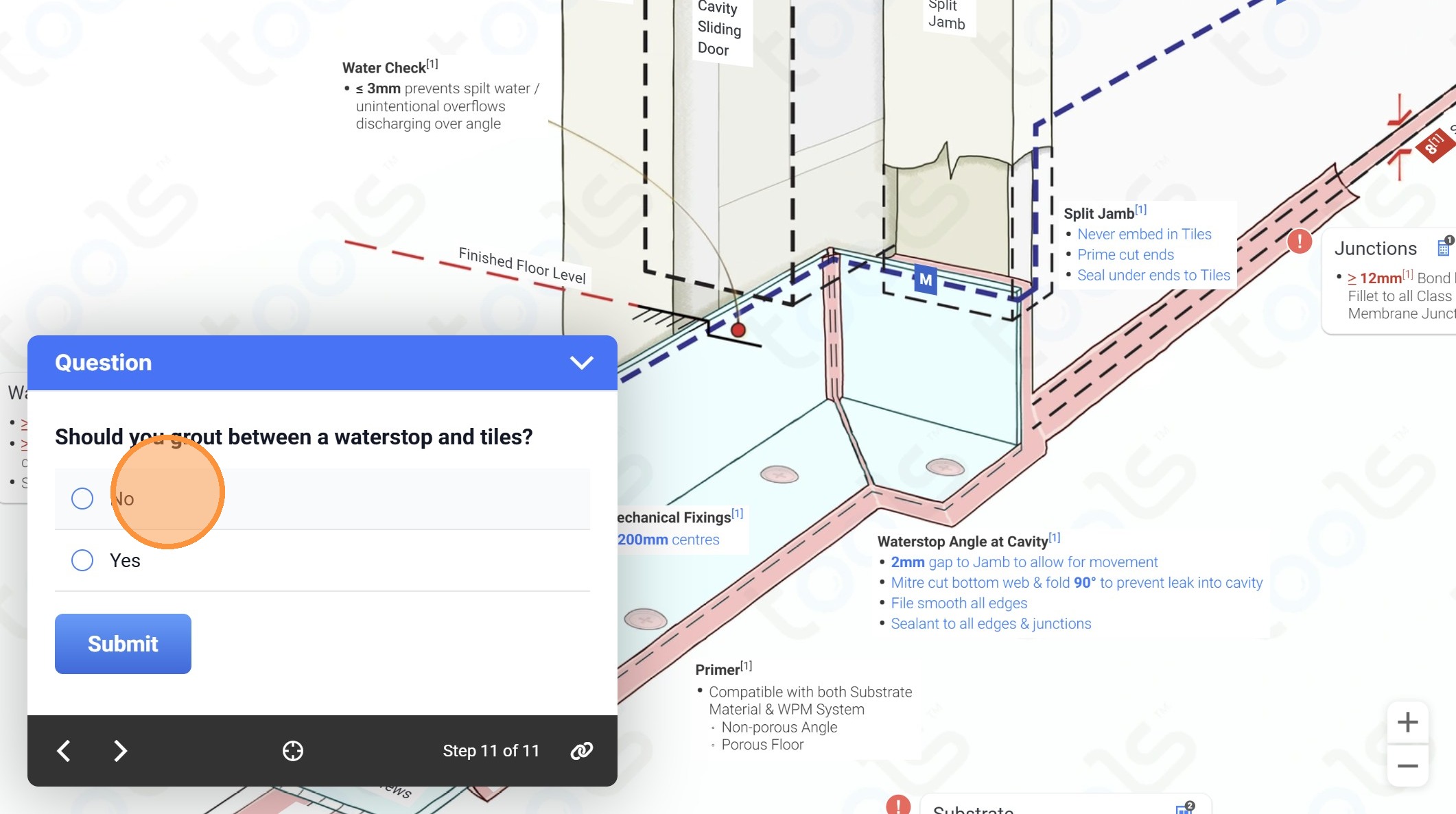
23. Click "Submit"
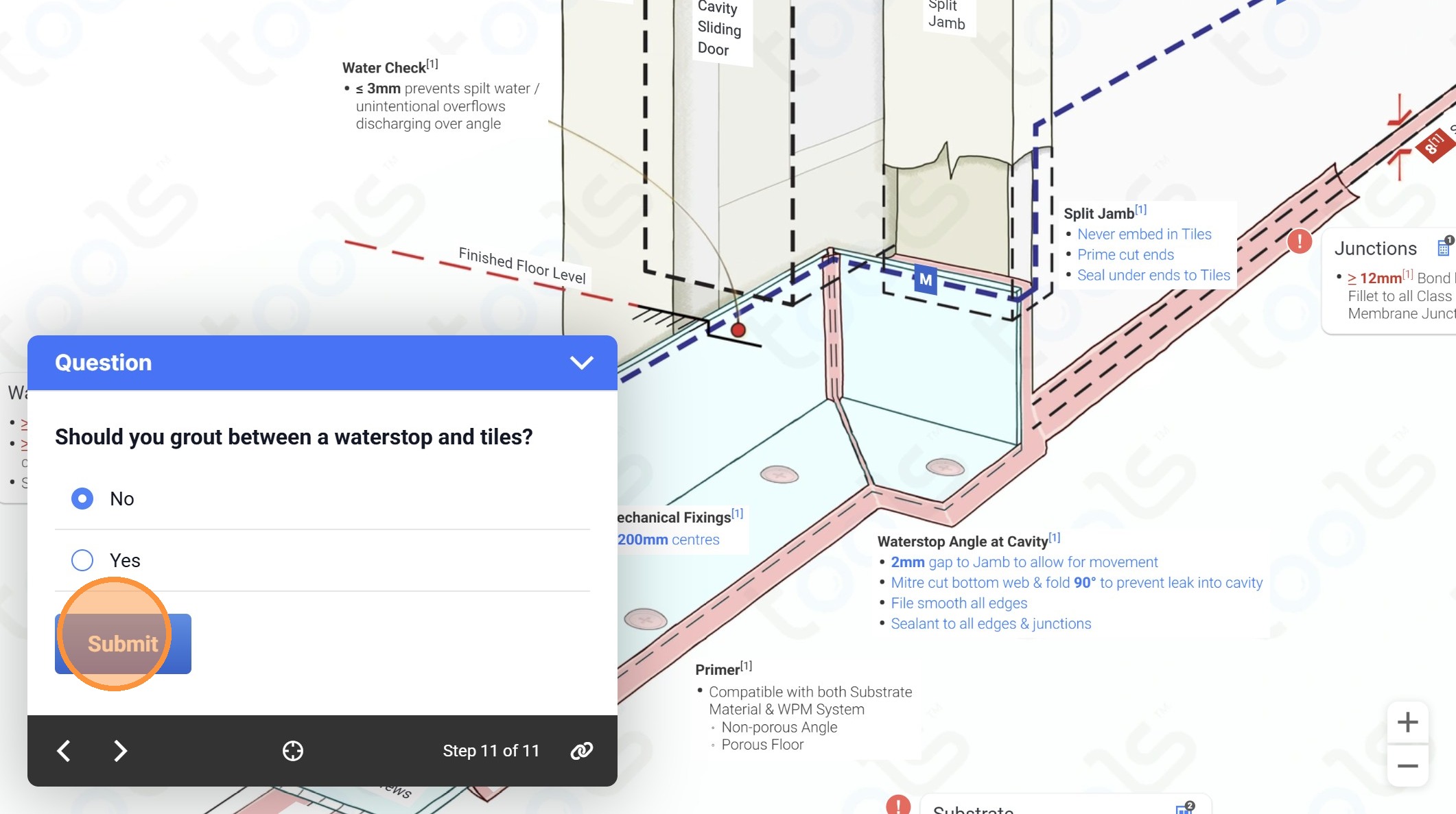
24. Click to navigate to the next page
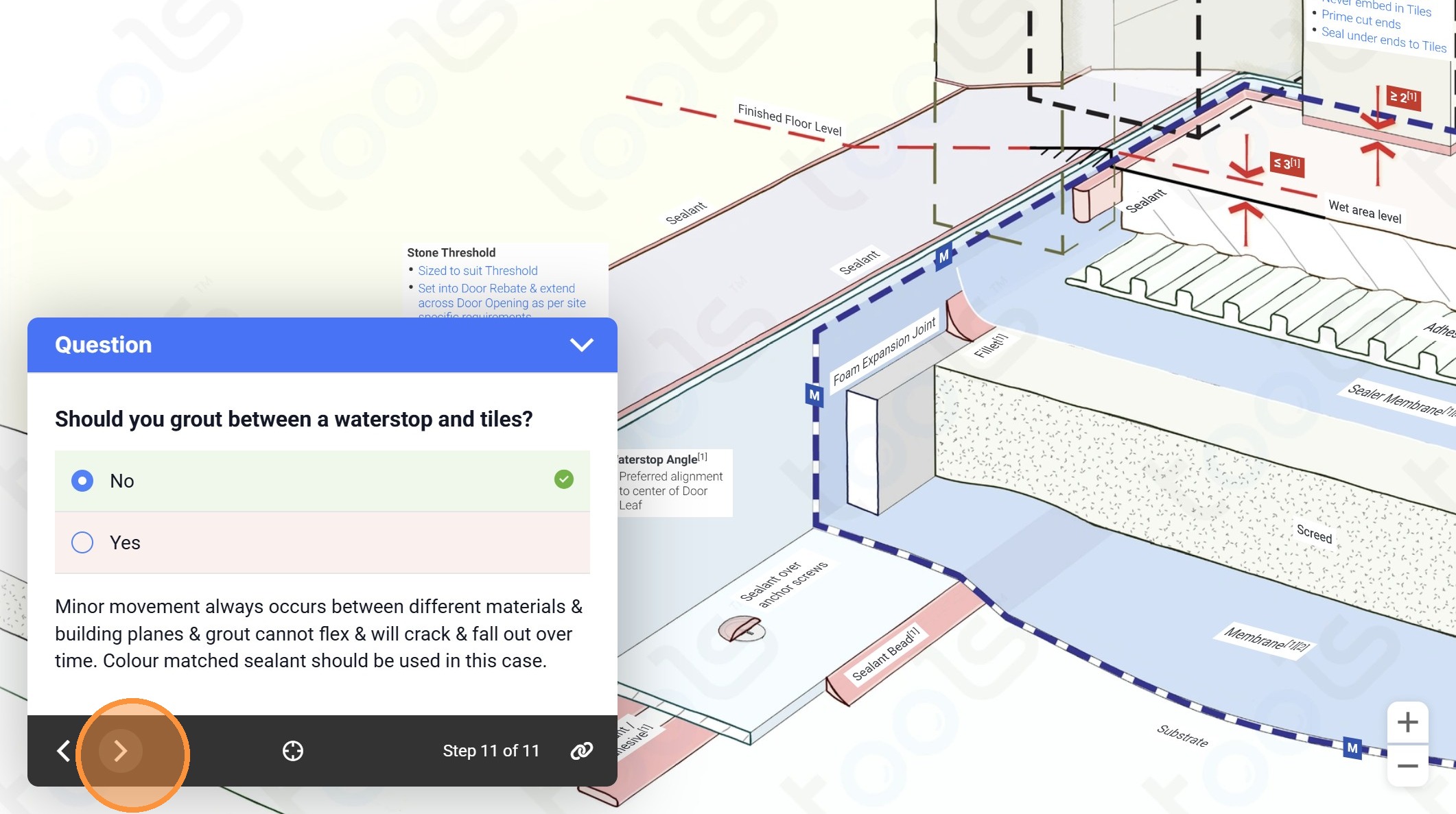
25. Click the close icon
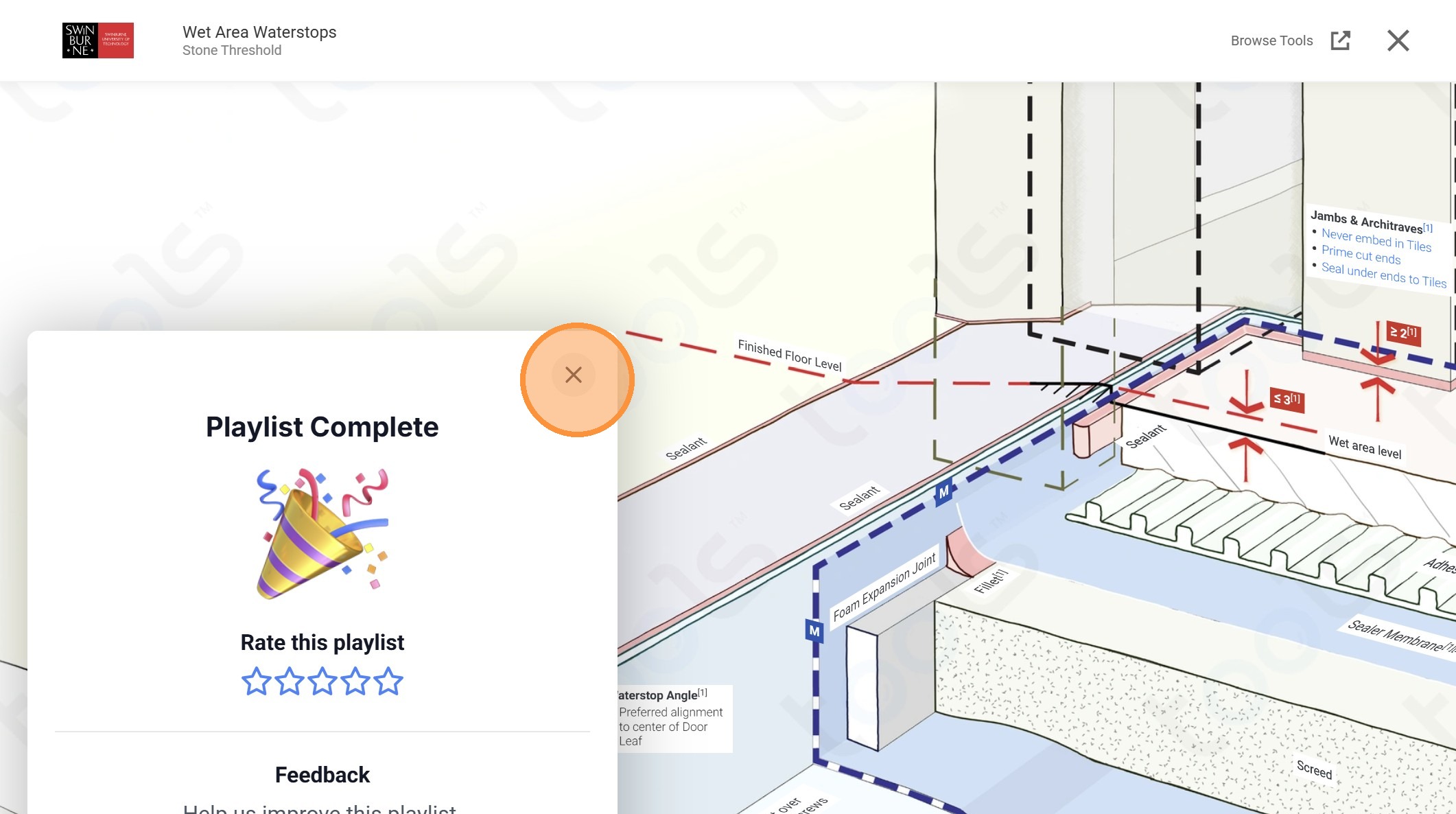
26. Click "Playlists"
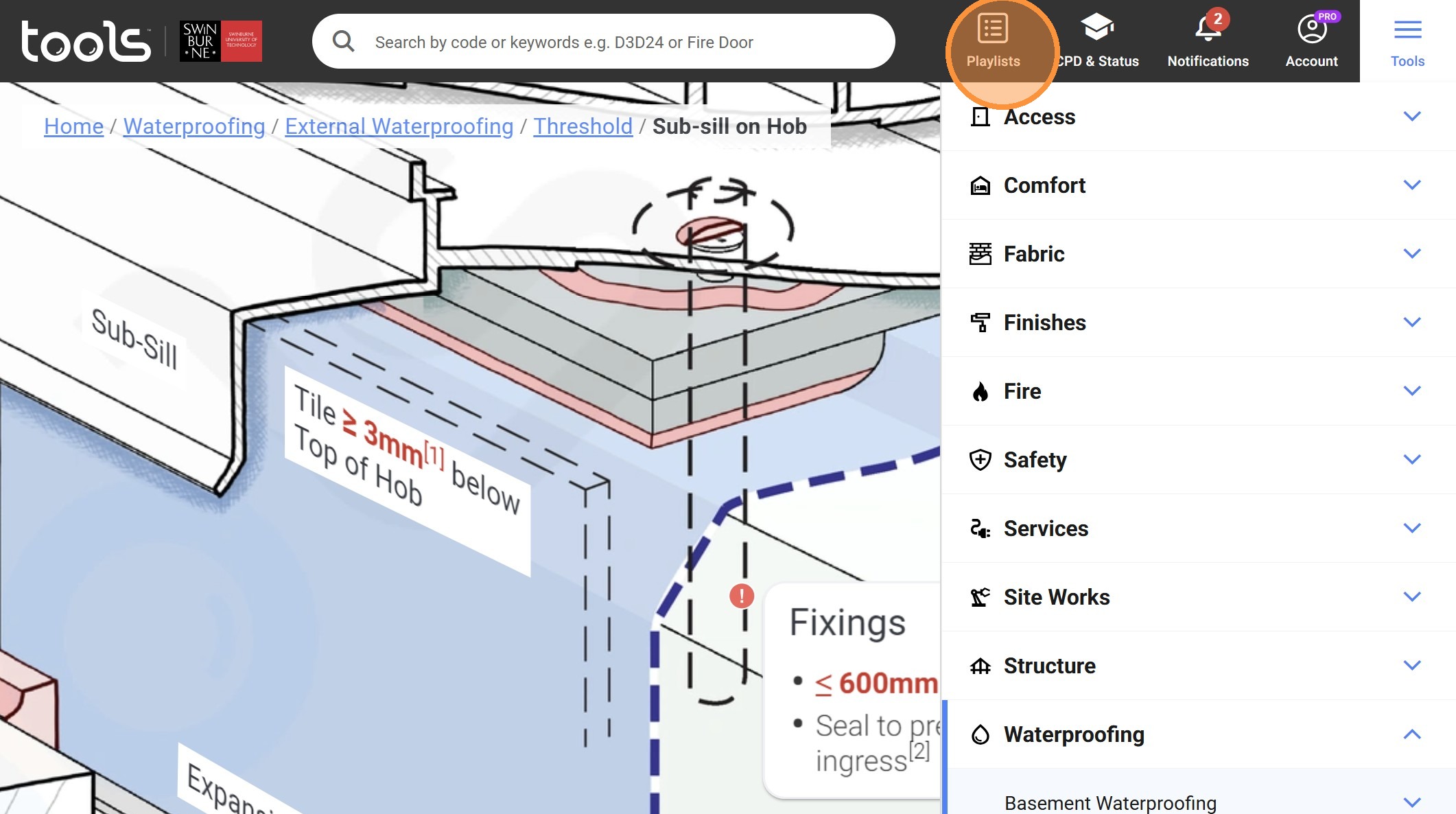
27. Click "Tools"
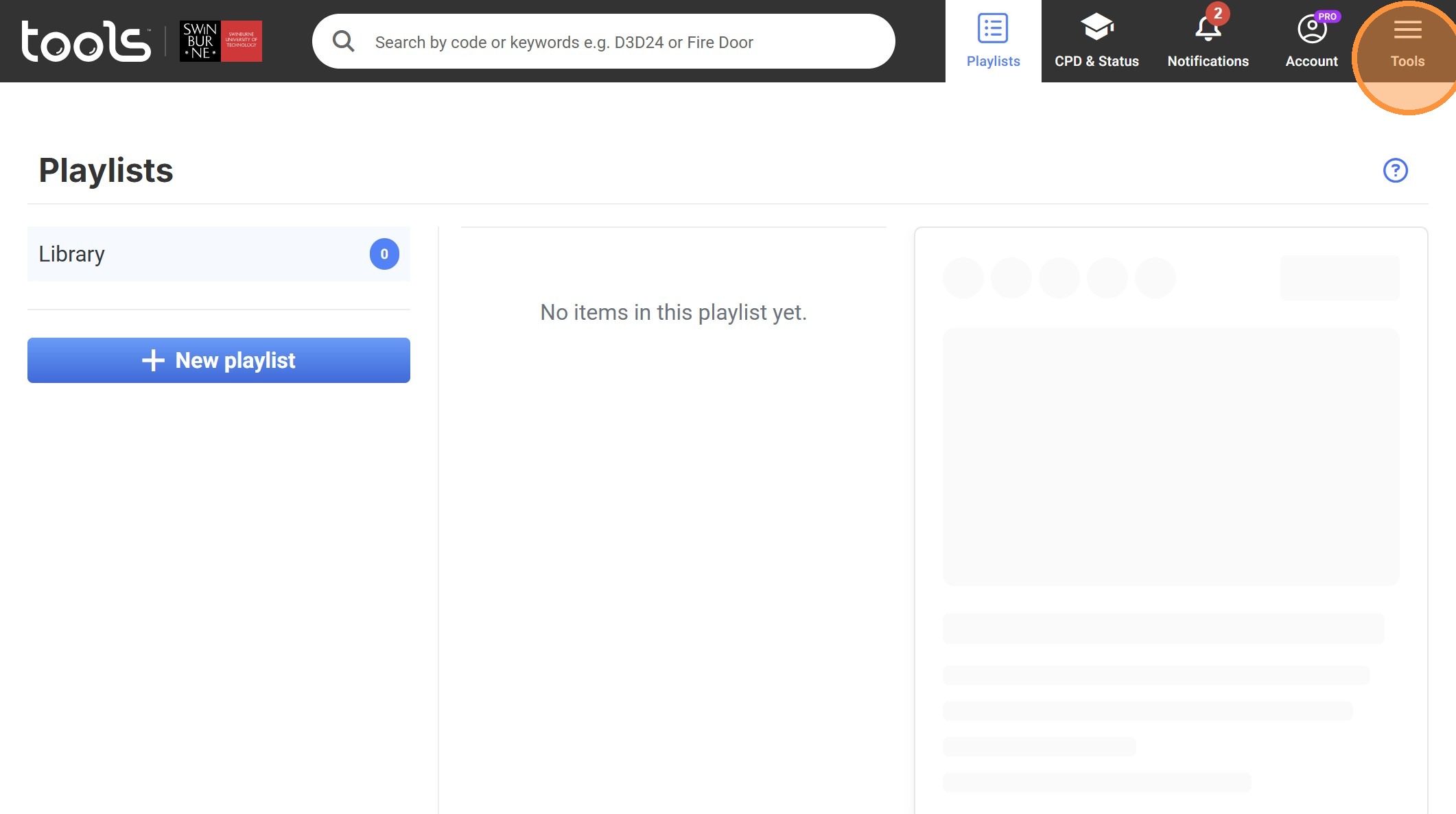
28. Click the "Access" dropdown
29. Click the "Stairs" dropdown
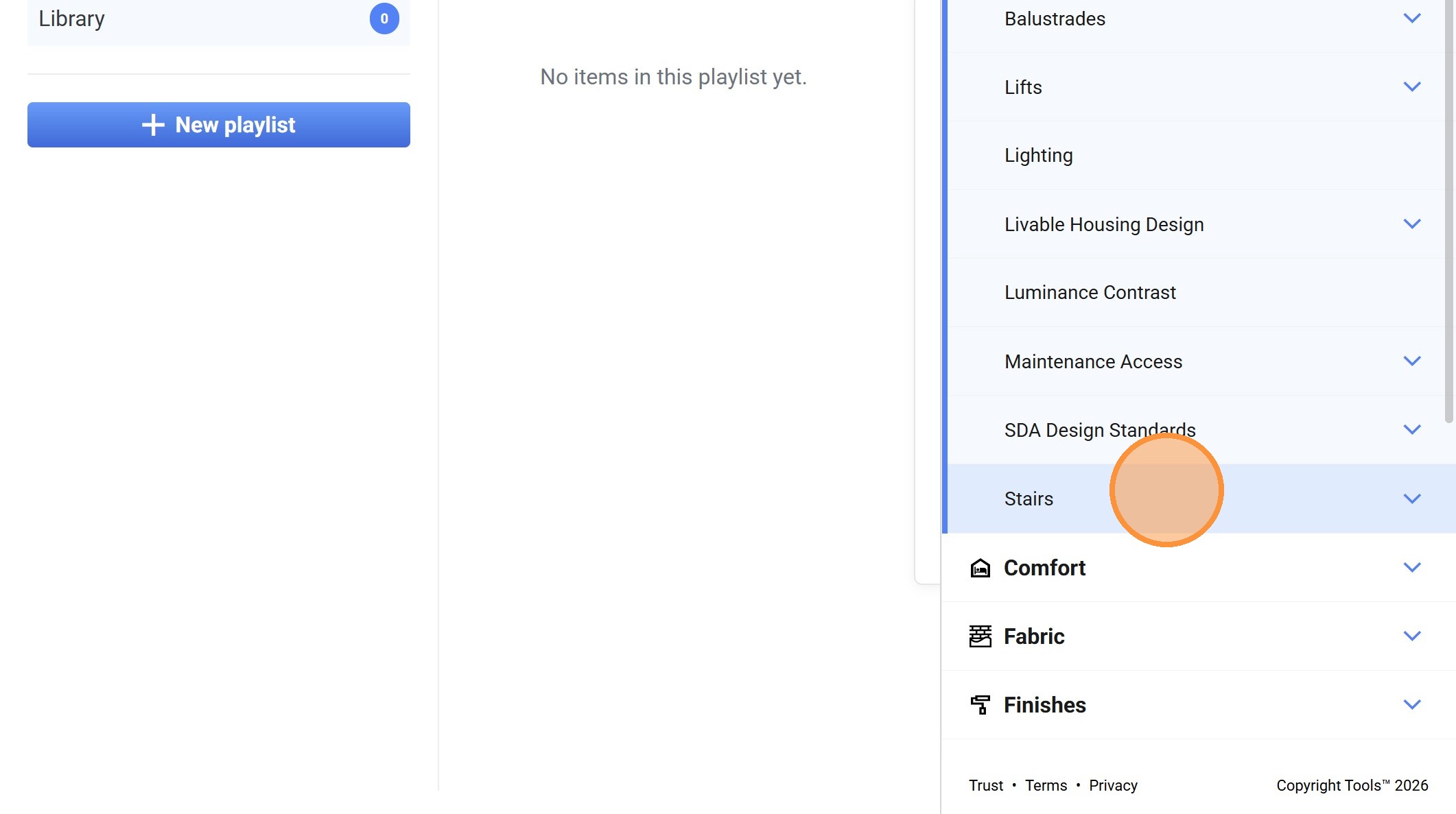
30. Click on "Public (Stairs)"
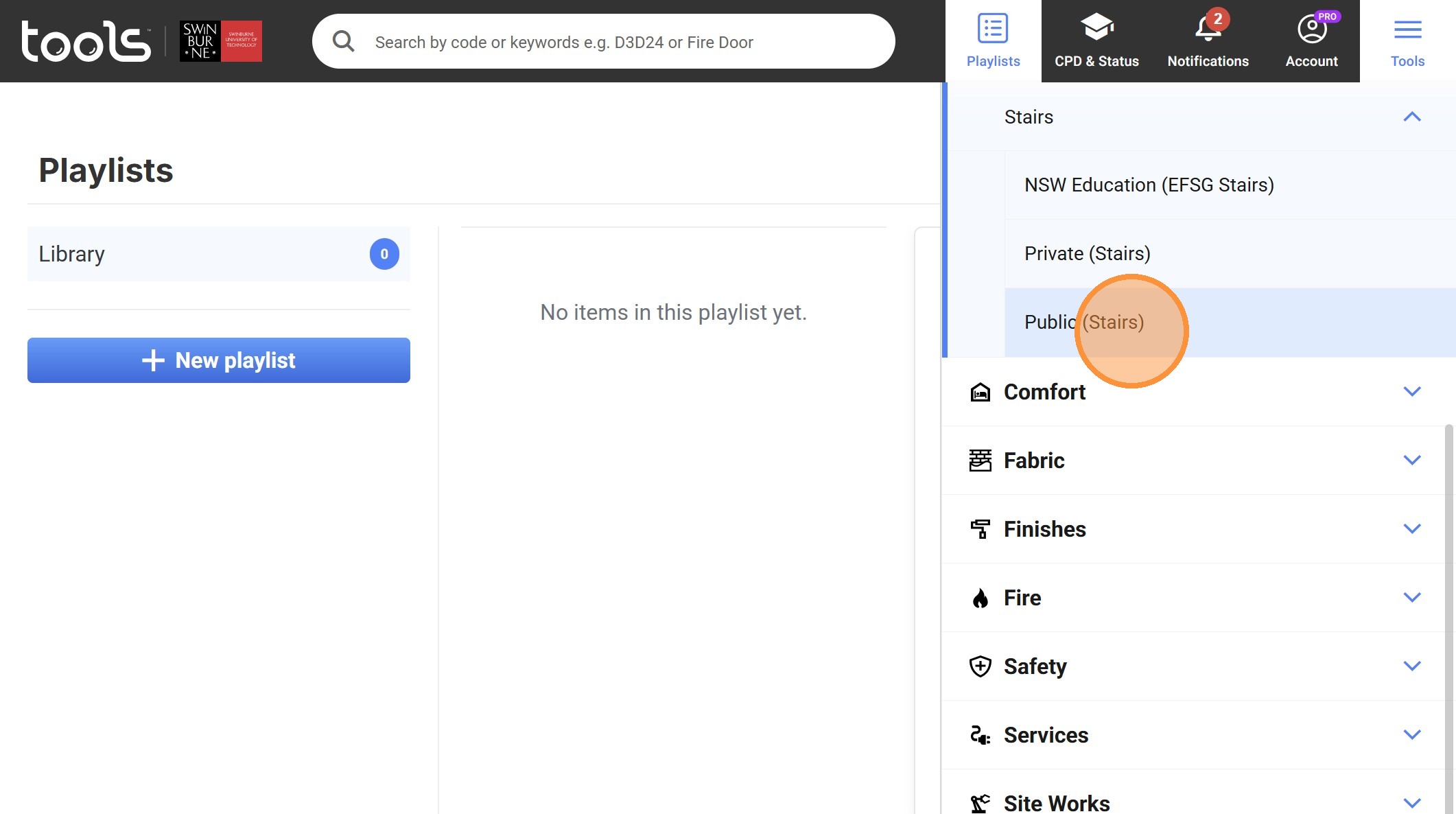
31. Zoom in and click on the share icon
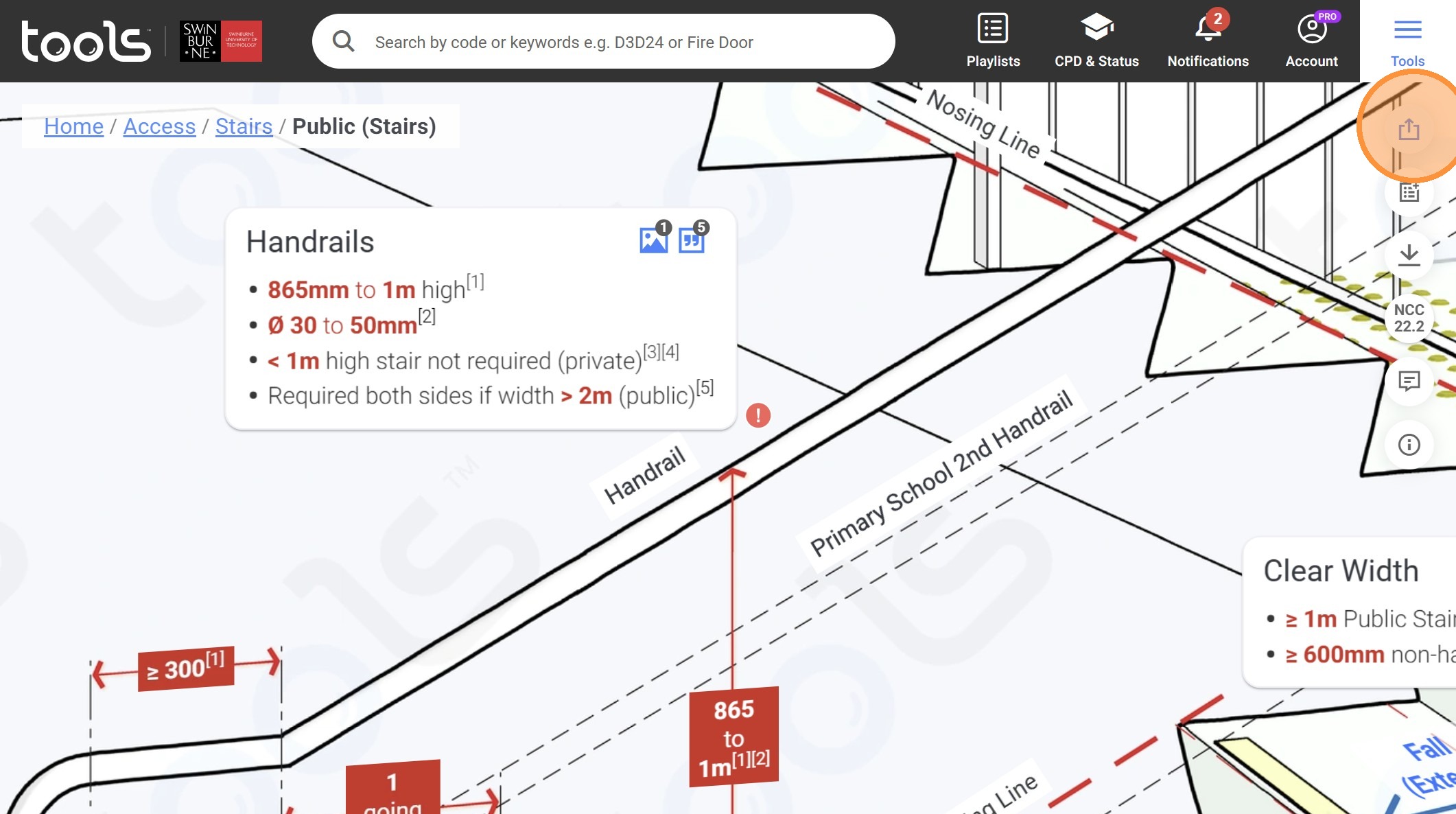
32. Click "Note"
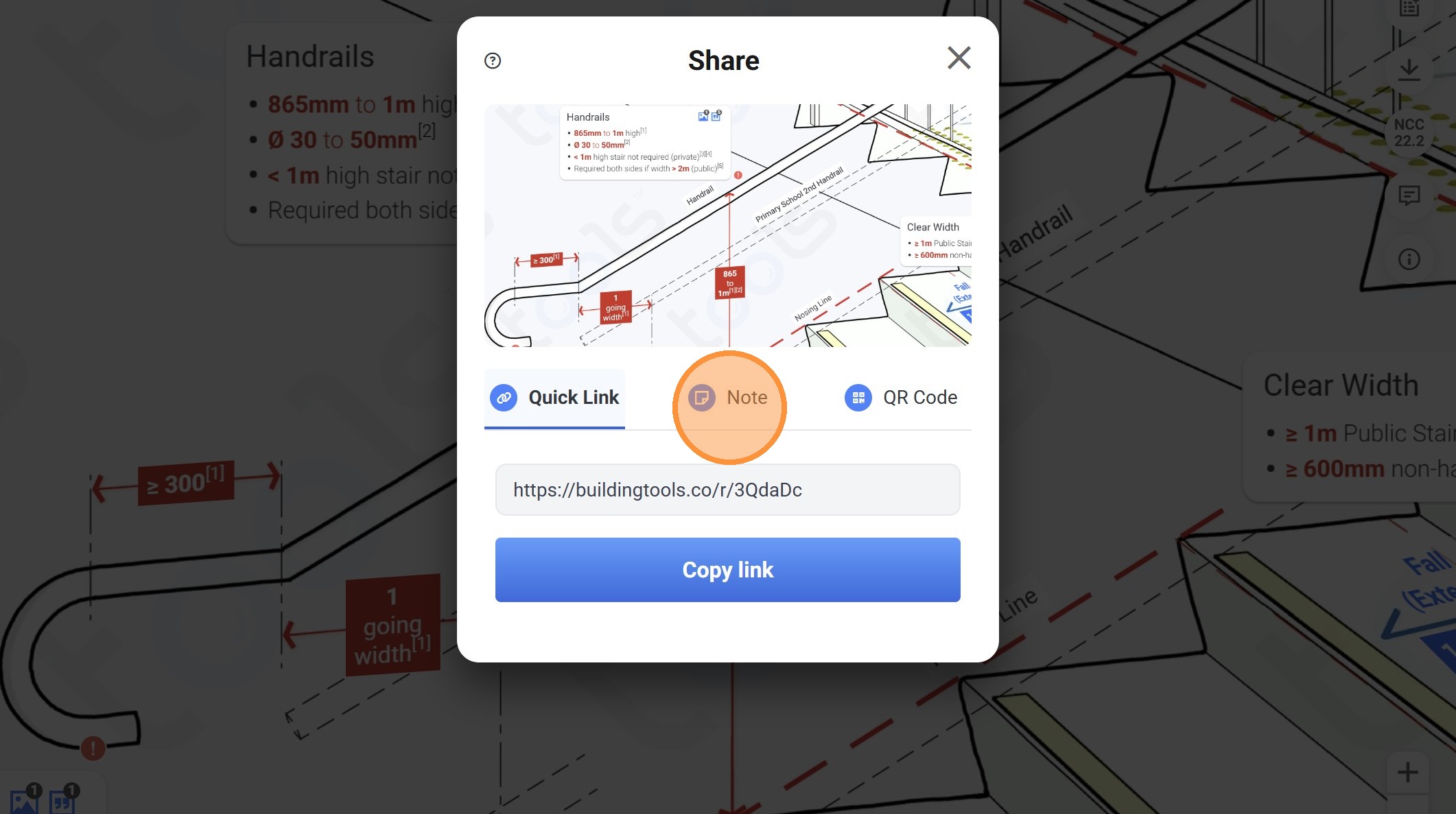
33. Click the "Name of your item" field.
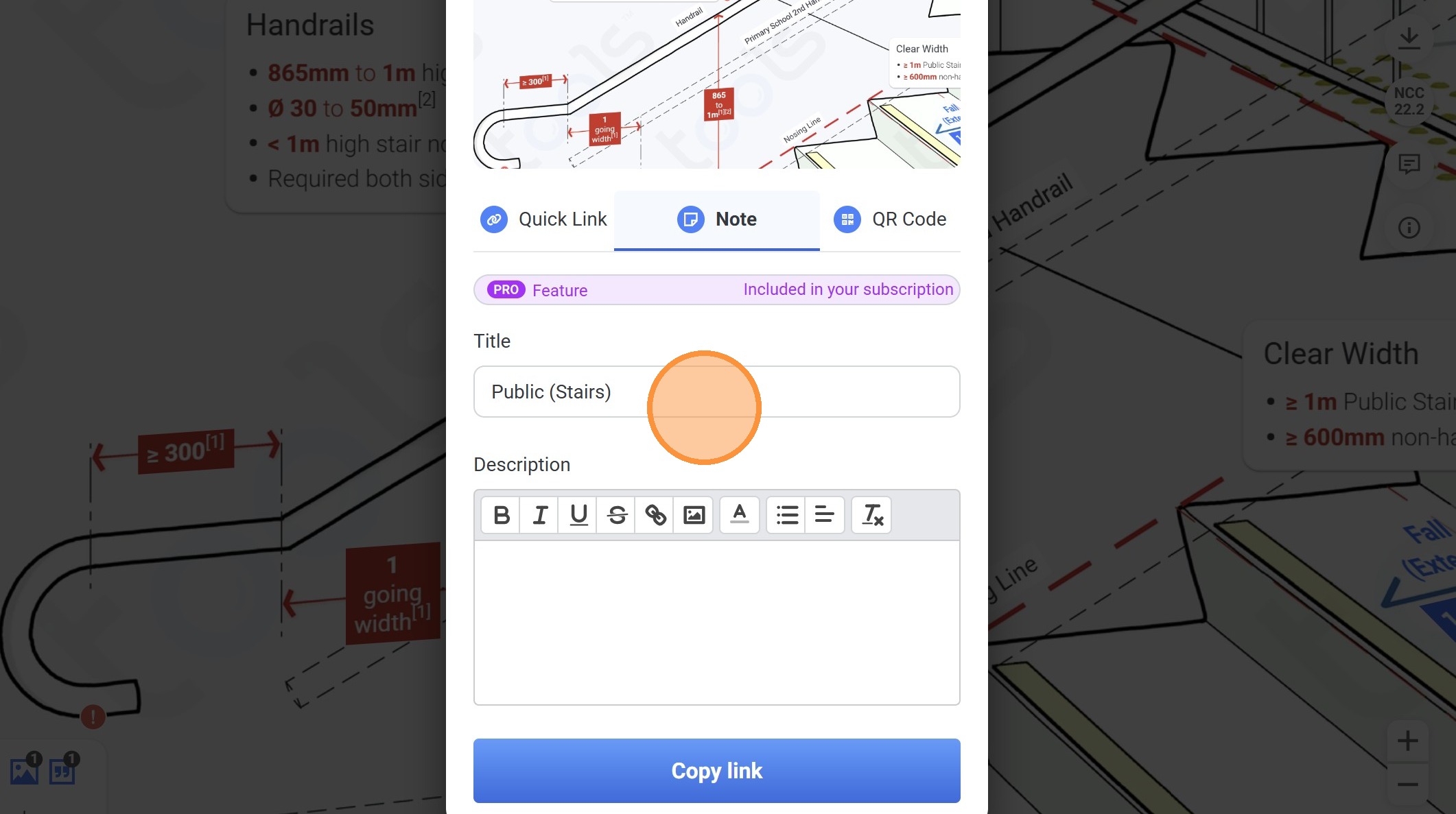
34. Type " Handrails"
35. Click on this textbox.
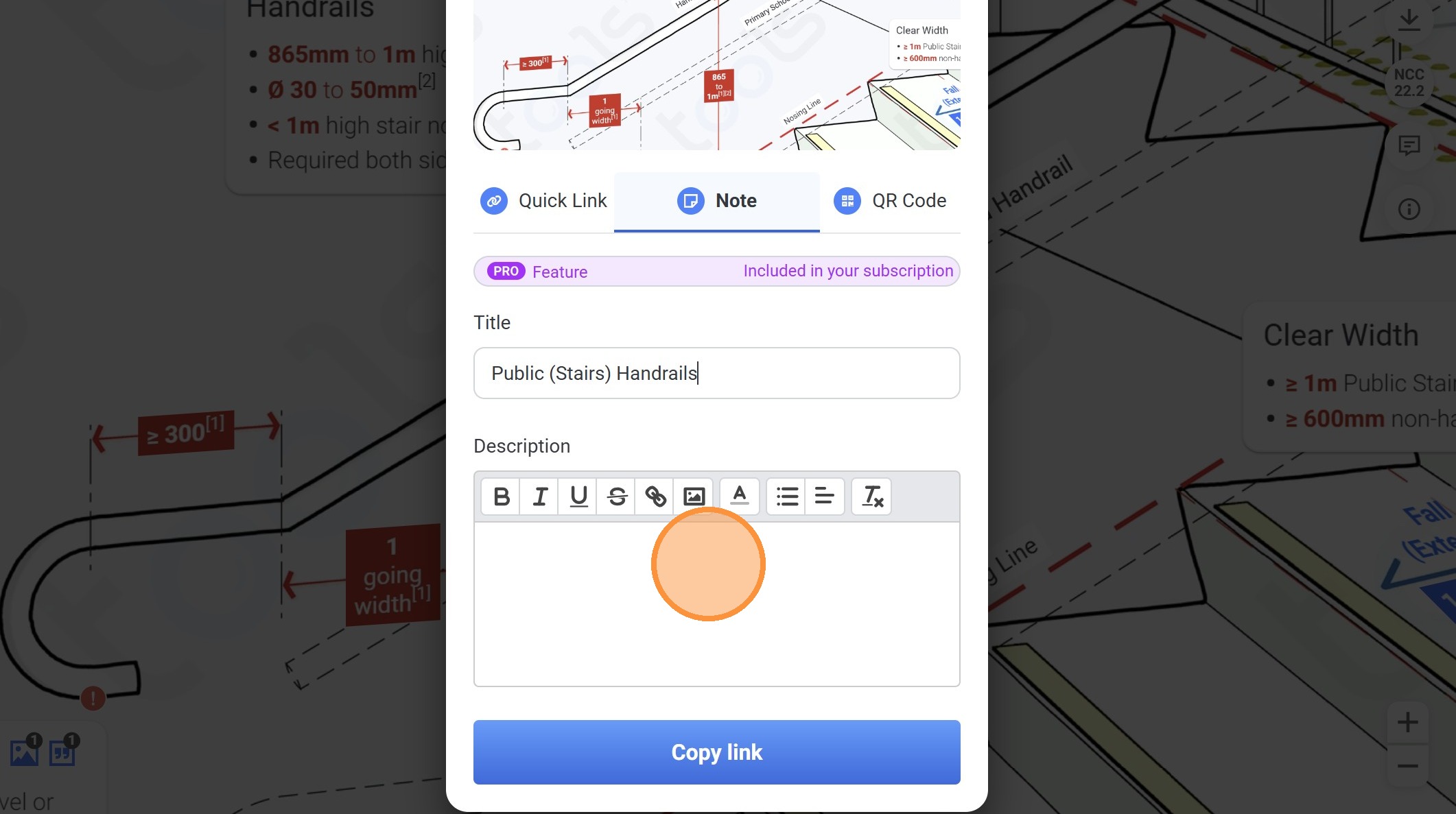
36. Type "Note the 300m termination required for class 2-9 handrails"
37. Highlight "300mm"
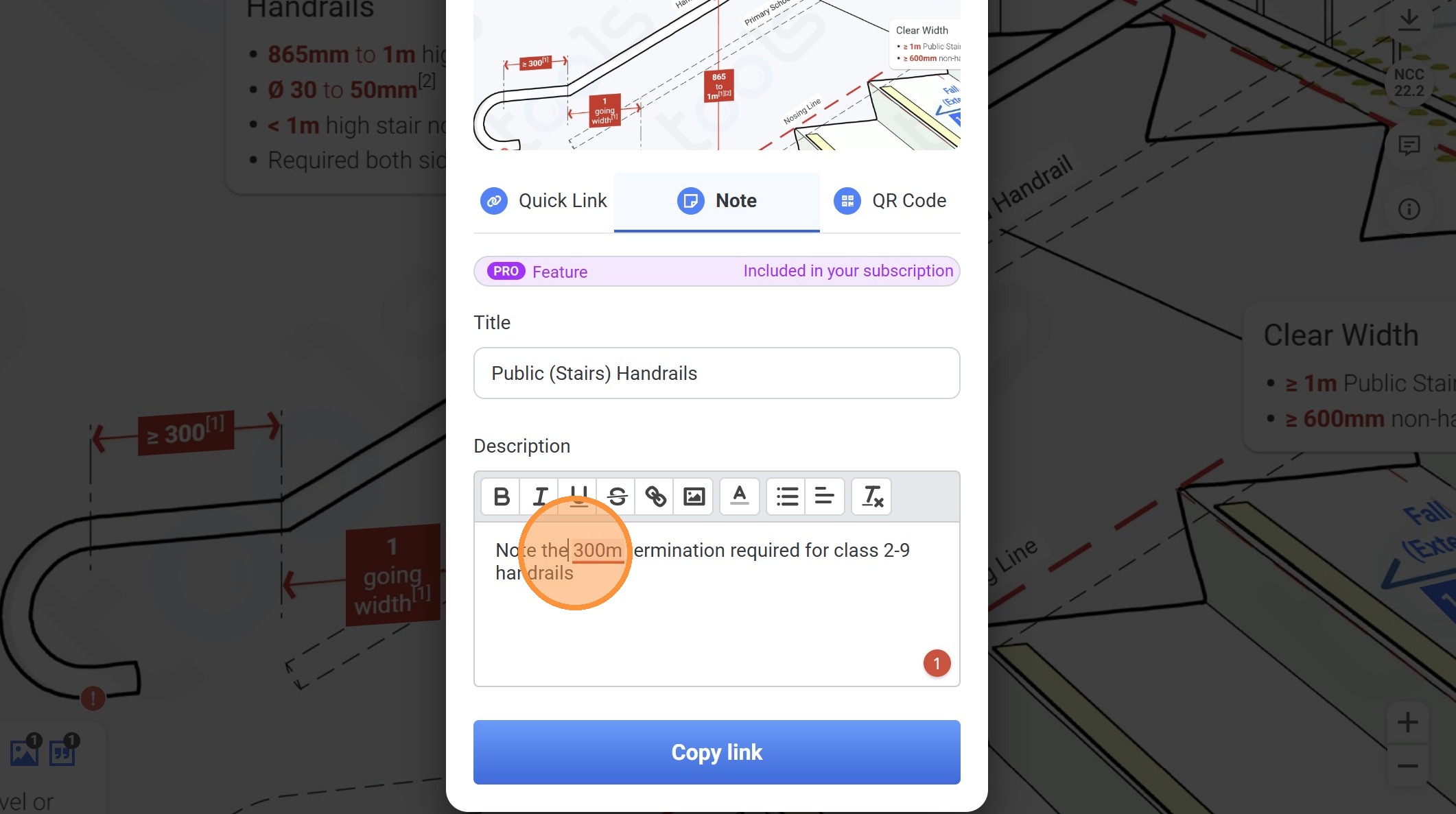
38. Click this to make the text bold.
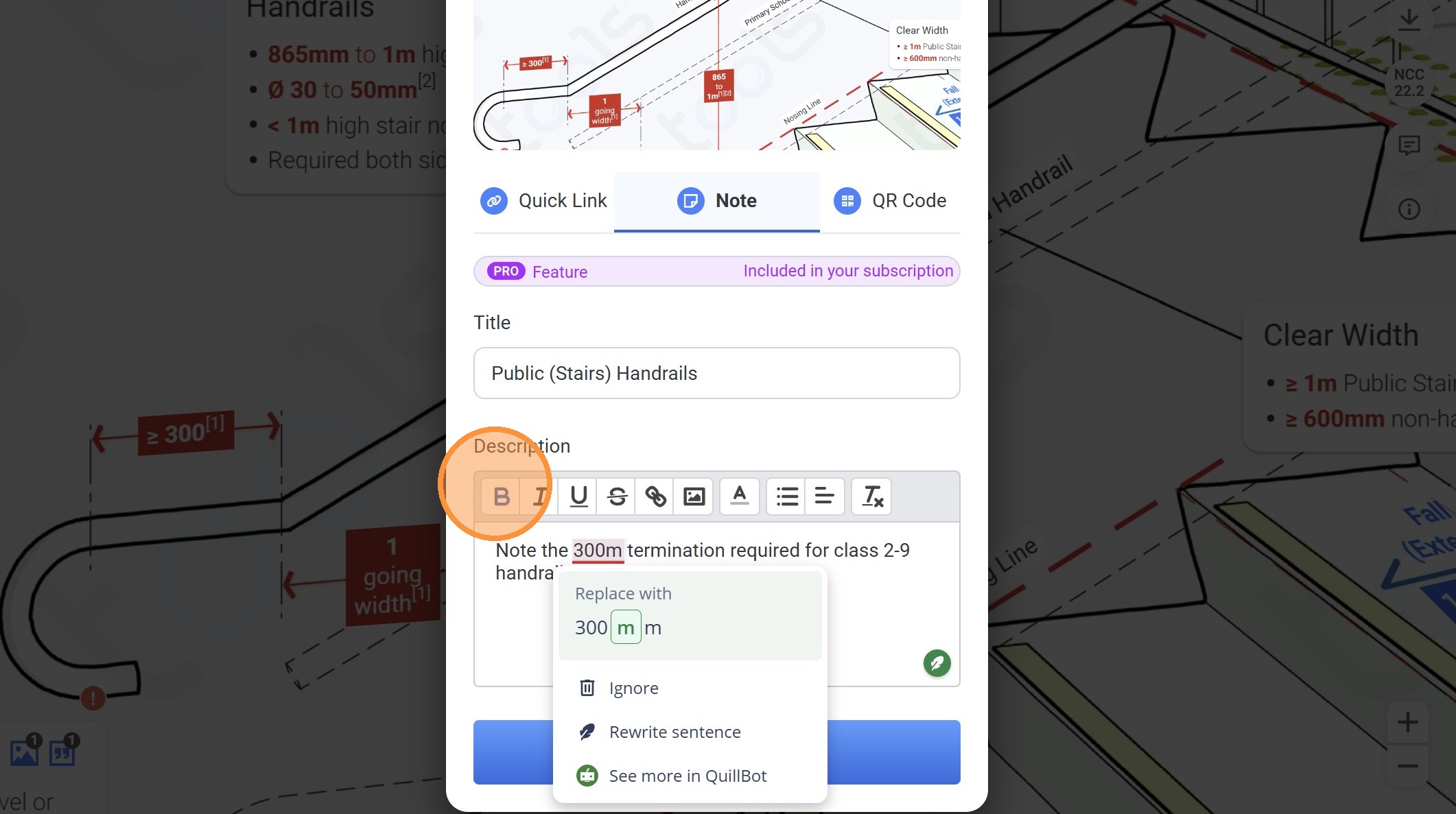
39. Highlight "Class 2-9"
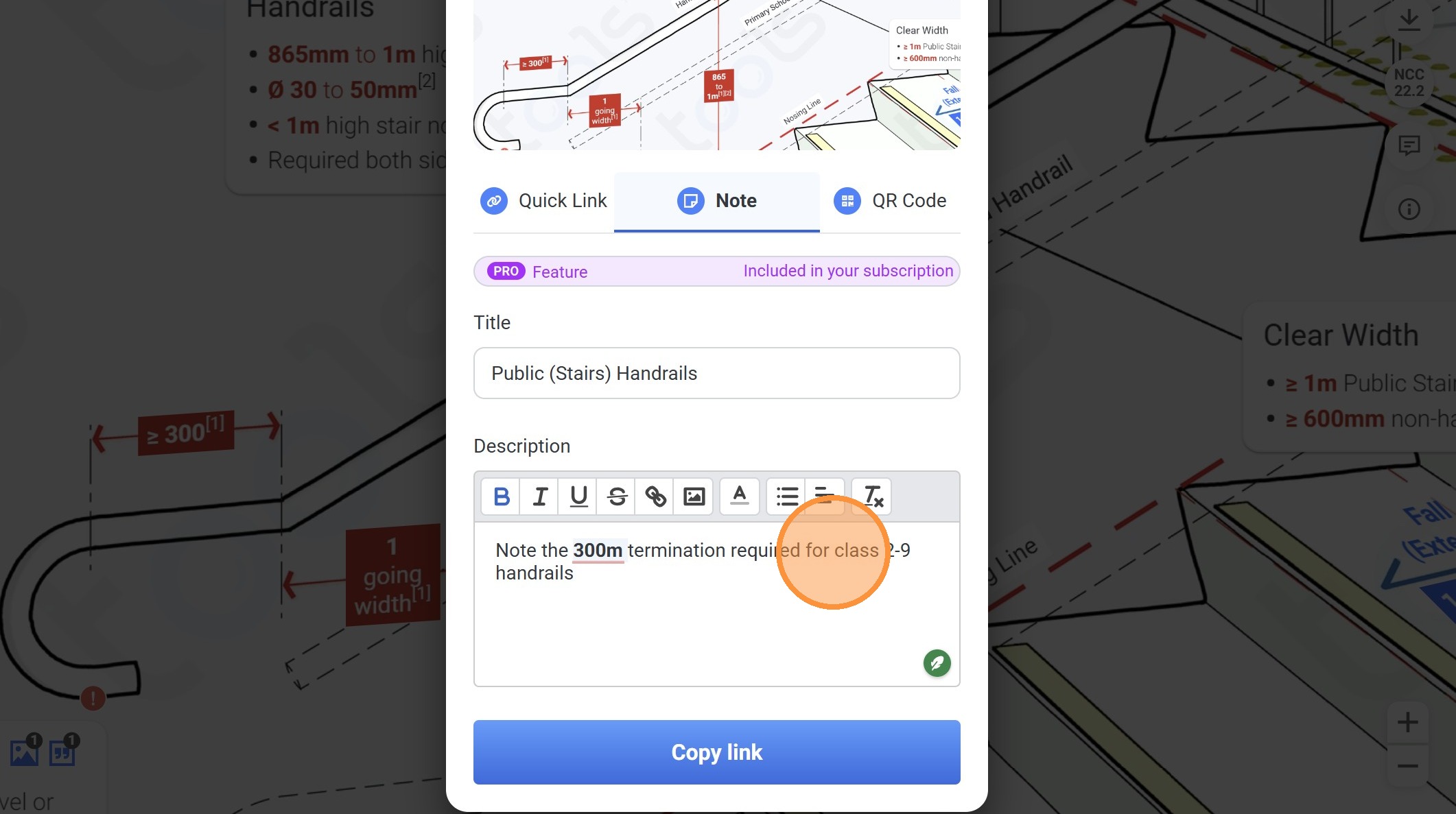
40. Click this to make the text bold
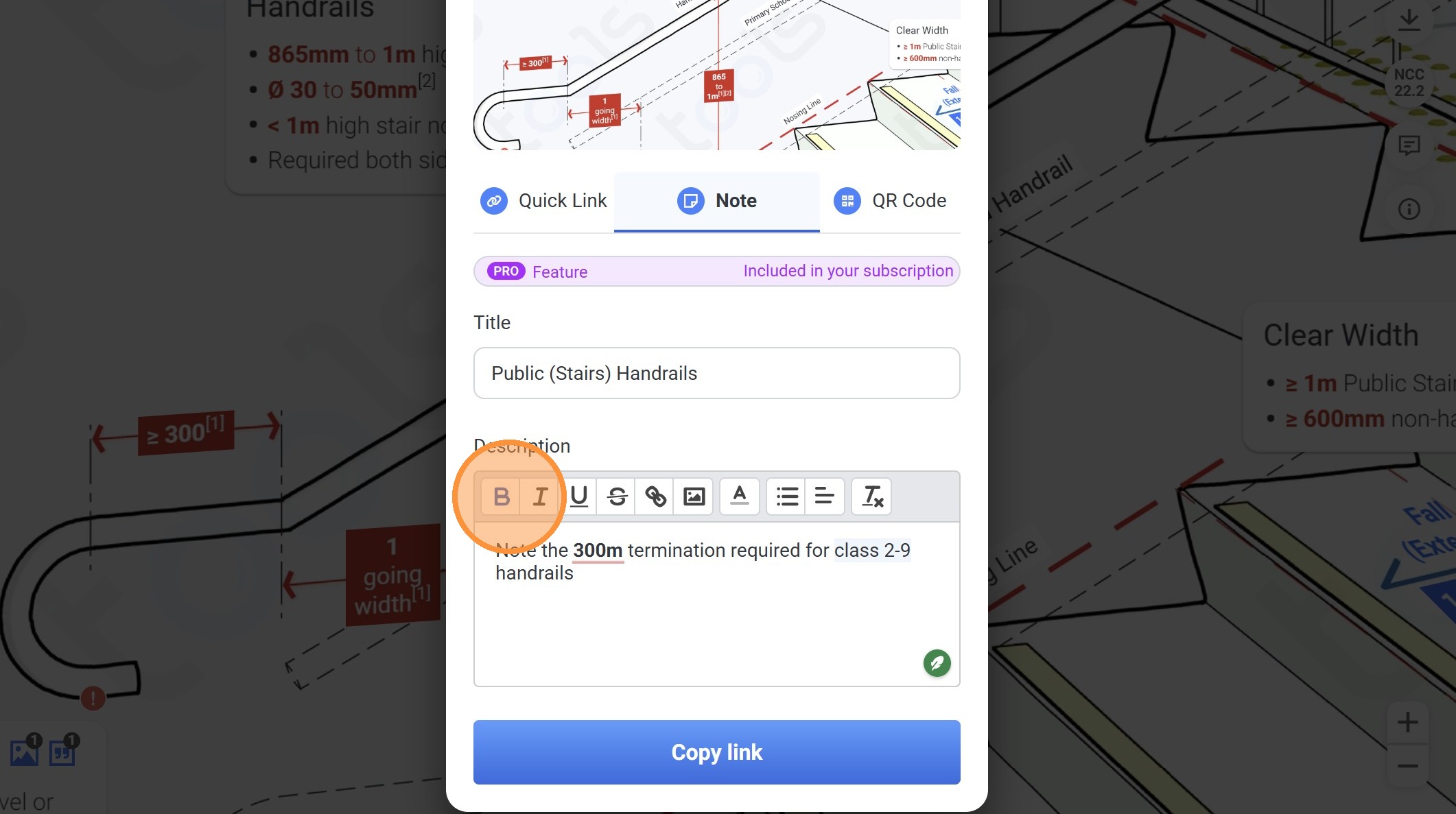
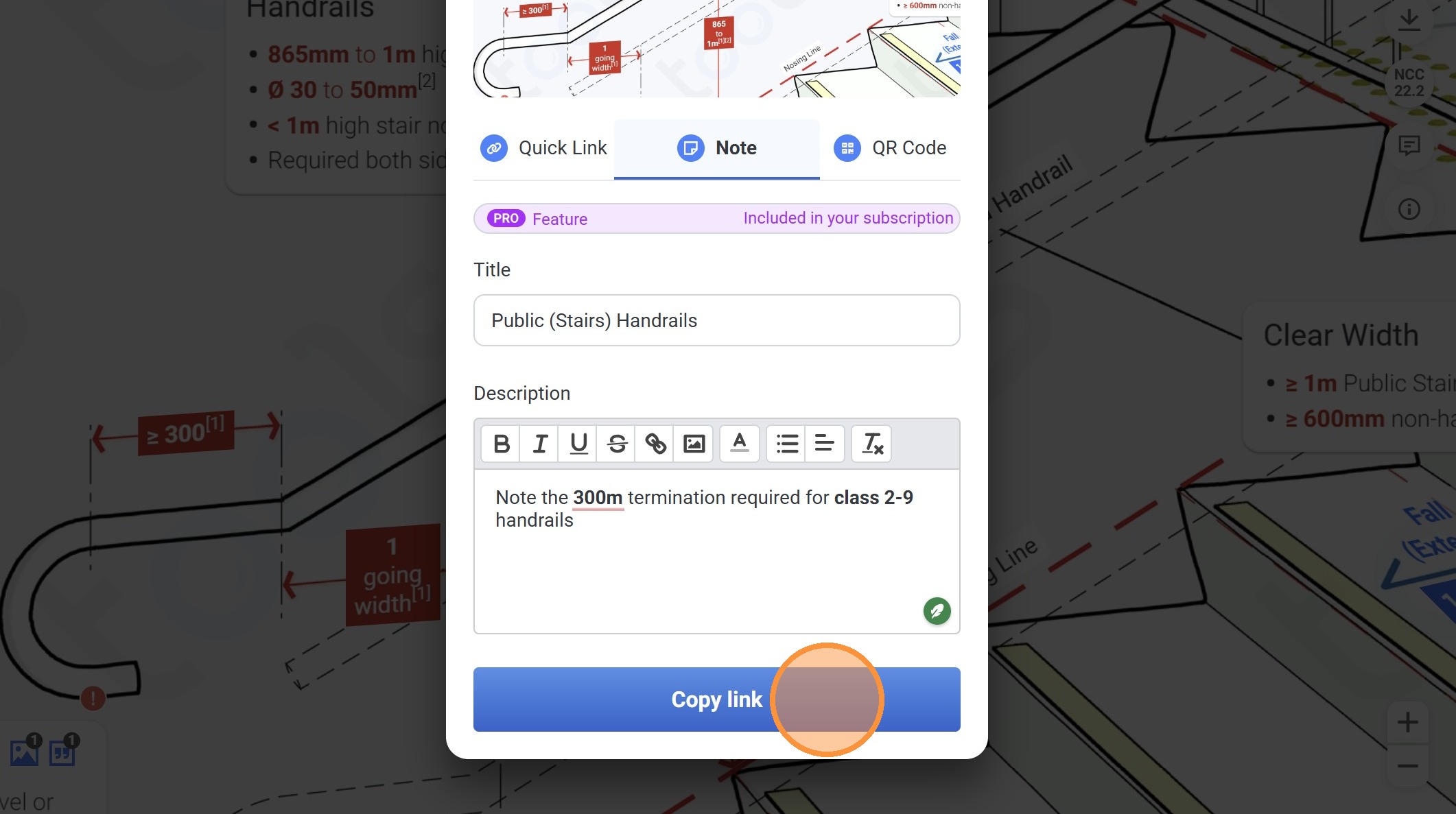
41. Click "Copy link"
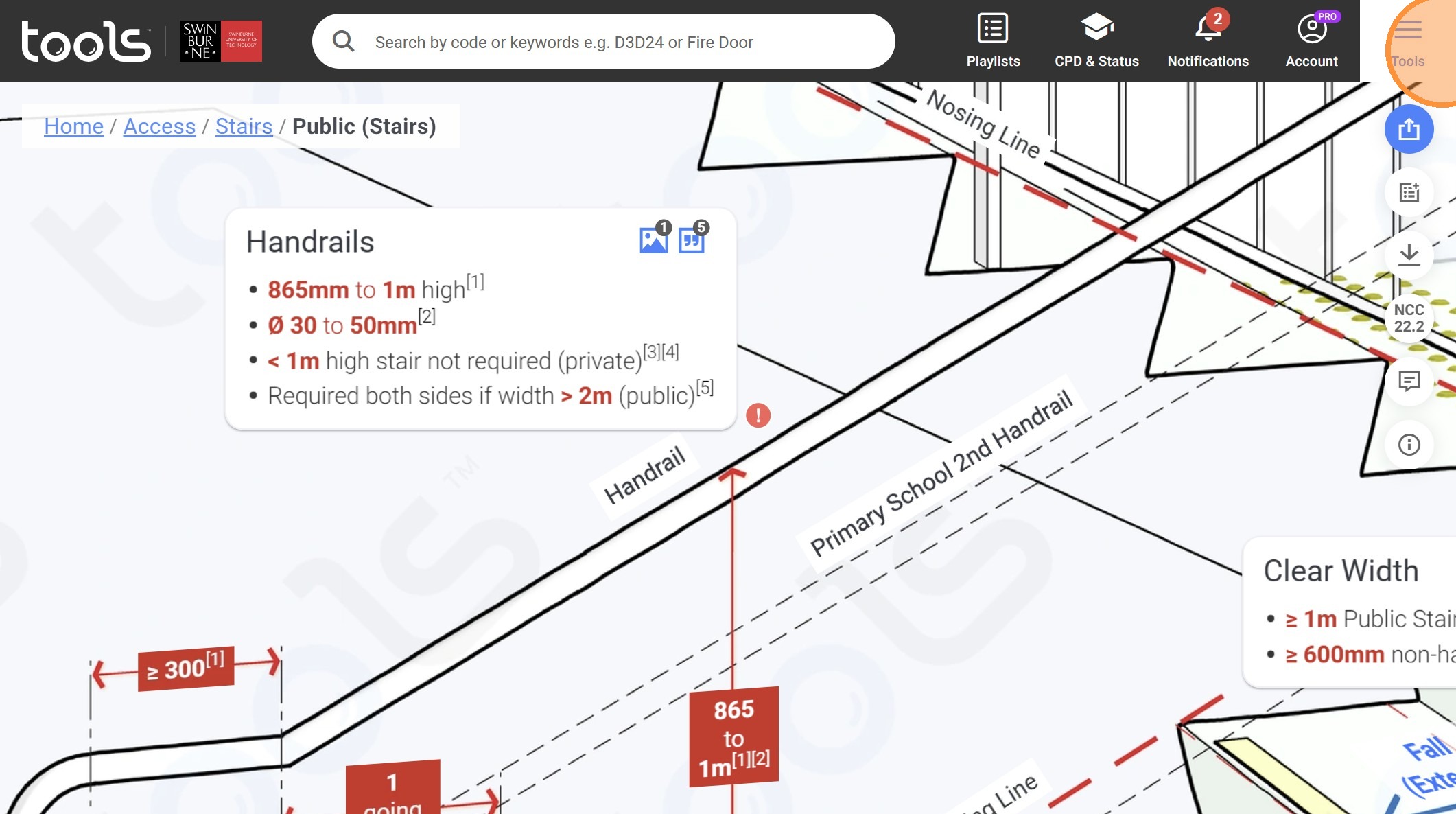
42. Click "Tools"
43. Click "Private (Stairs)"
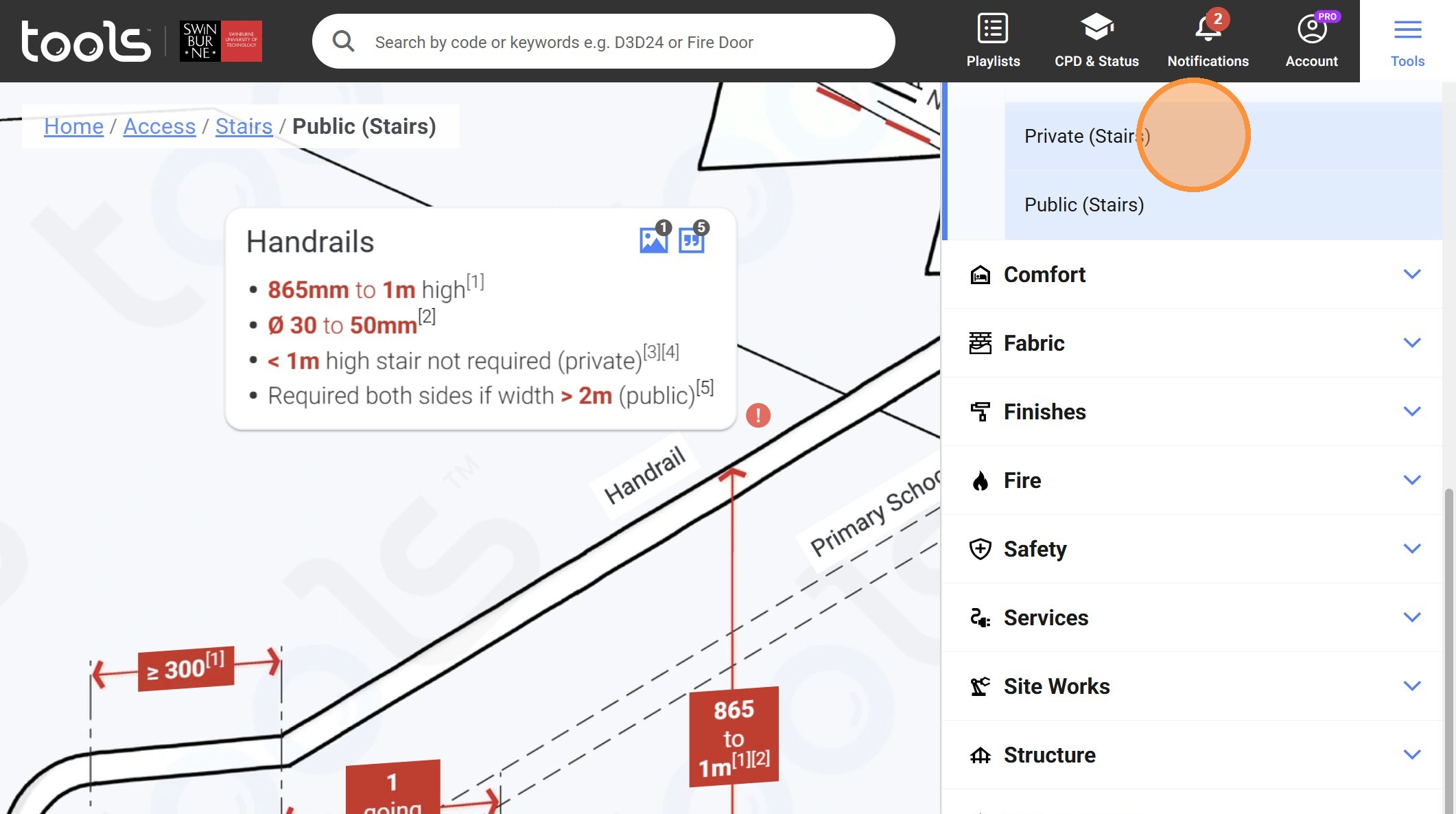
44. Click on this panel.
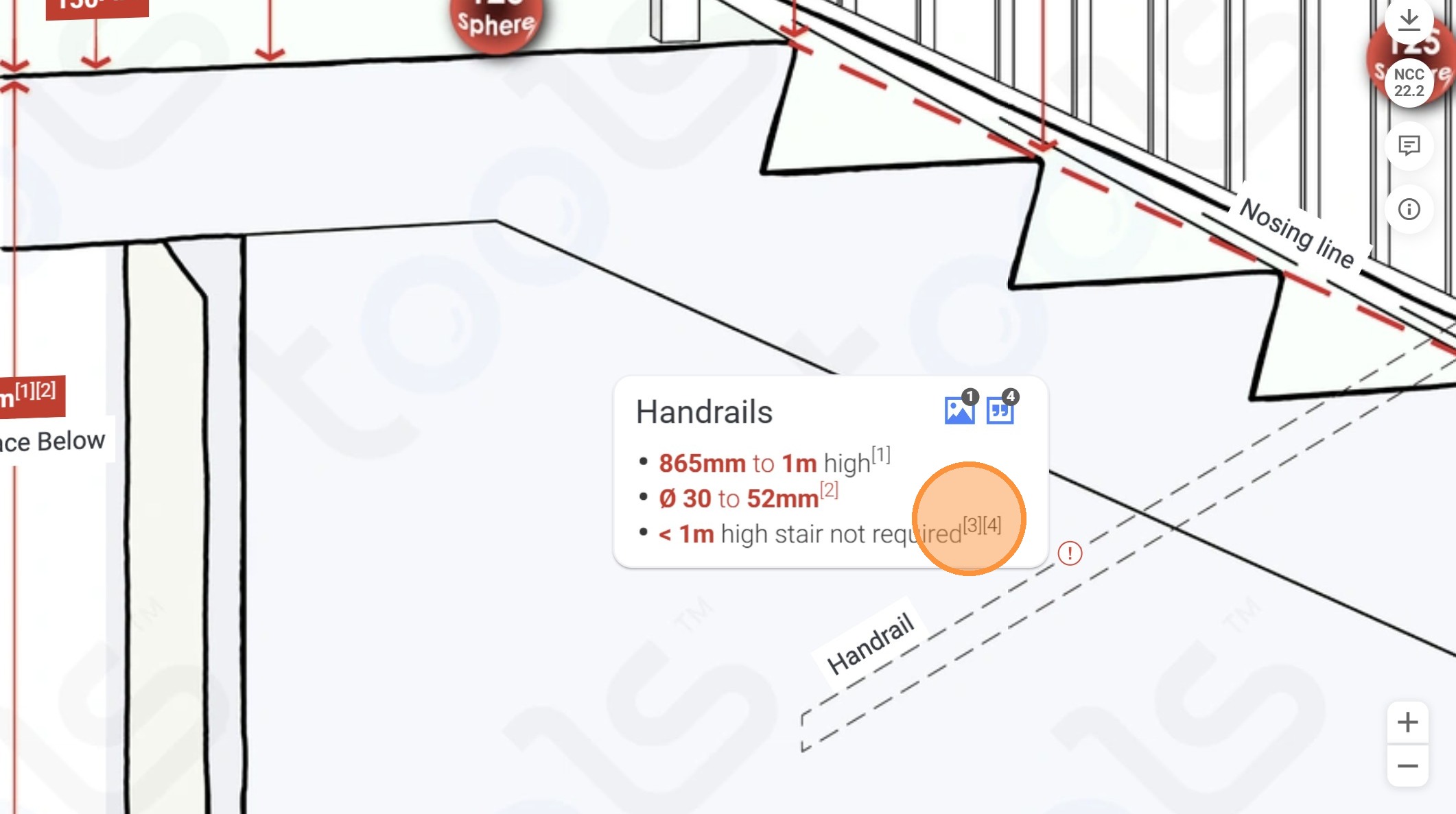
45. Zoom in and click on the share icon
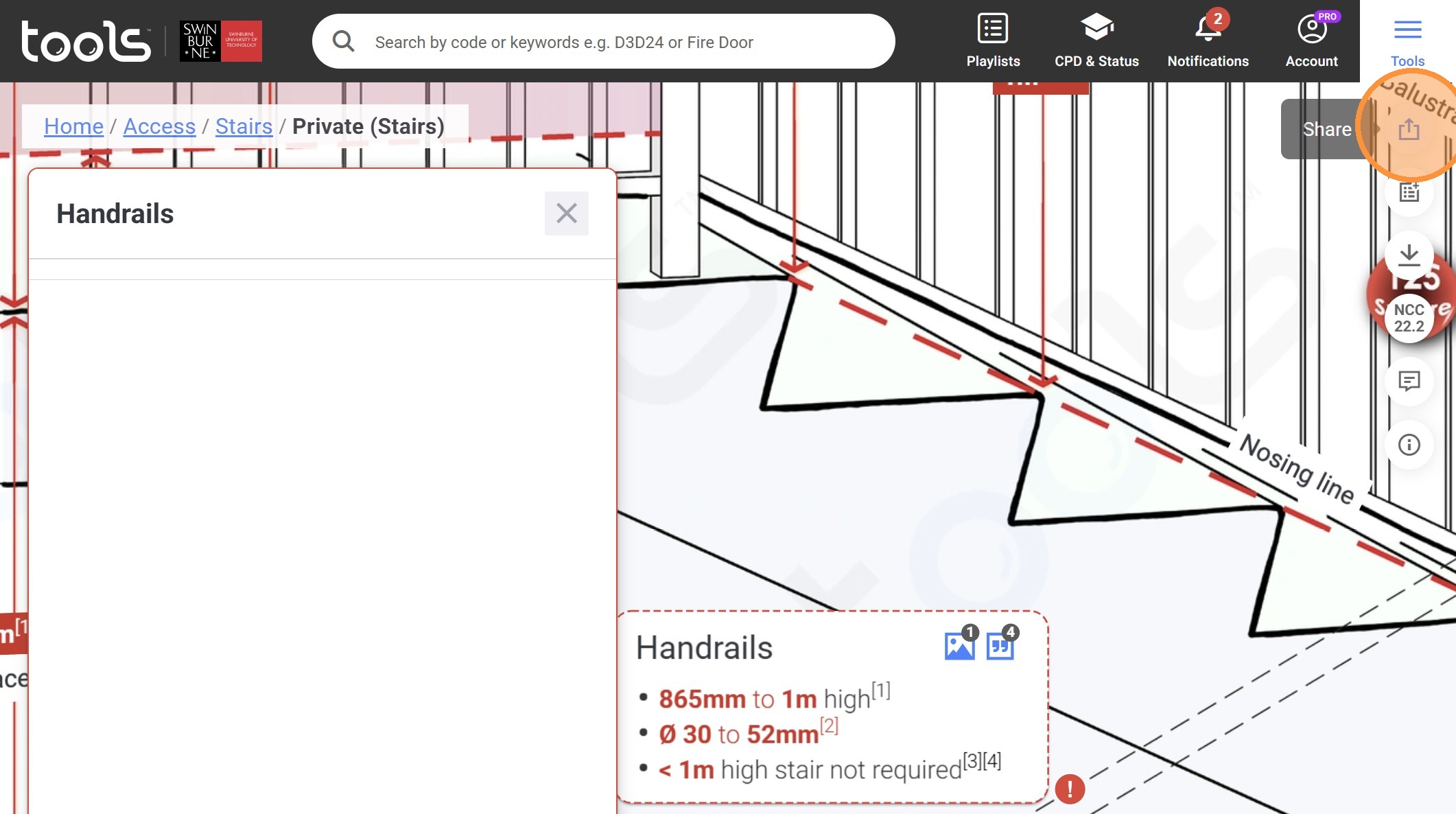
46. Click "Note"
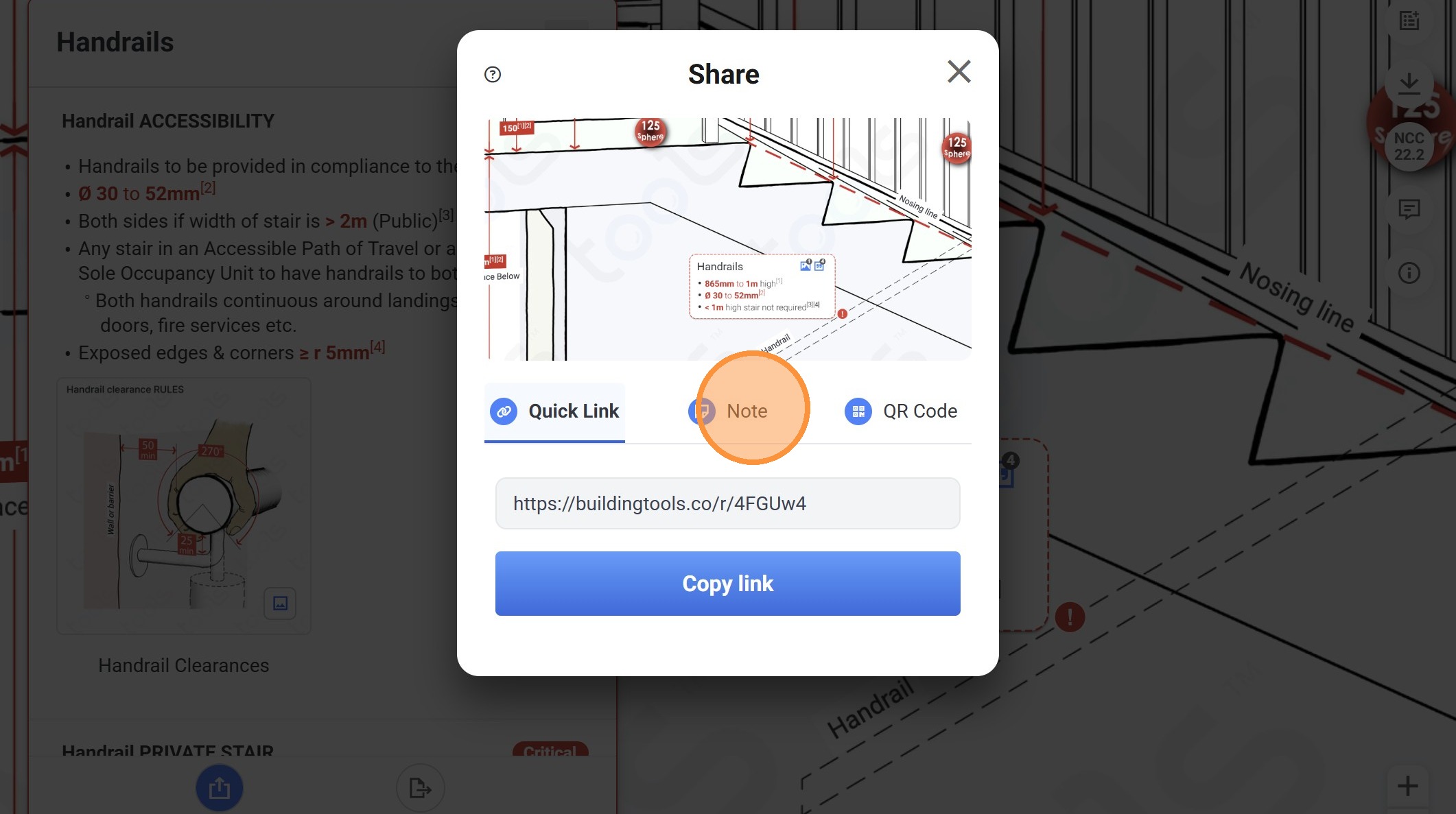
47. Click the "Name of your item" field.
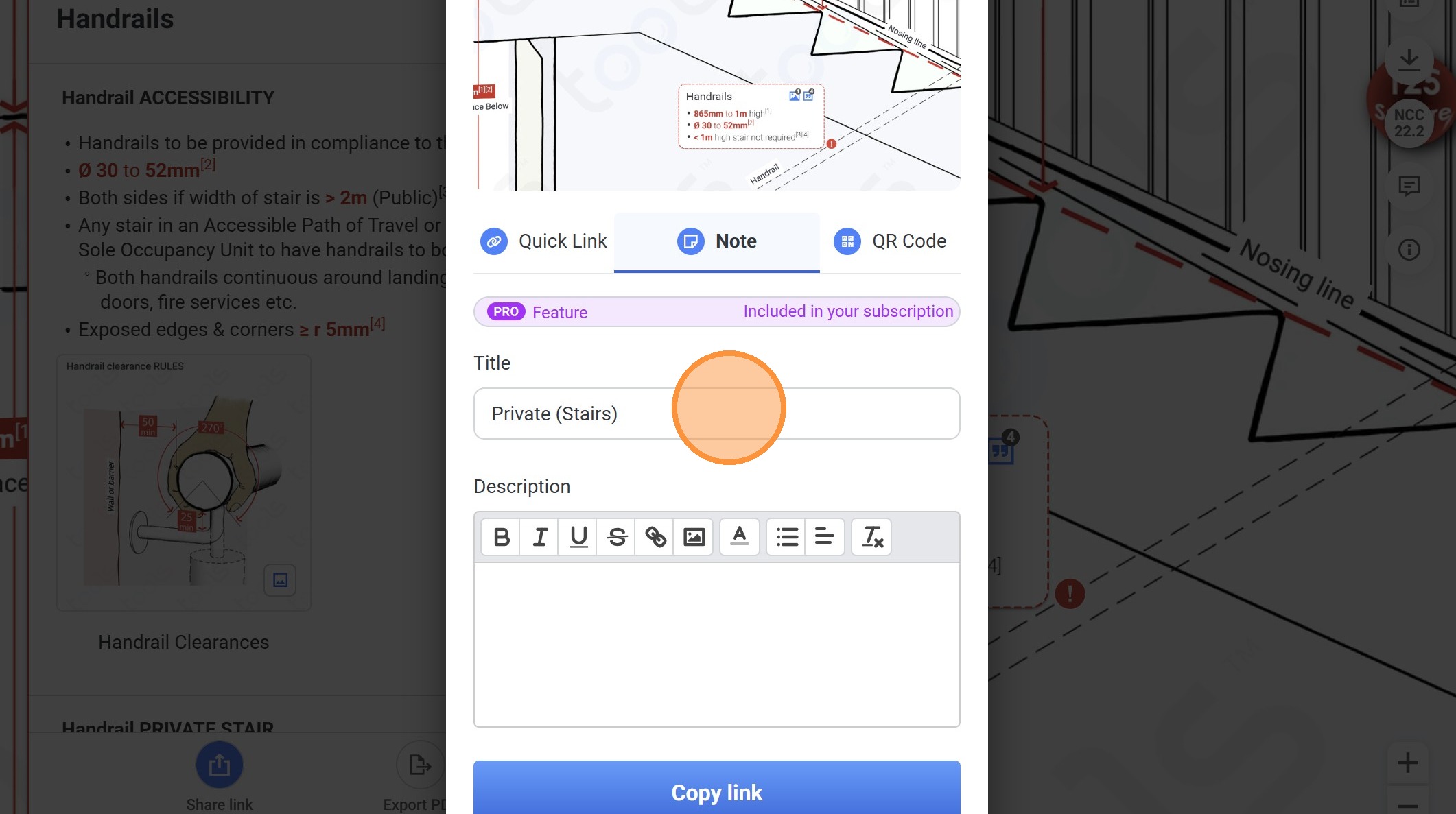
48. Click on this textbox.
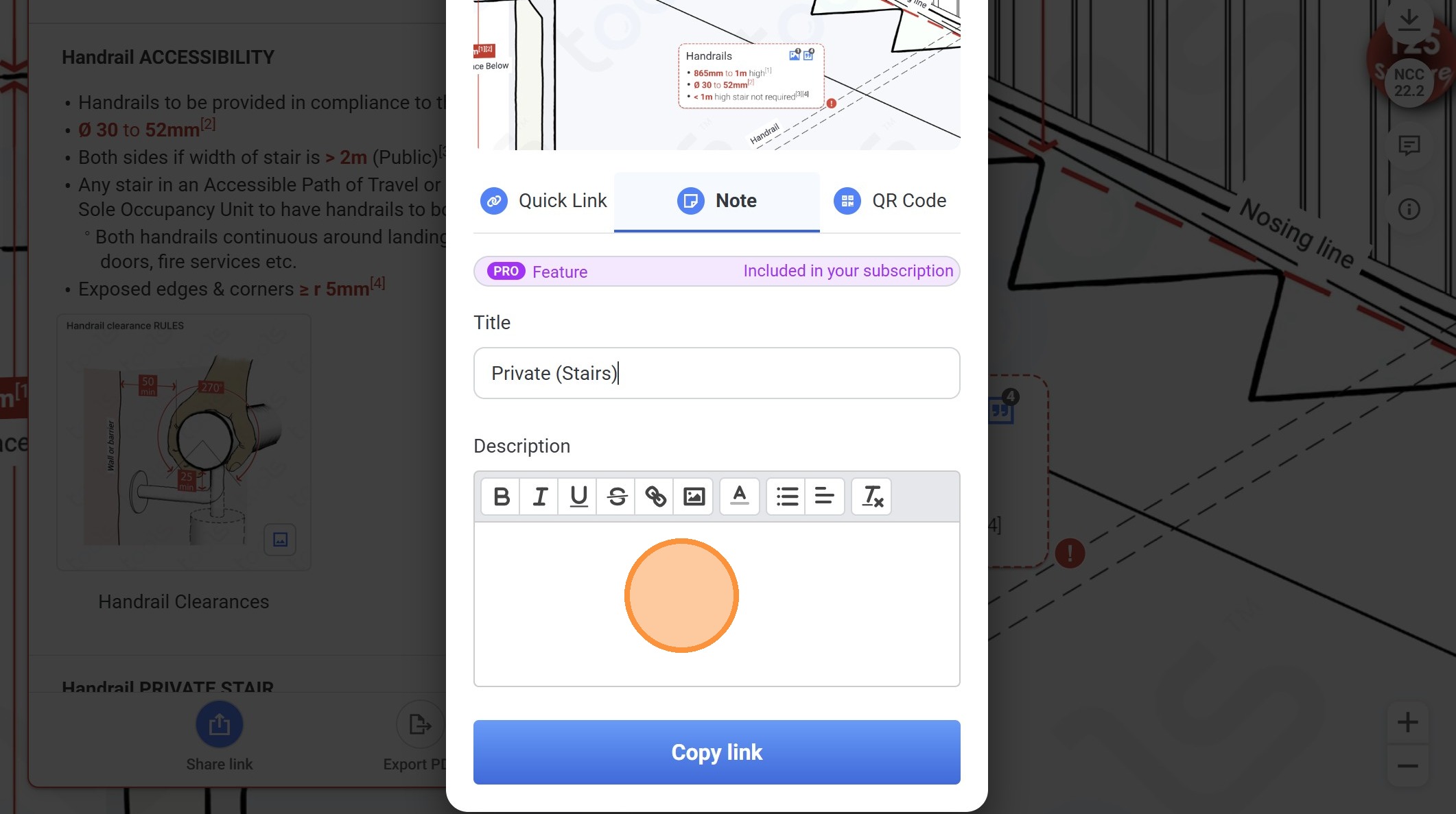
49. Type "For class 1 & 10 buildings you dont't require the 300mm termination"
50. Click "Copy link"
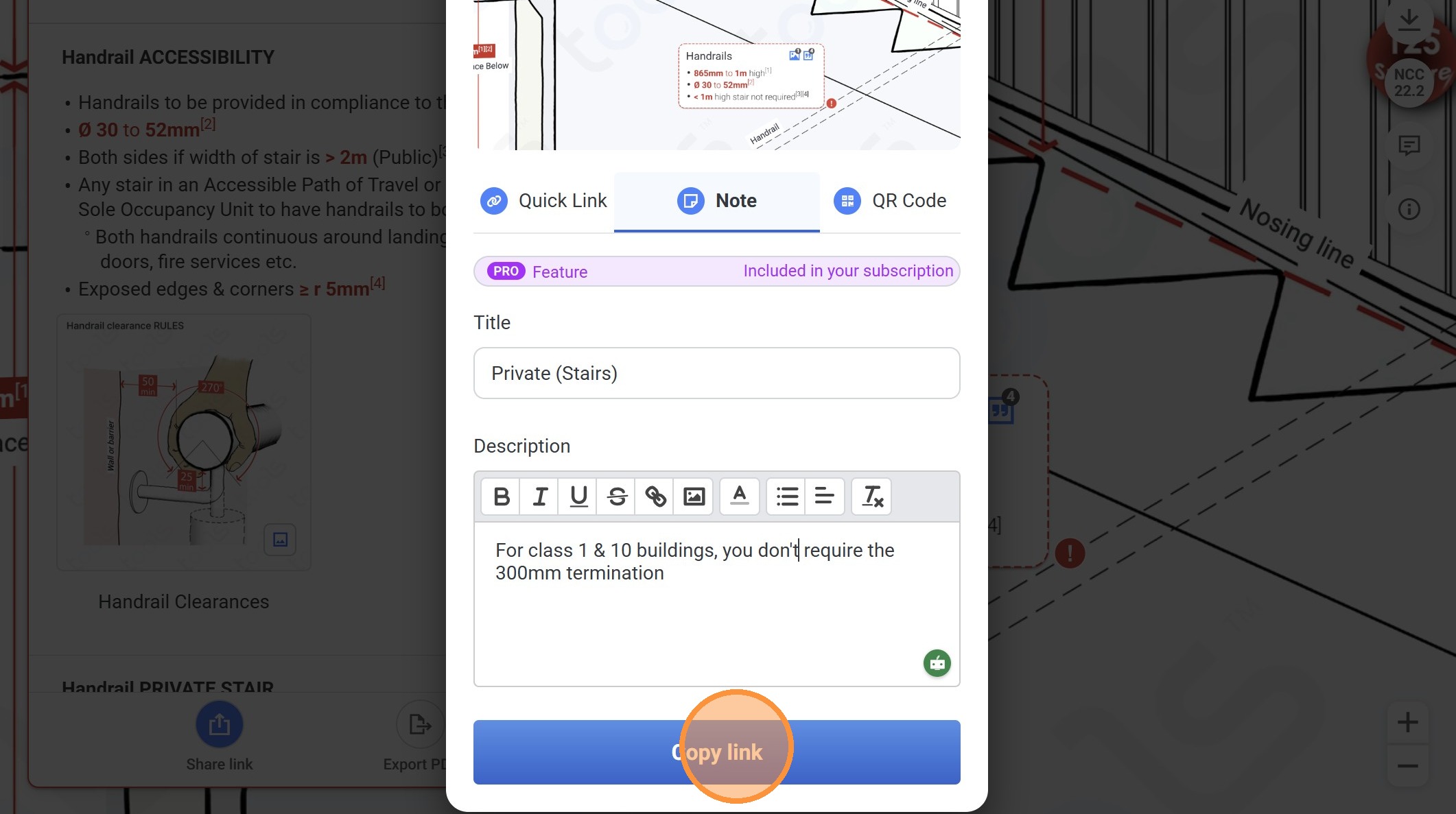
51. Click on "Tools".
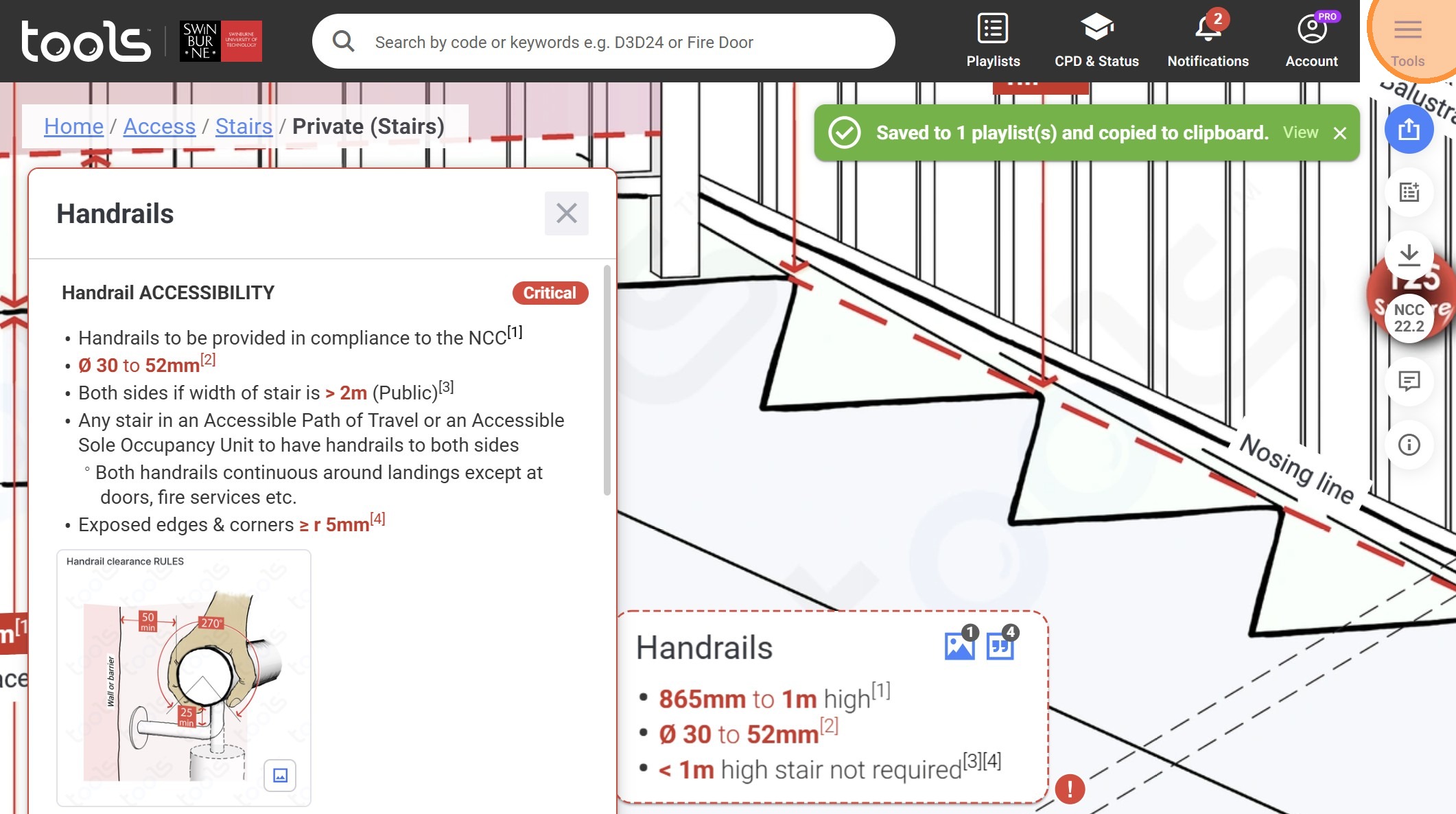
52. Click "NSW Education (EFSG Stairs)"
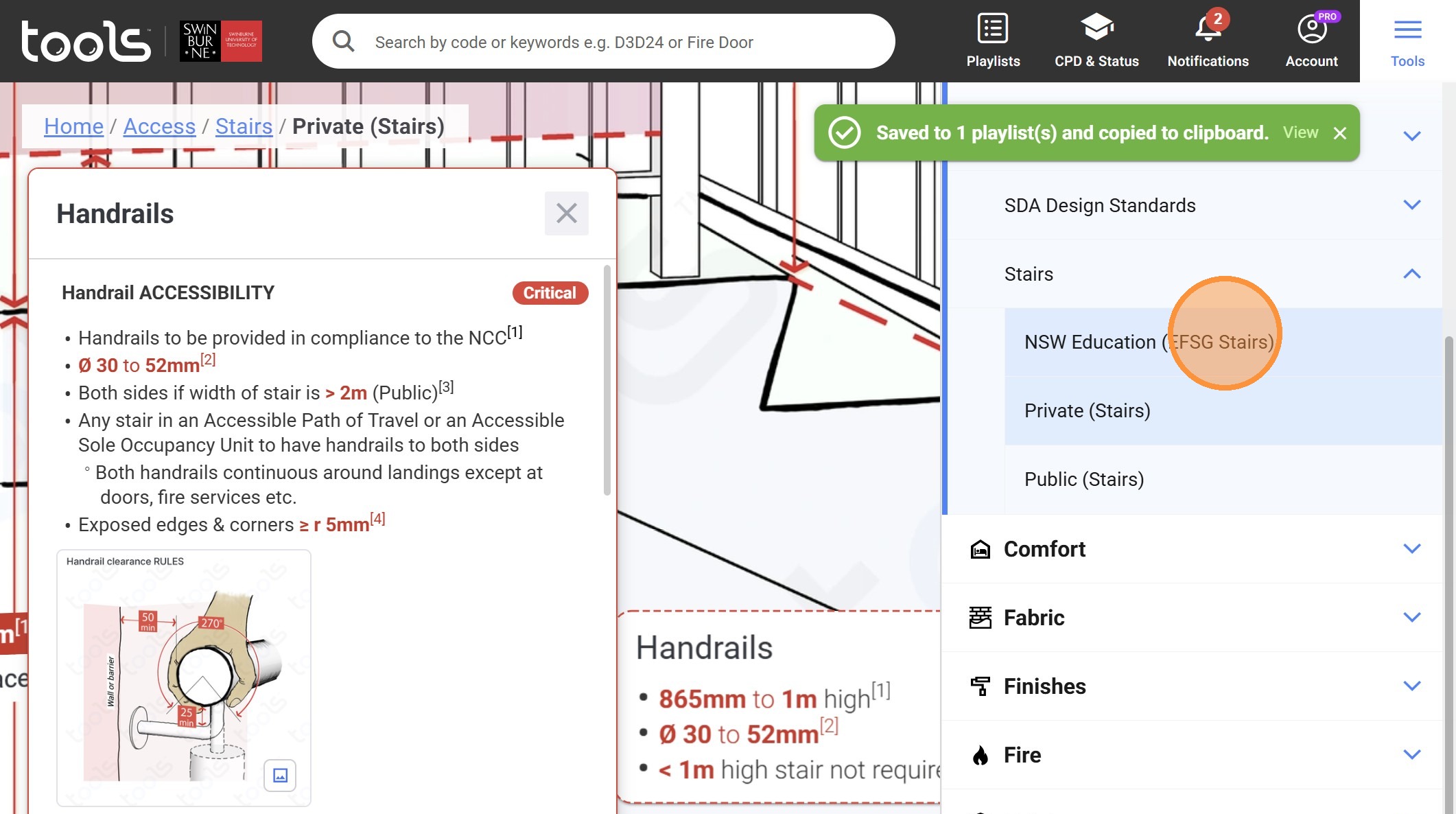
53. Zoom in and click on the share icon
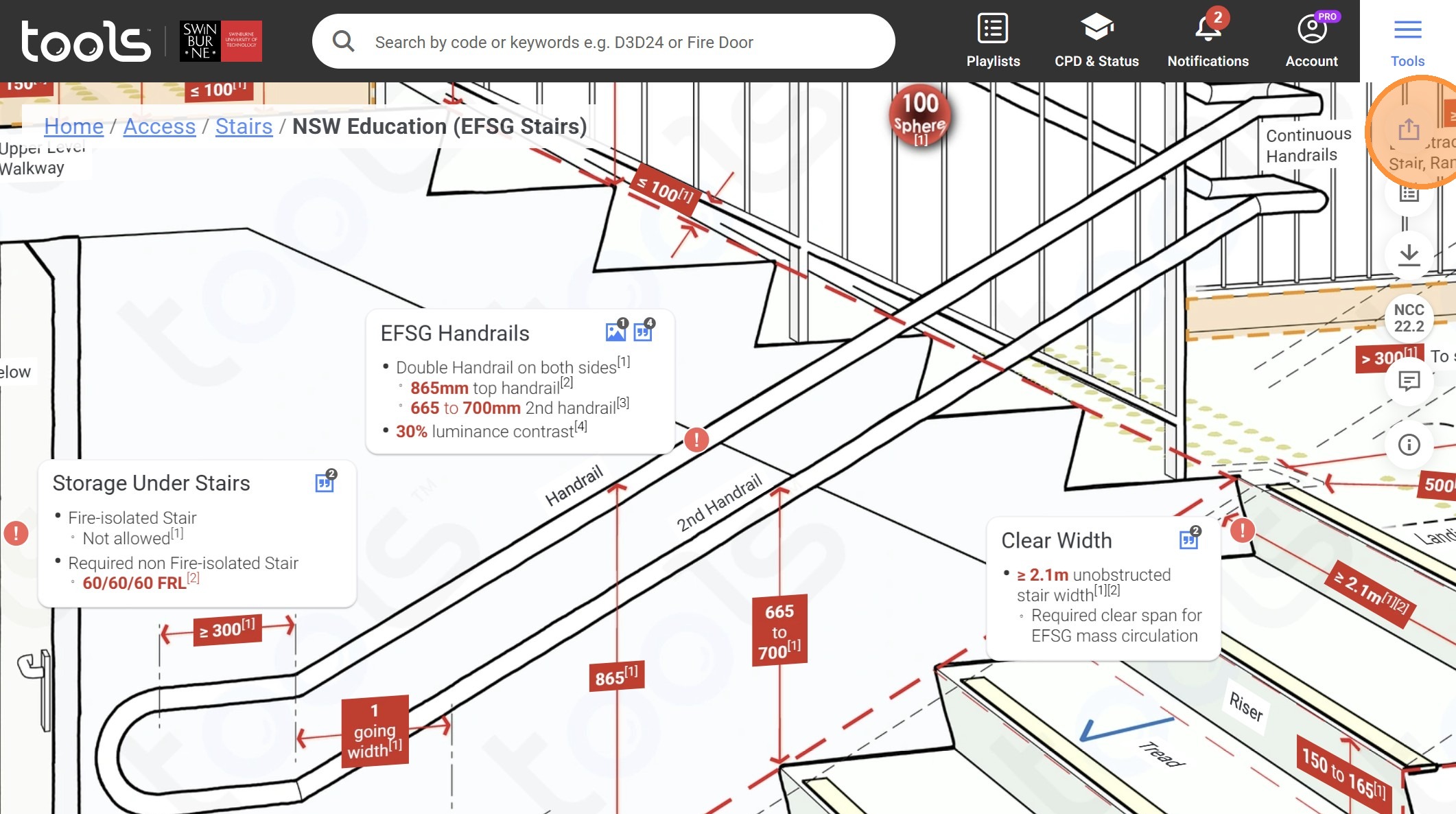
54. Click "Note"
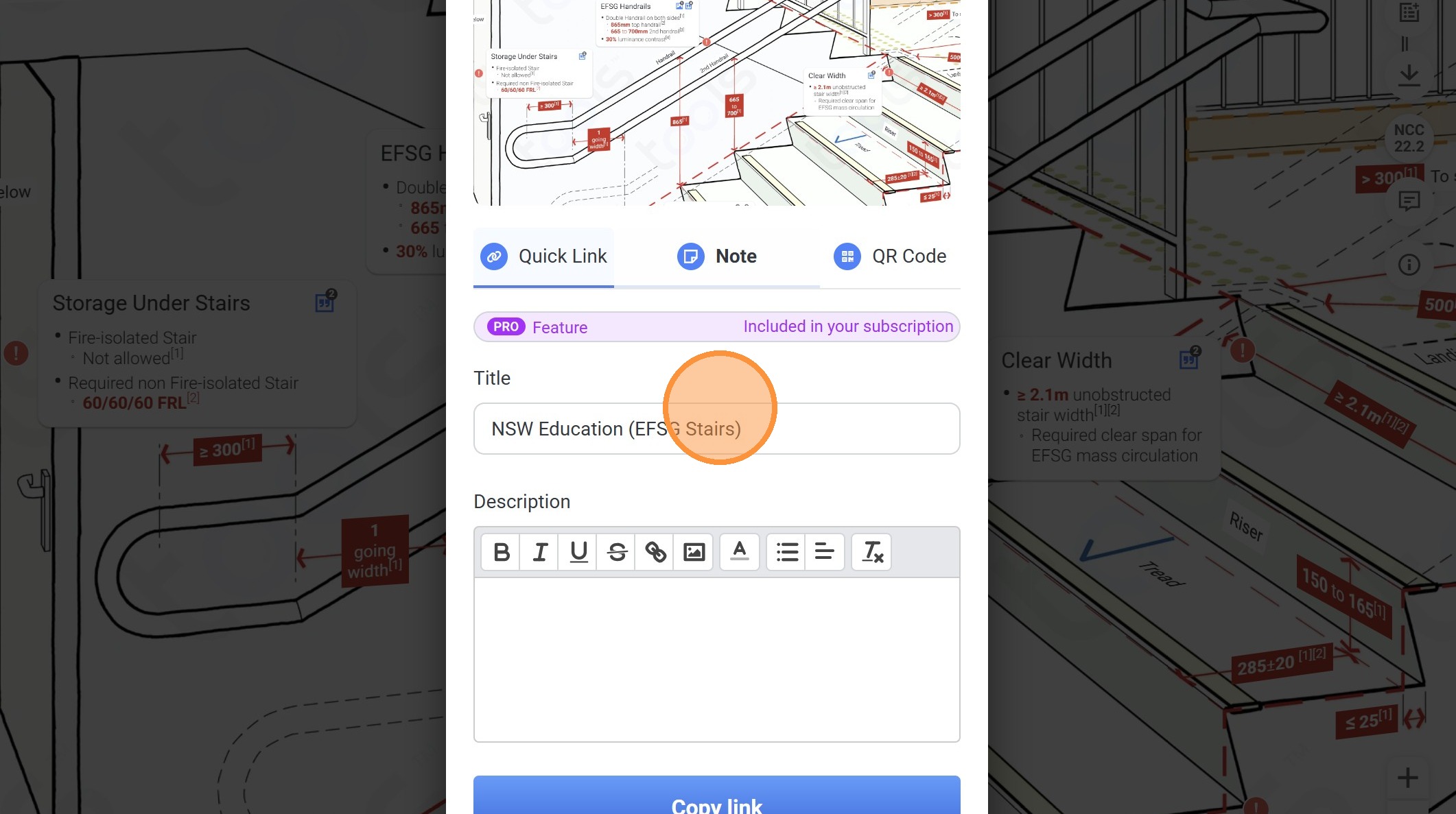
55. Click on this textbox.
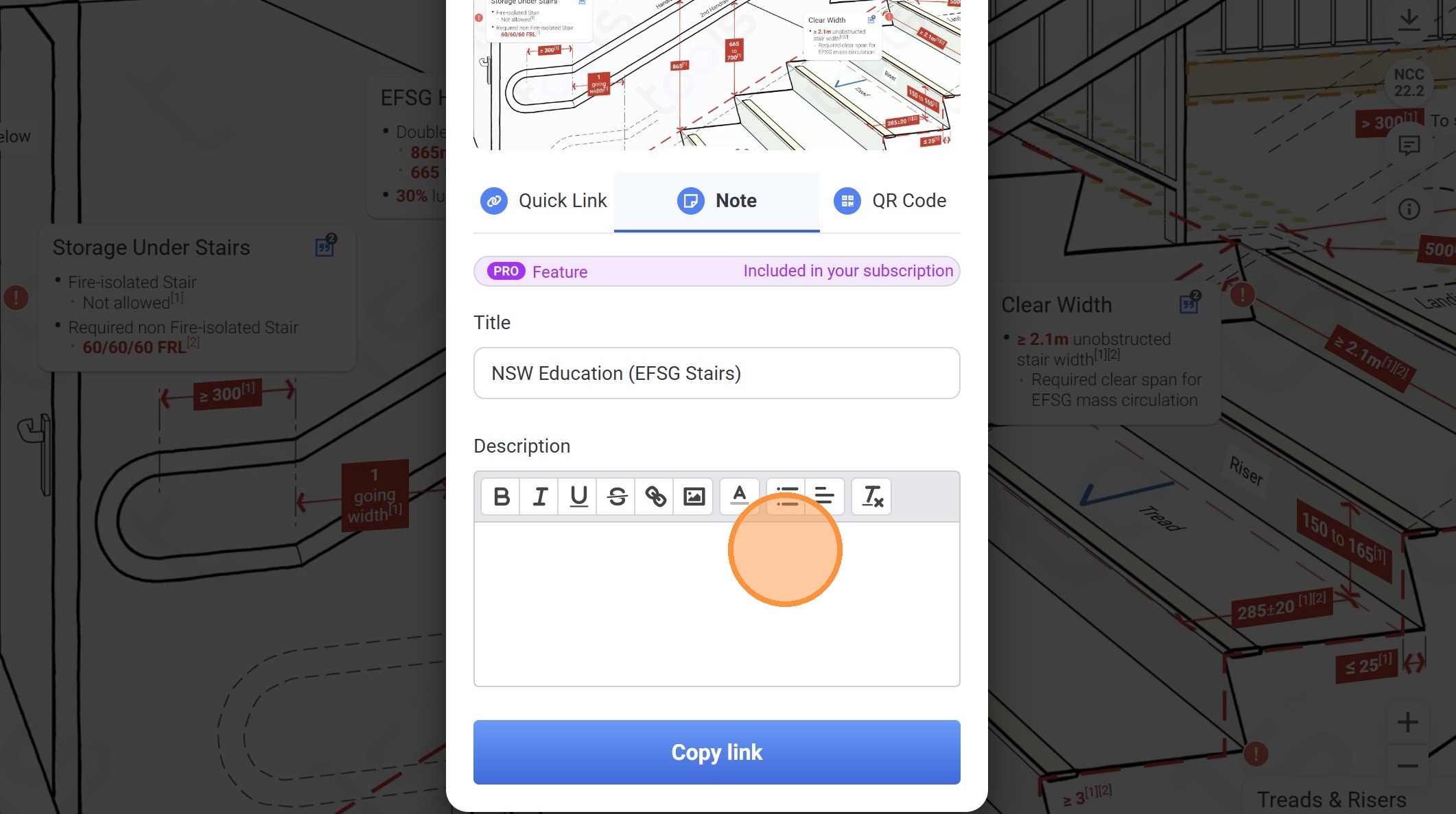
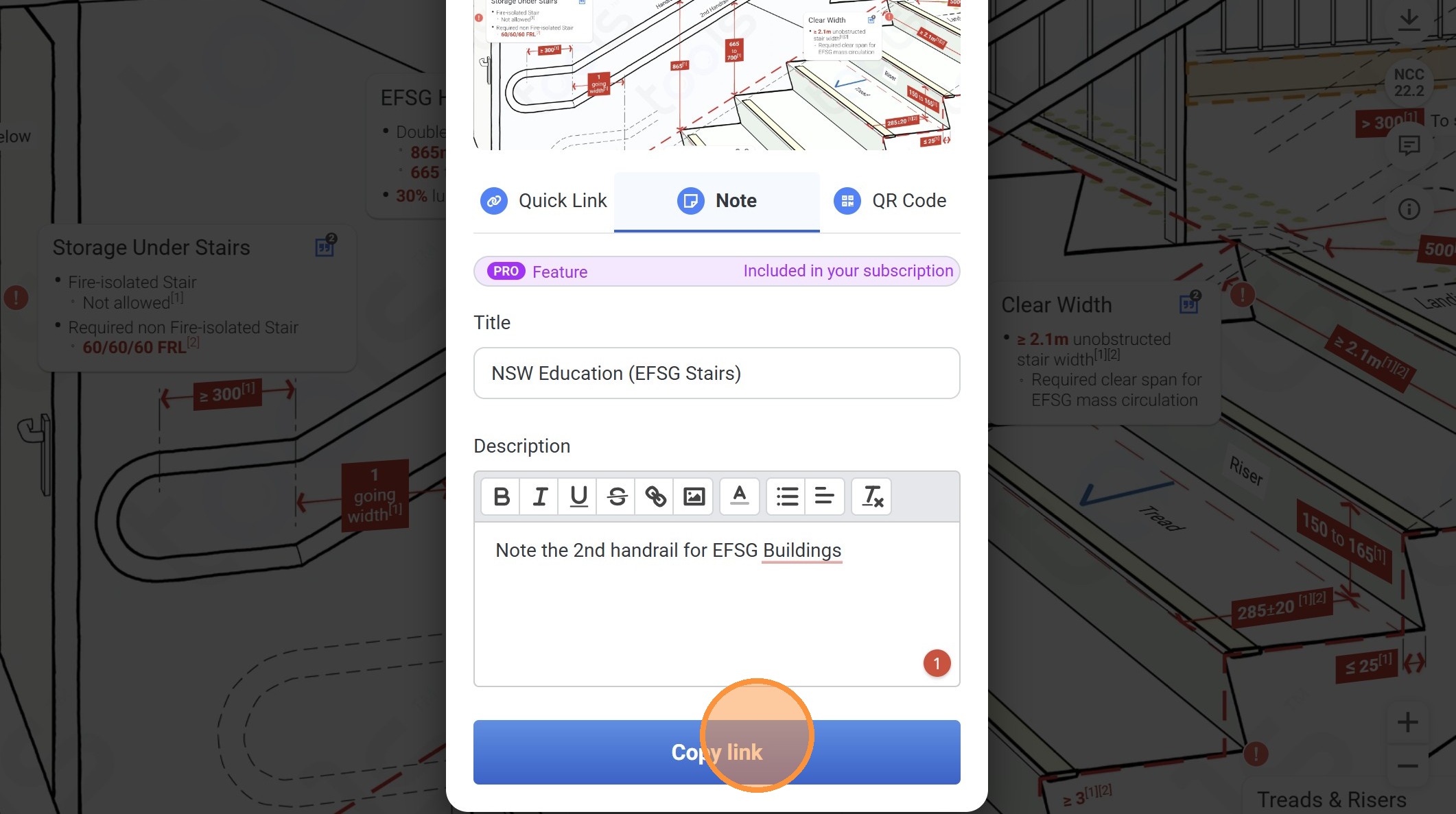
56. Type "Note the 2nd handrail for EFSG Buildings"
57. Click "Copy link"
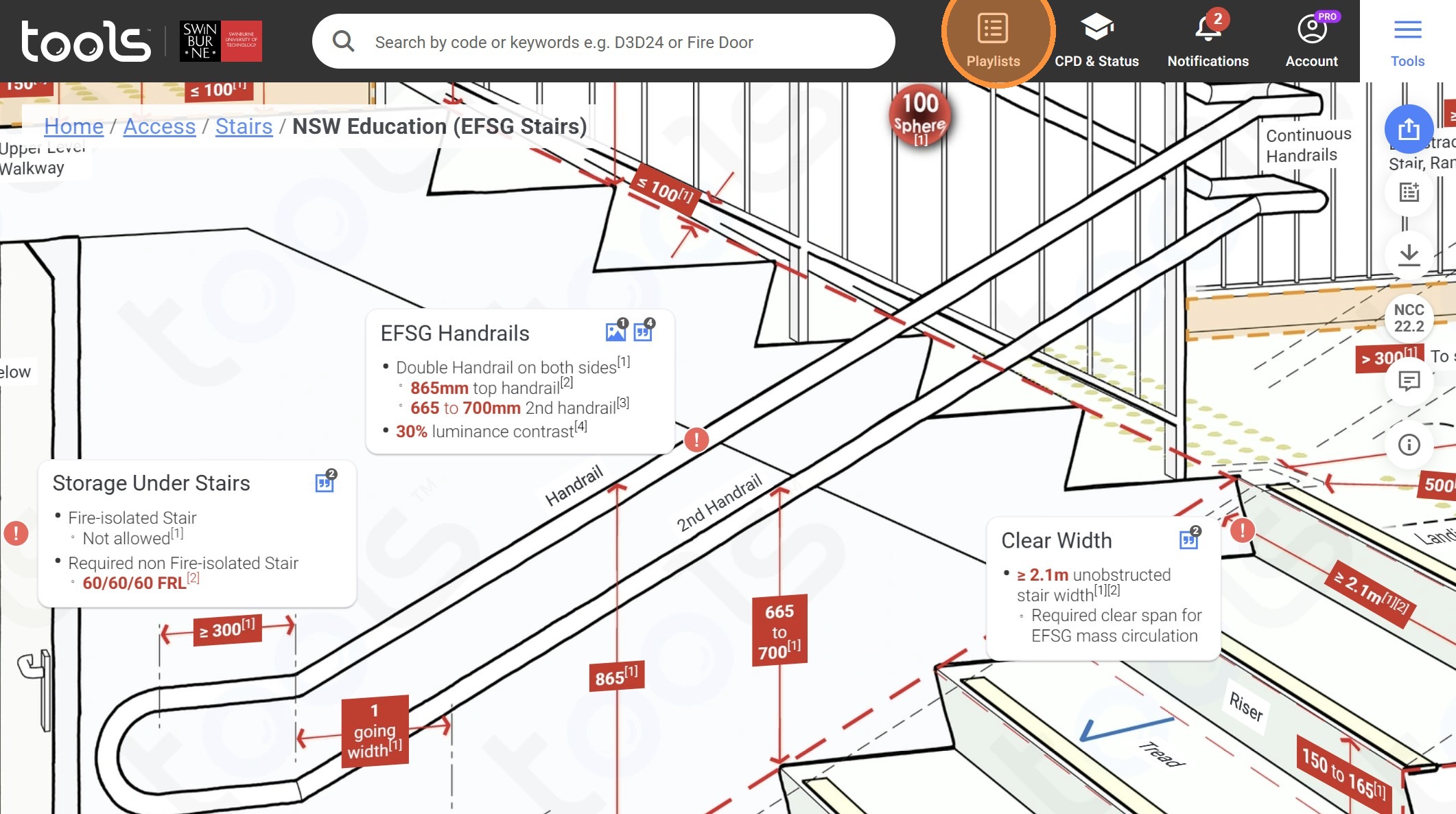
58. Click on playlsits.
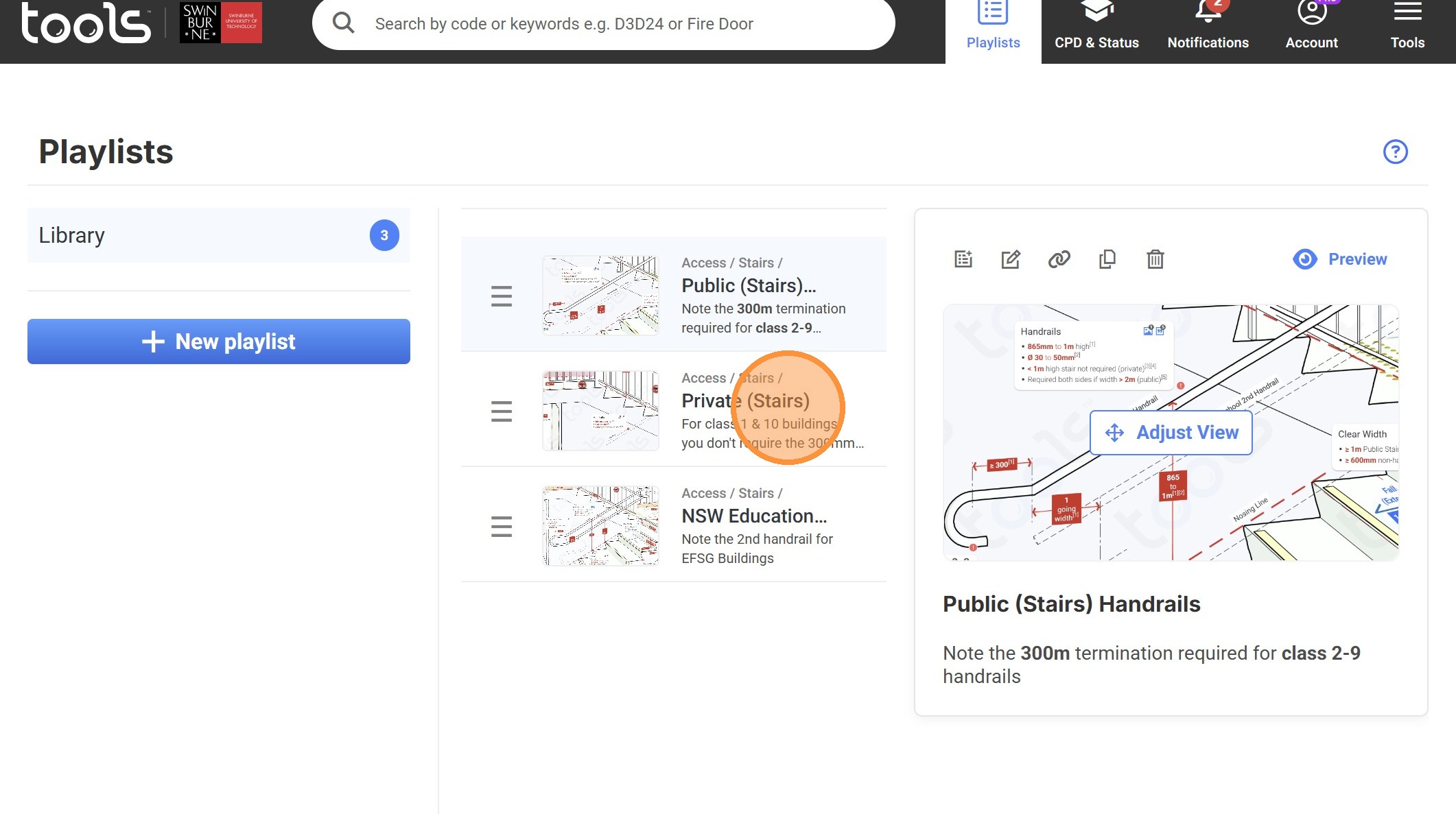
59. Click "Private (Stairs)"
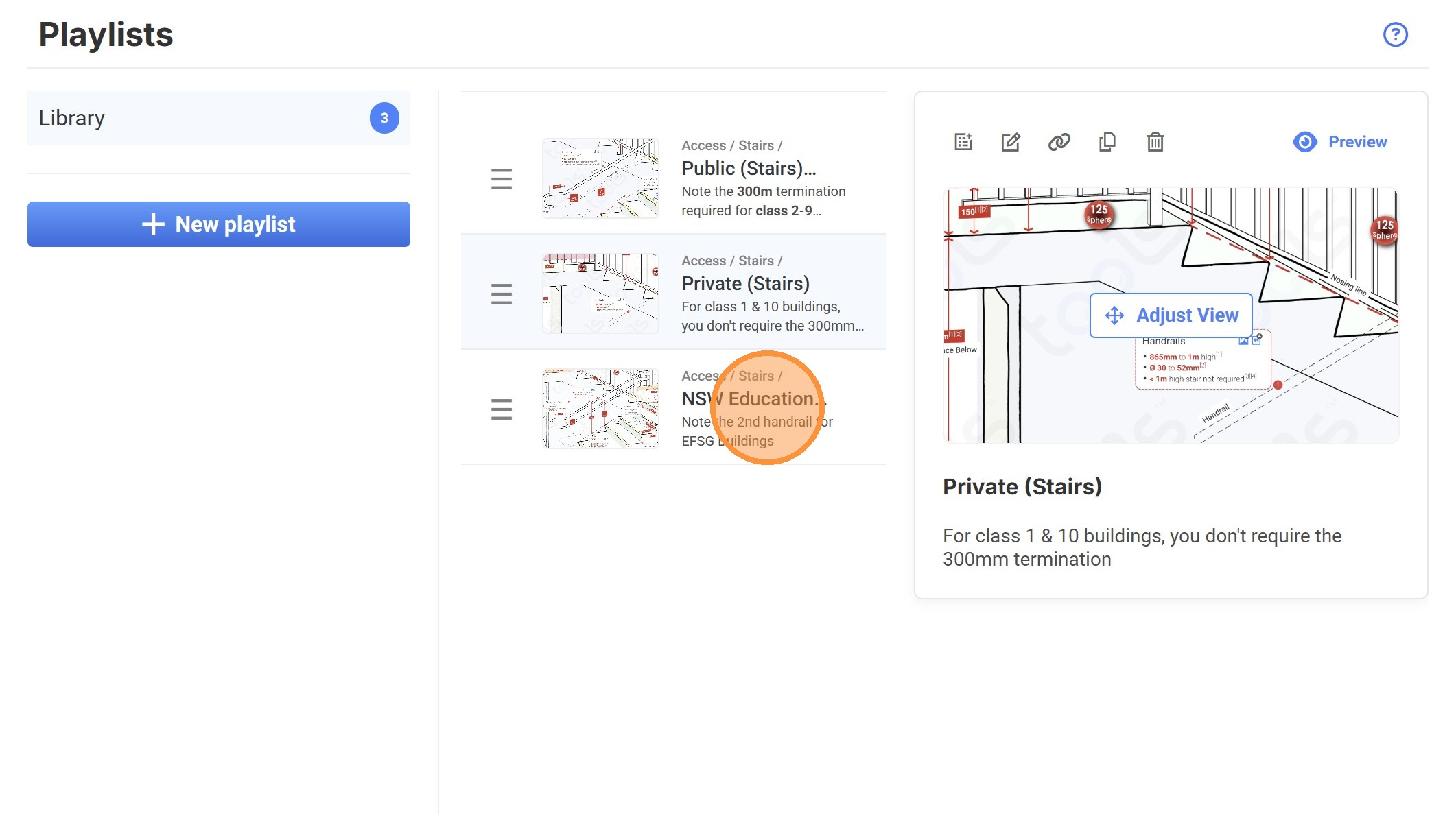
60. Click "NSW Education (EFSG Stairs)"
Made with Scribe