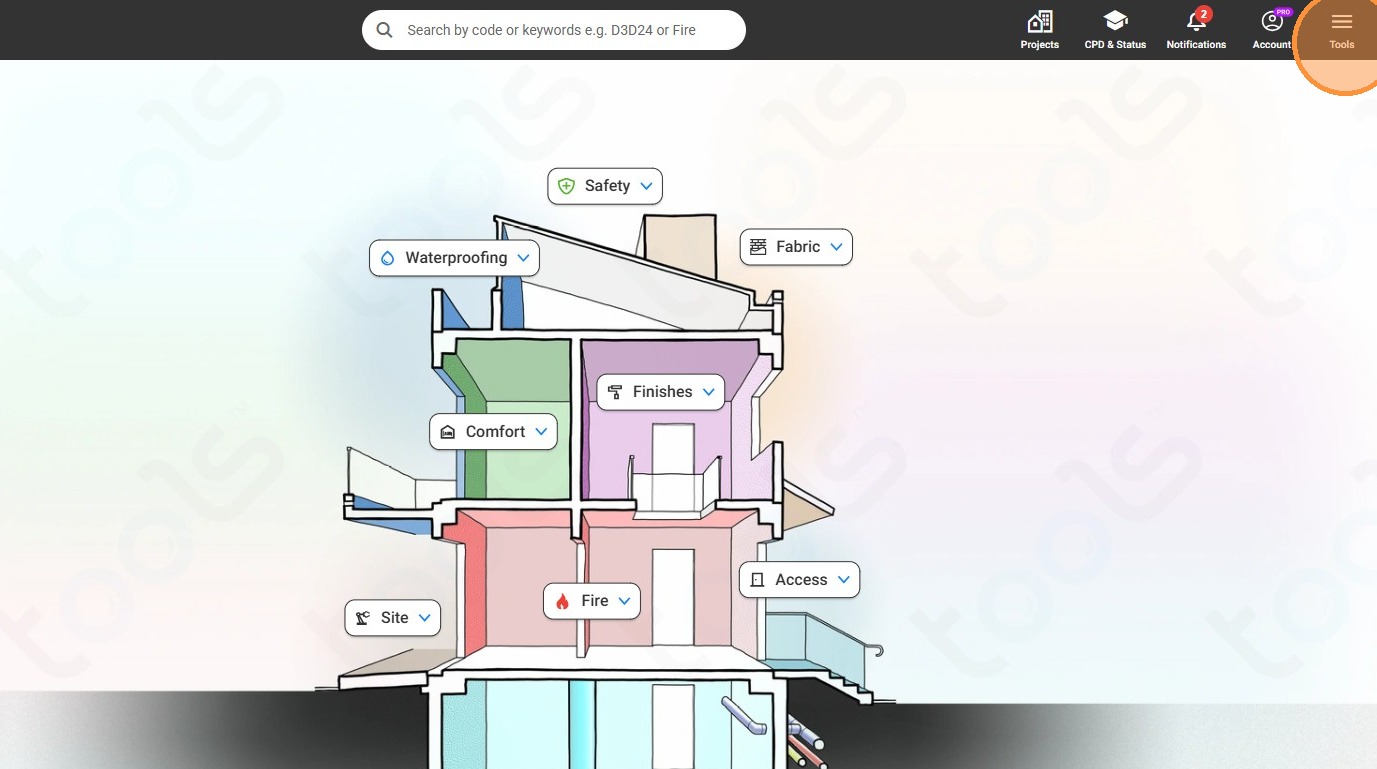
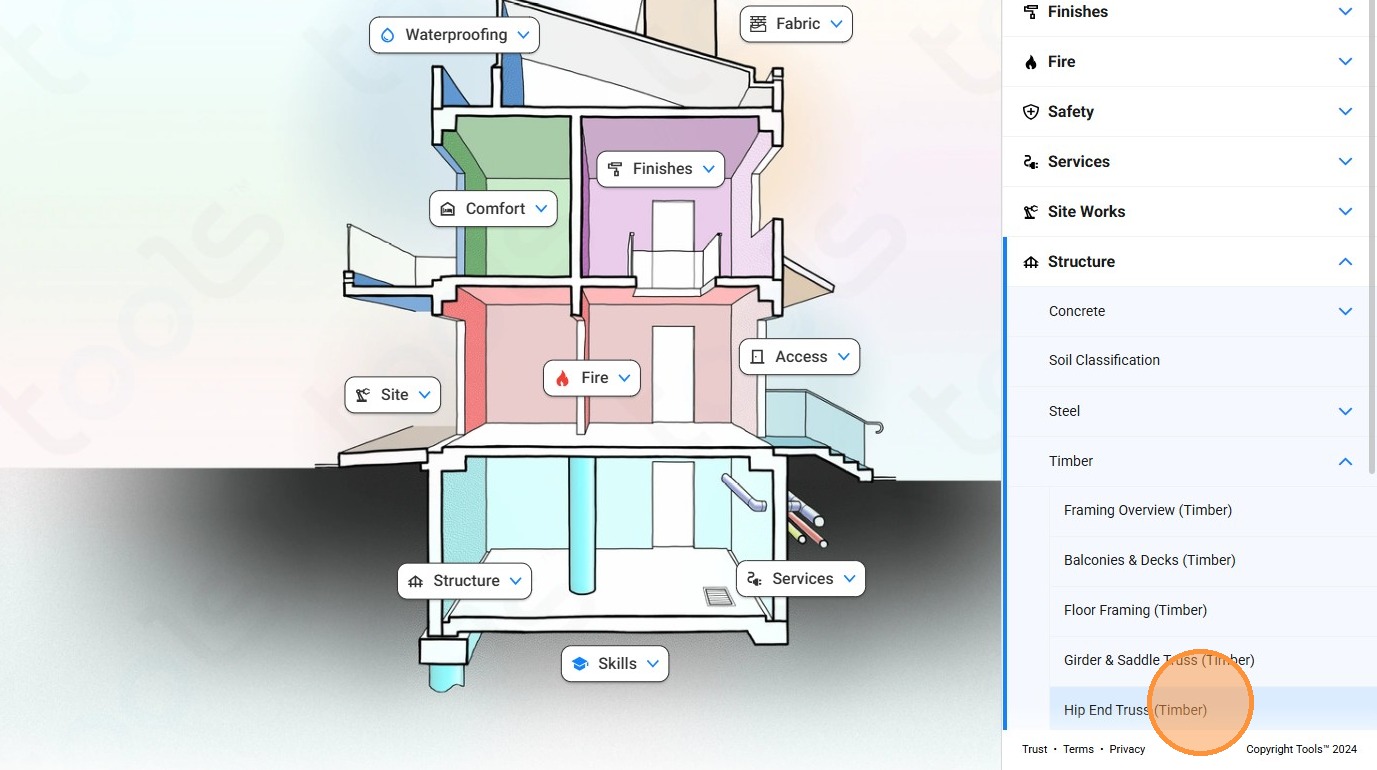
1. Click "Tools"
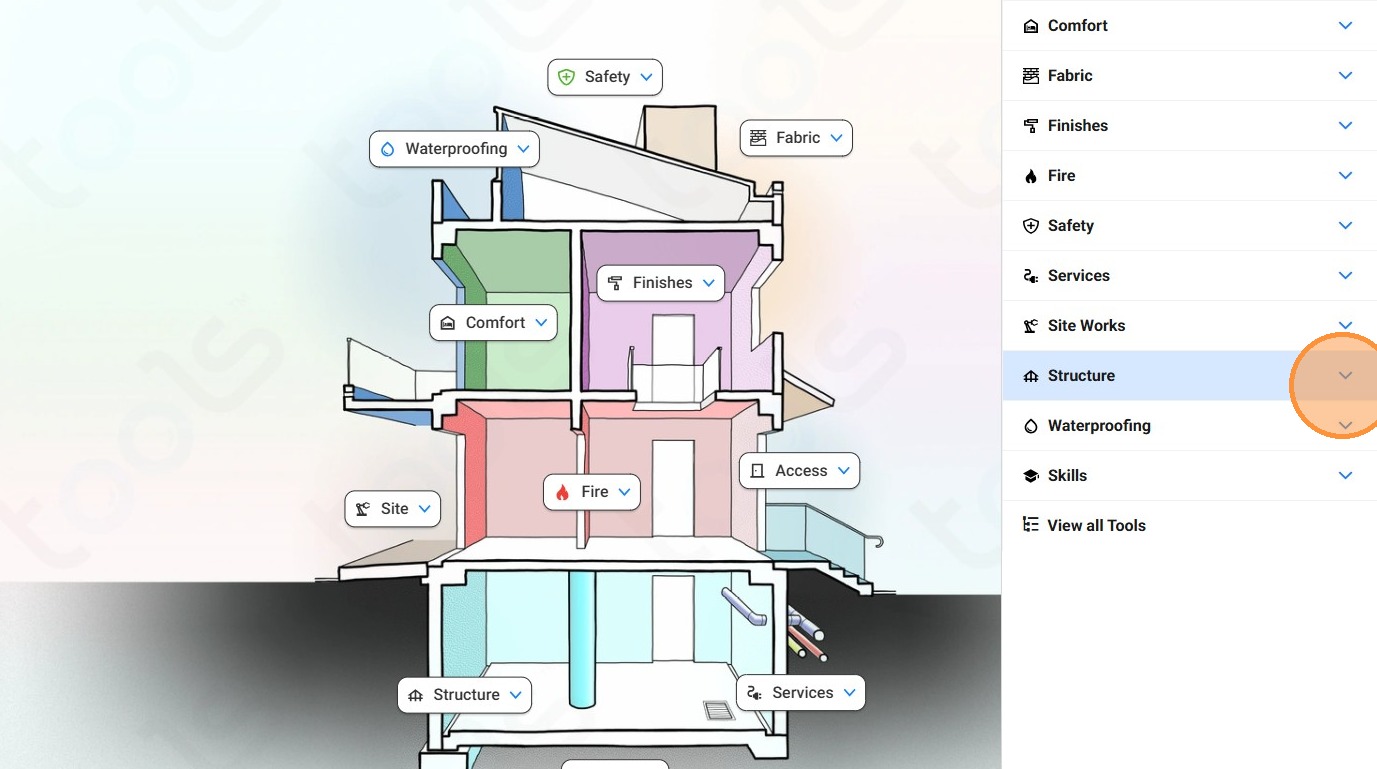
2. Click on the "Structure" dropdown
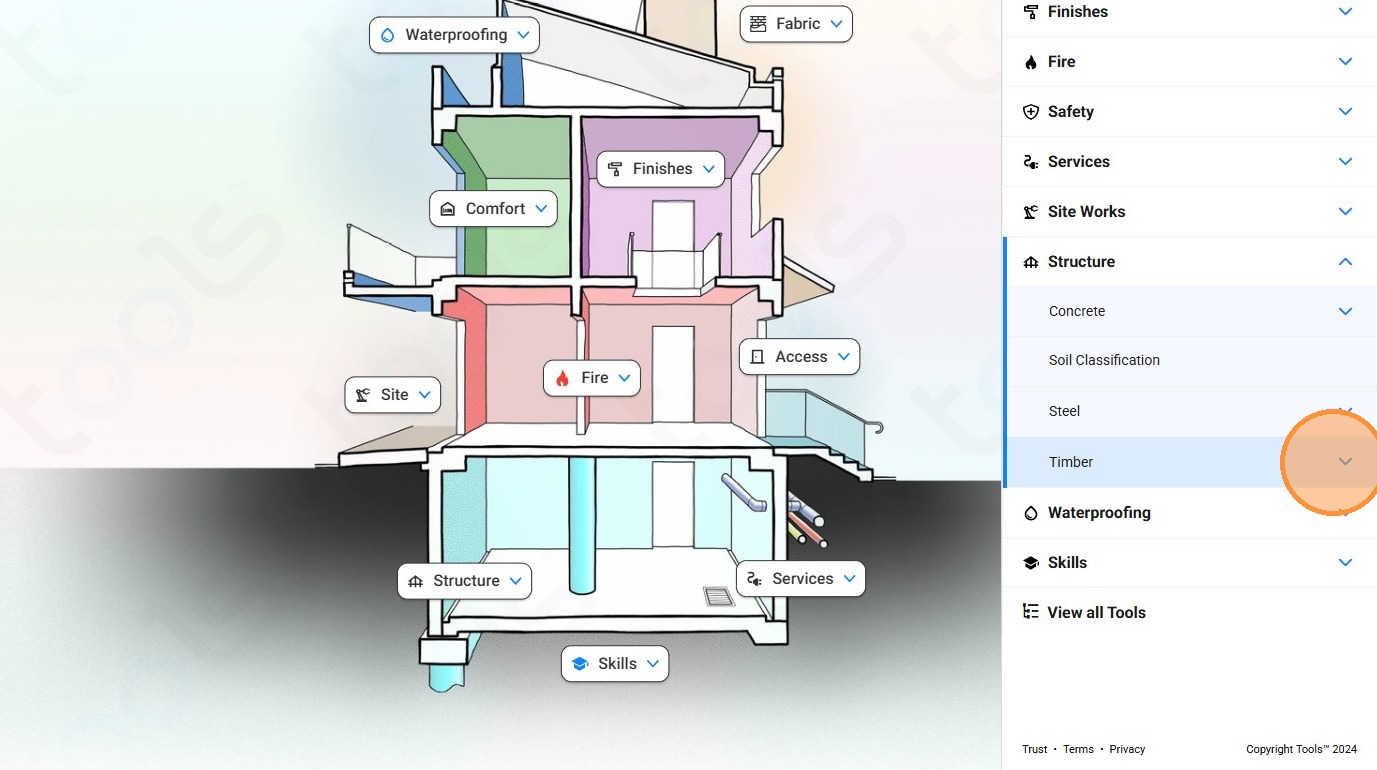
3. Click on the "Timber" dropdown.
4. Click on "Hip End Truss (Timber)"
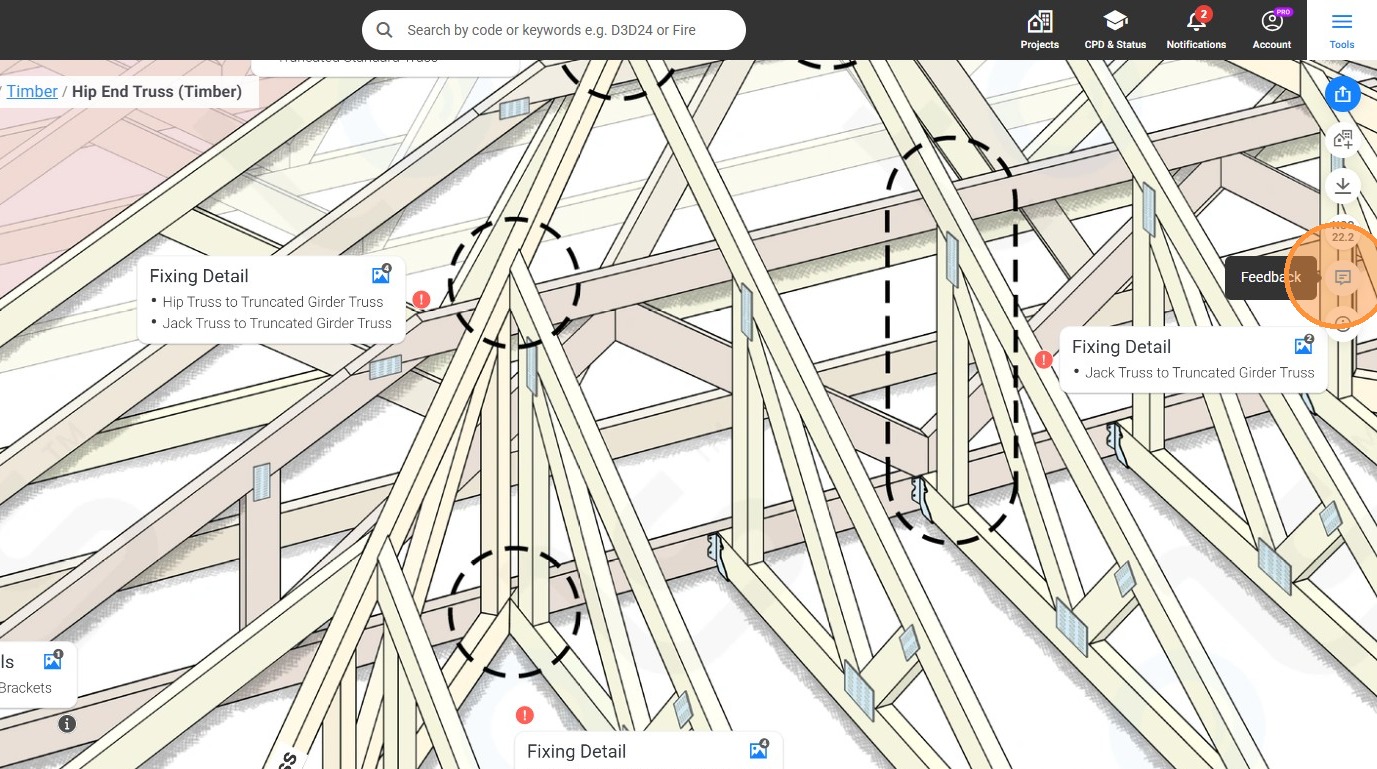
5. Clickon the "Feedback" icon.
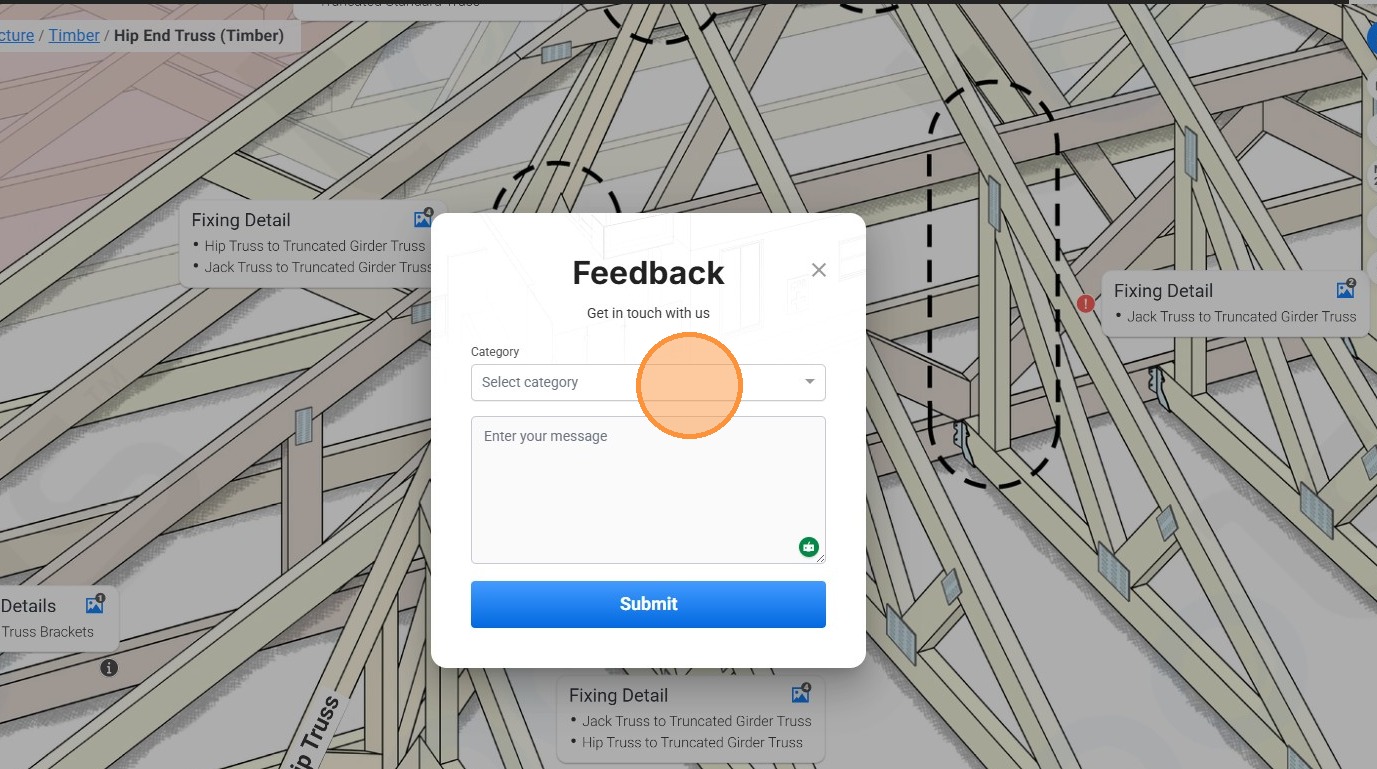
6. Click on the "Category" dropdown to reveal categories.
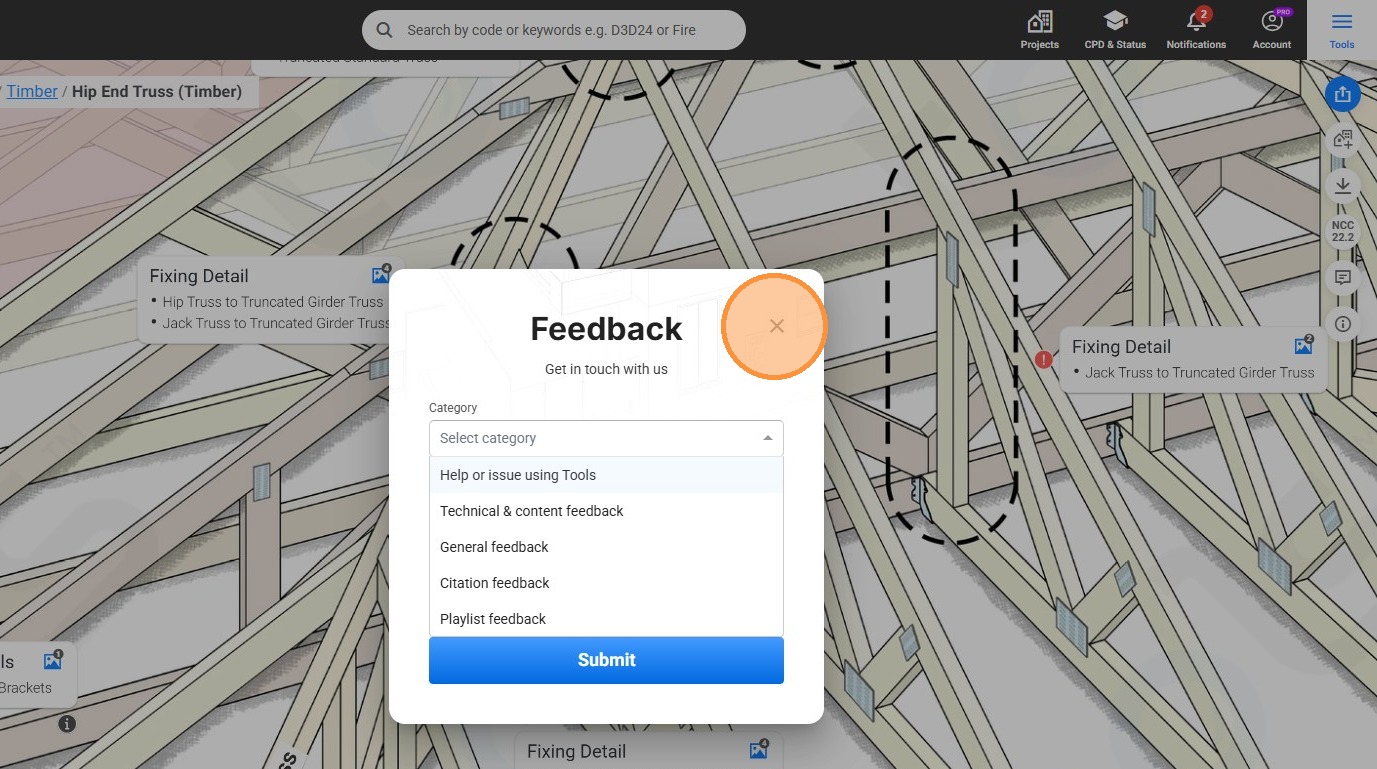
7. Click the close icon.
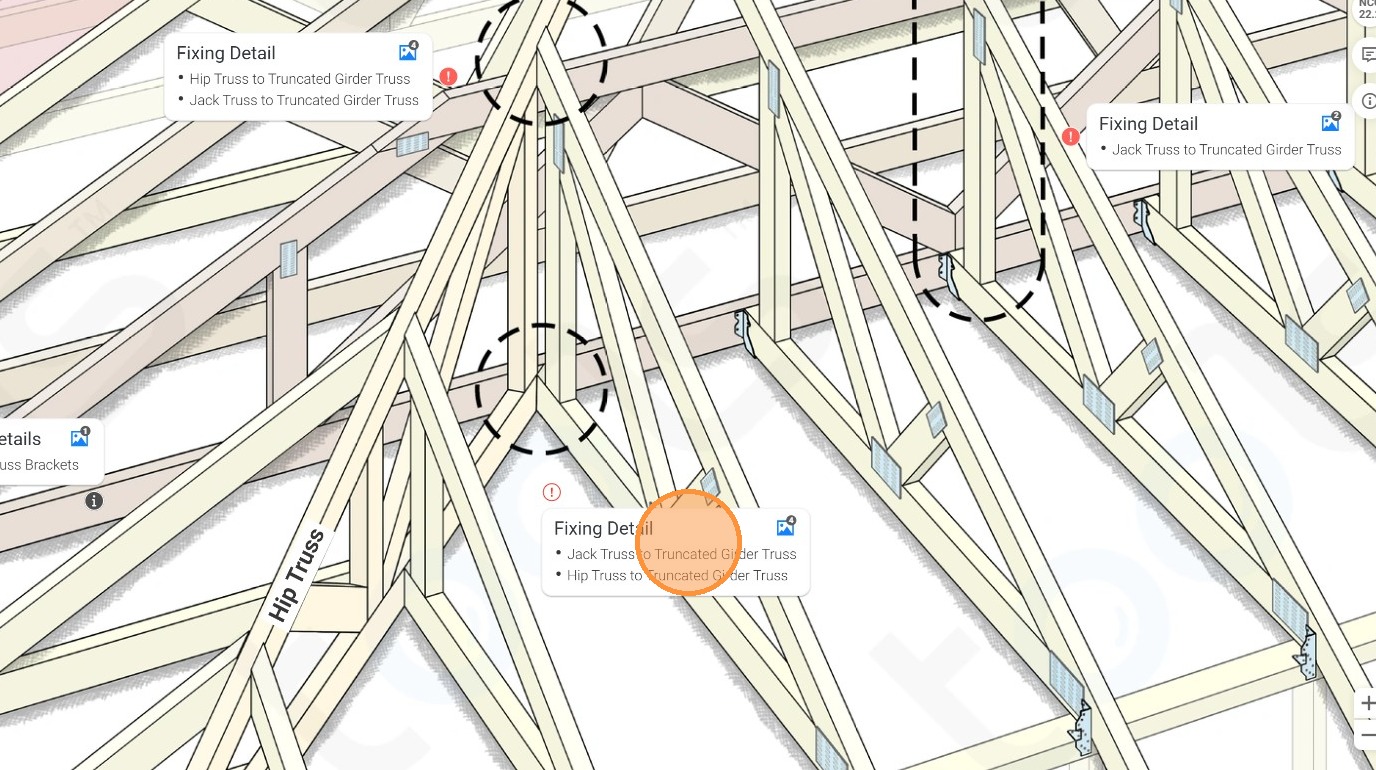
8. Click on this panel.
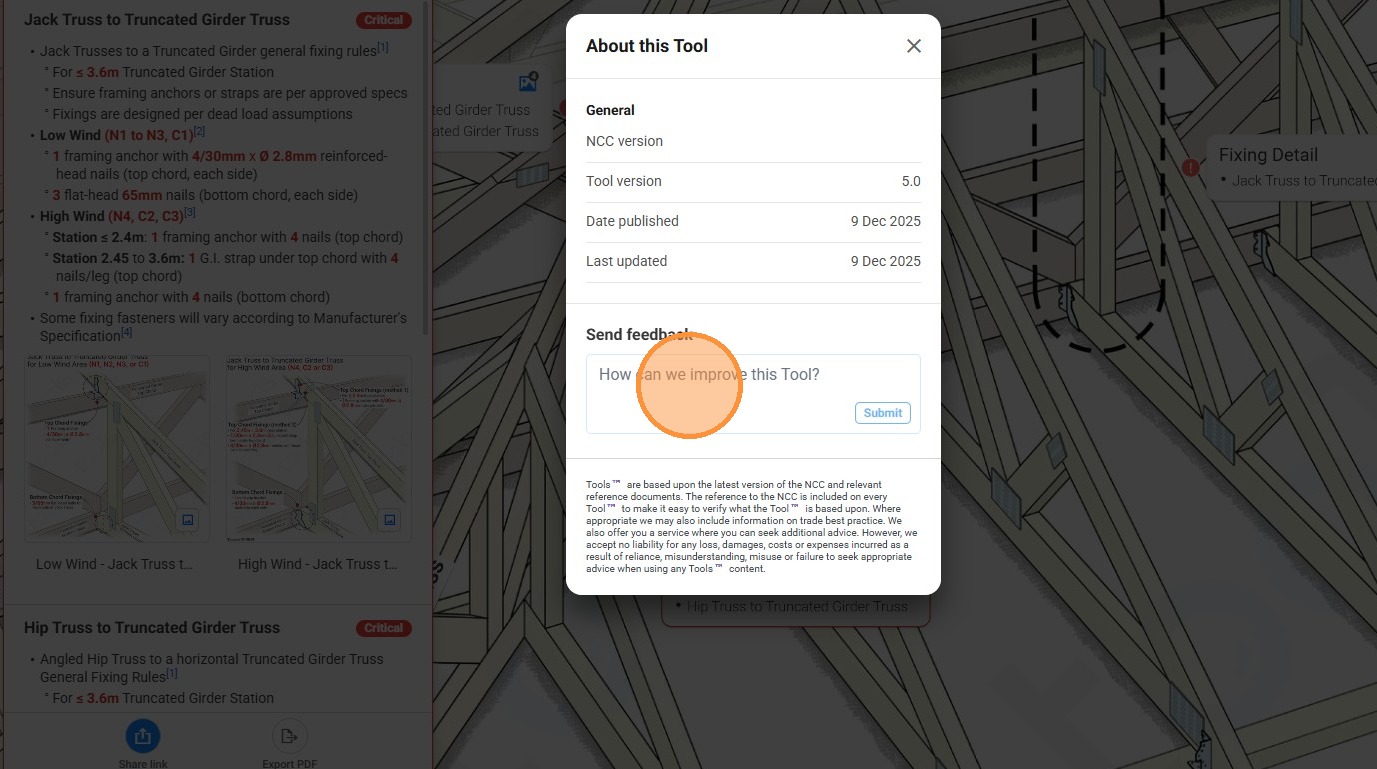
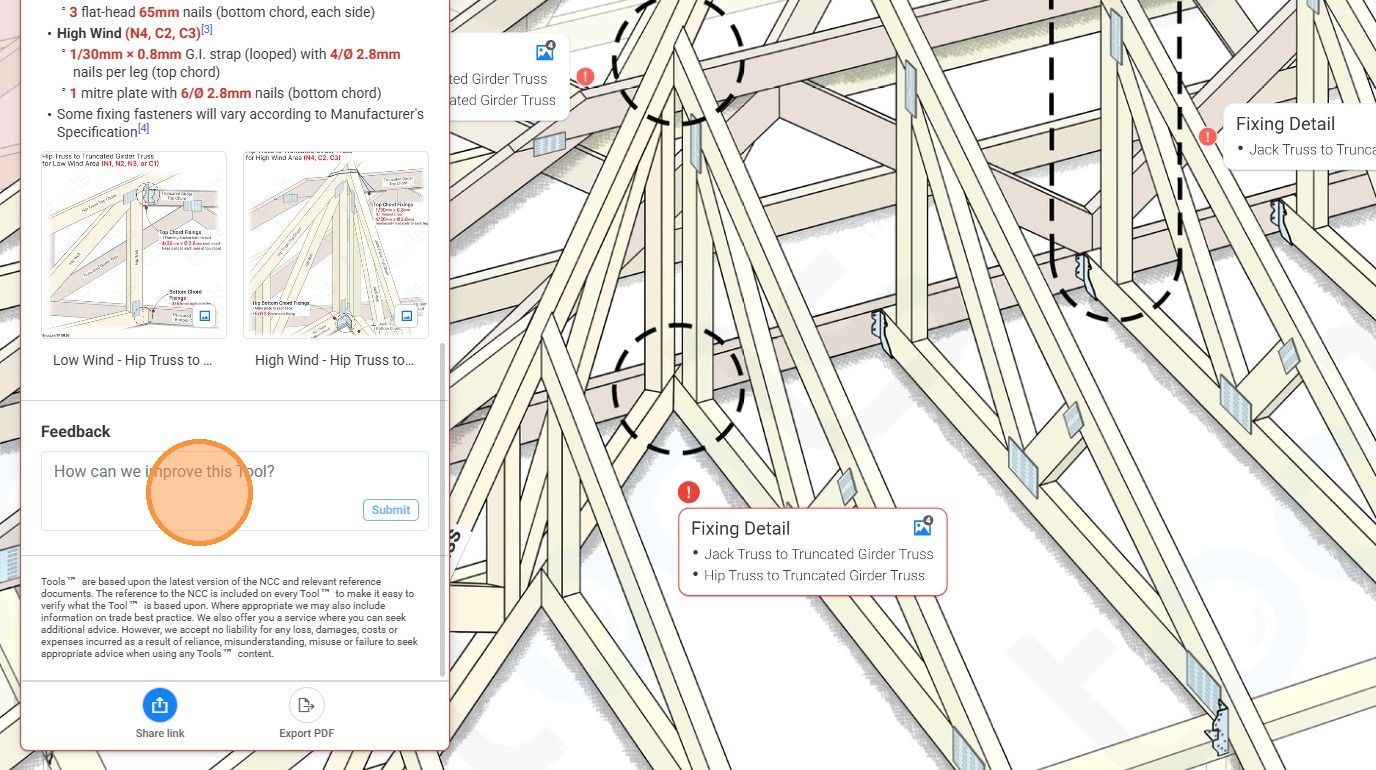
9. Click the "How can we improve this Tool?" field.
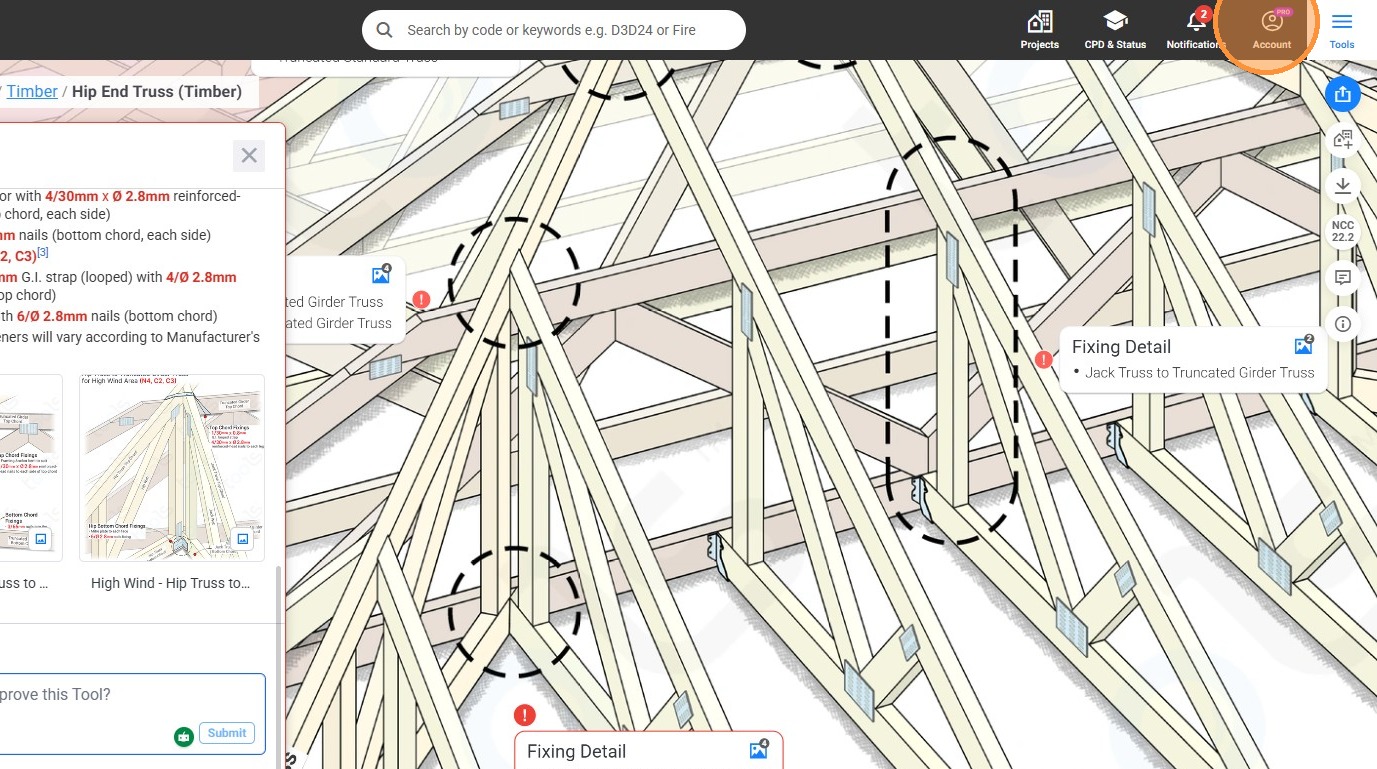
10. Click the account icon.
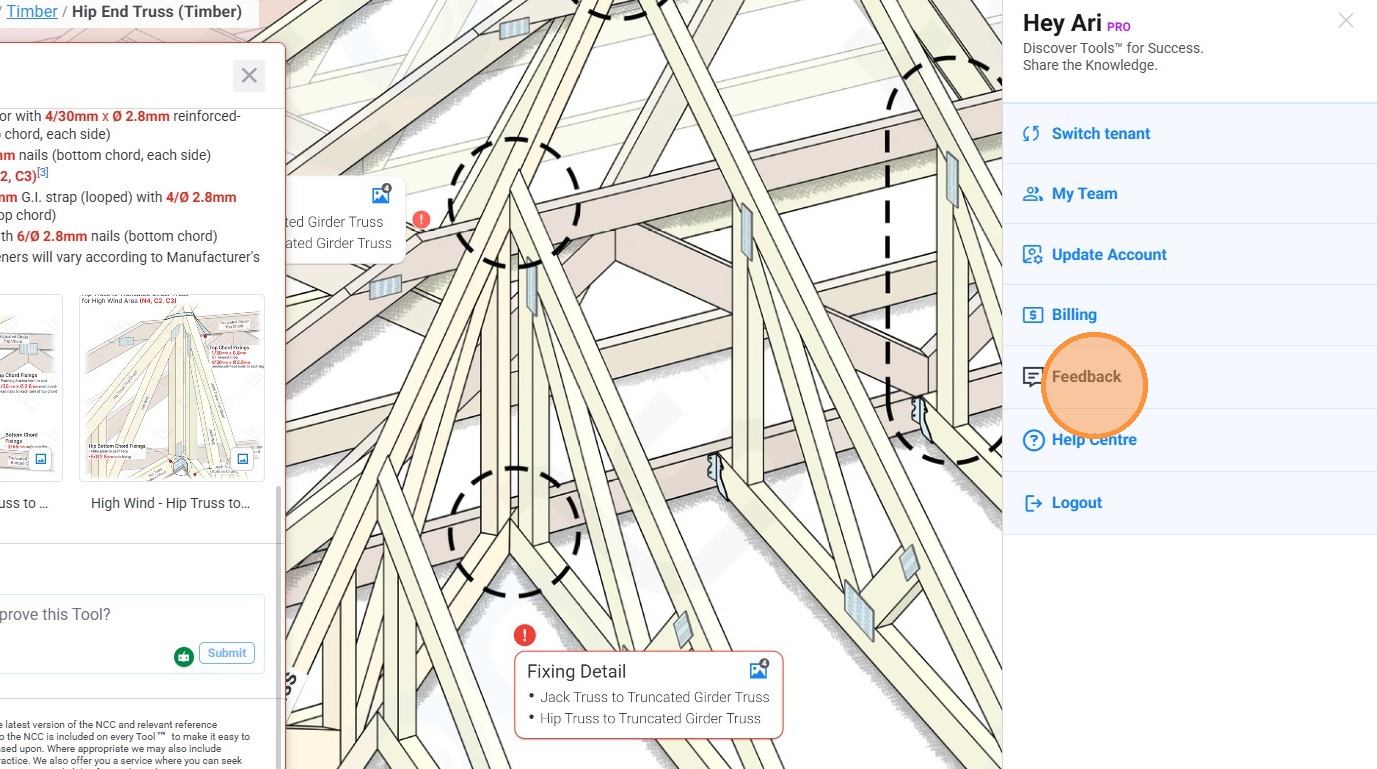
11. Click "Feedback"
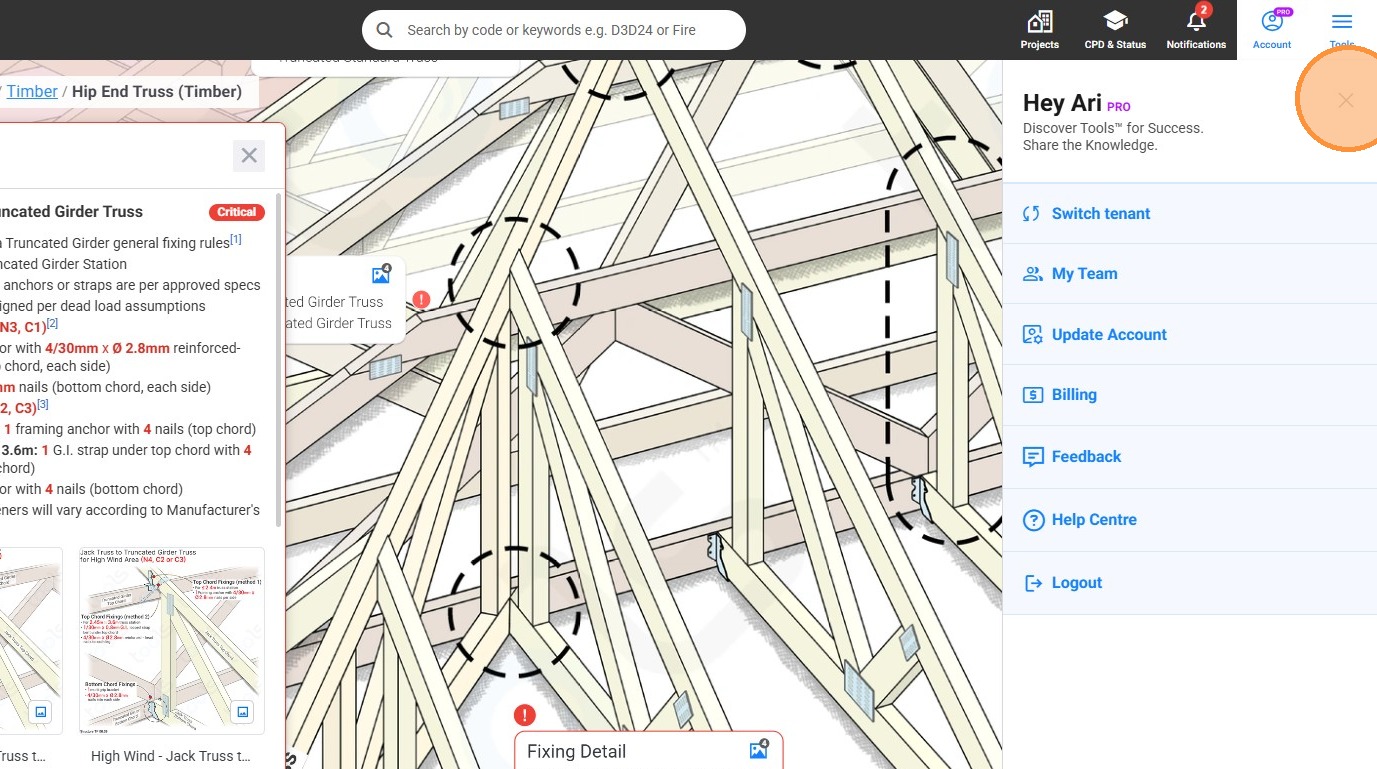
12. Click the close icon.
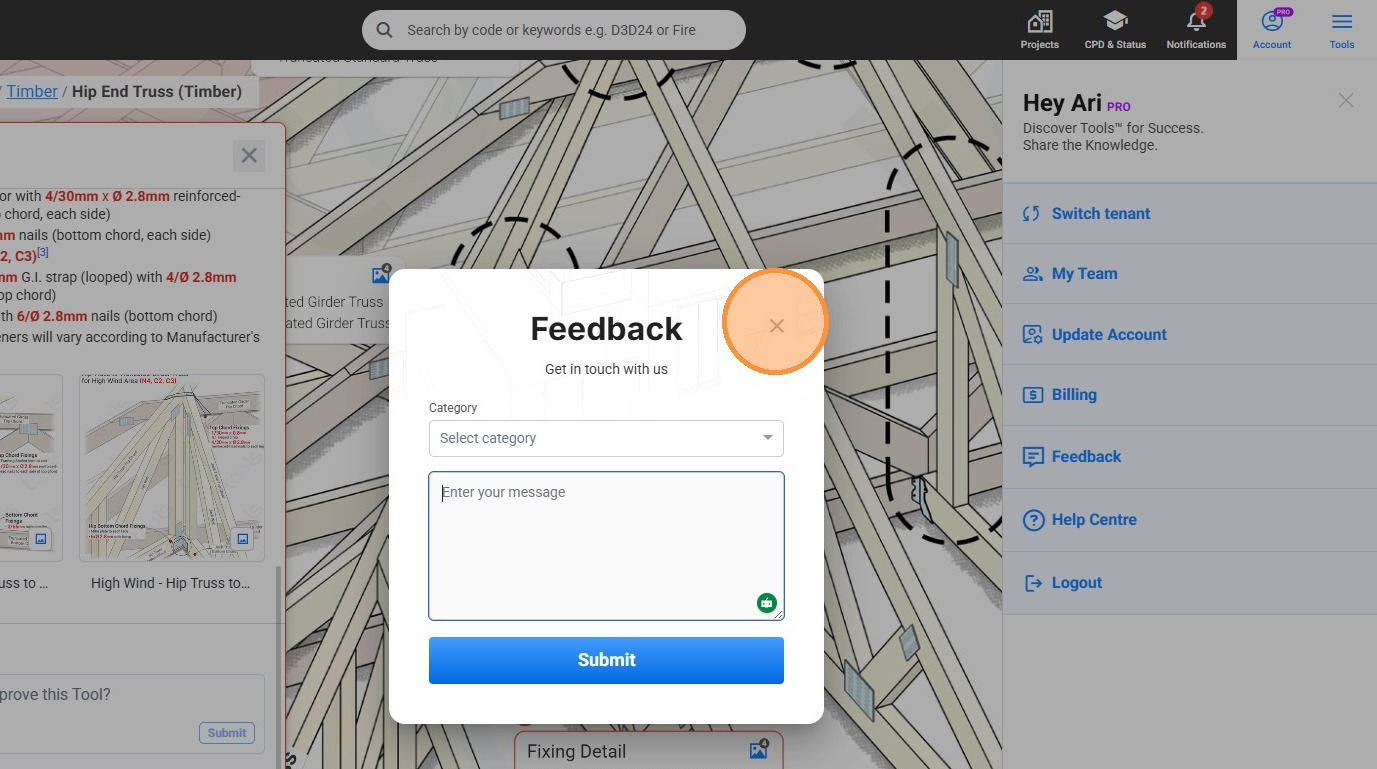
13. Click the close icon.
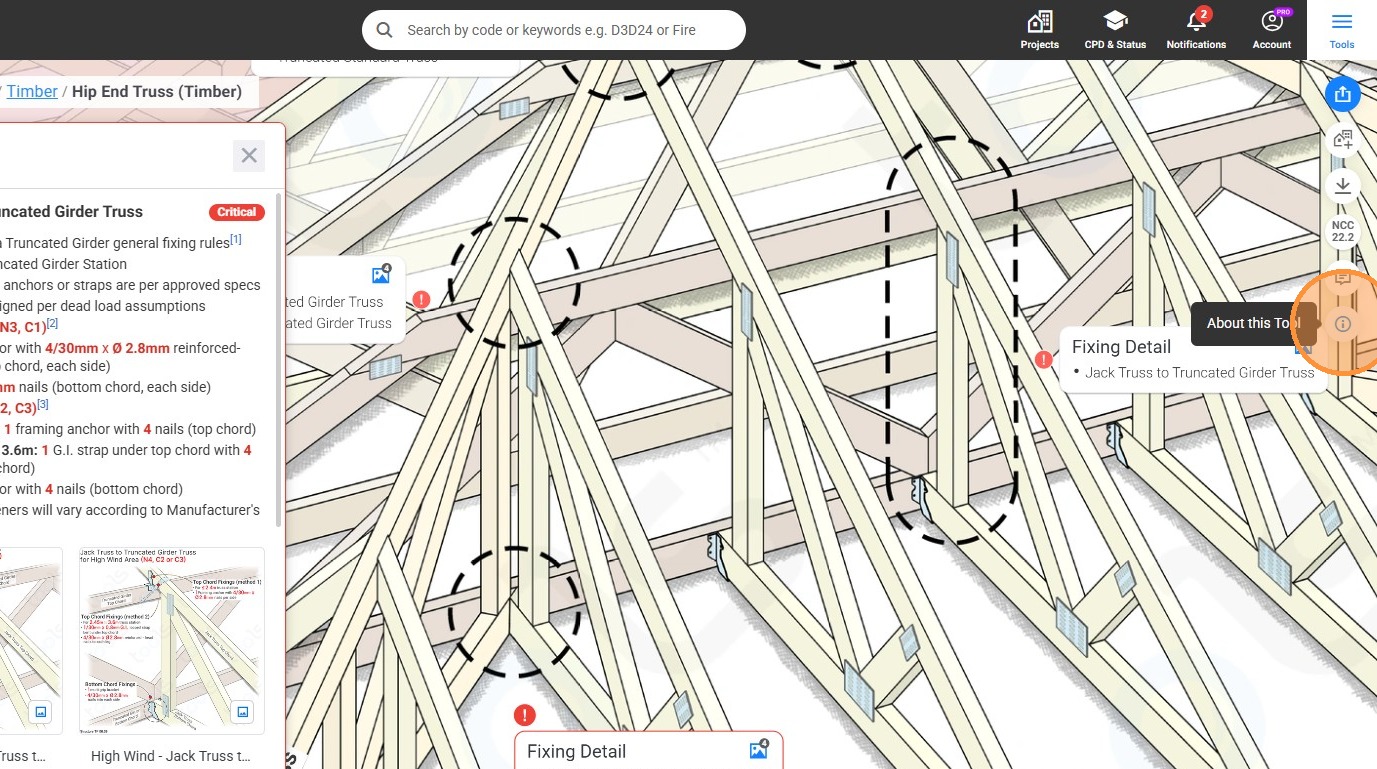
14. Click the "About this Tool" icon.
15. Click the "How can we improve this Tool?" field.