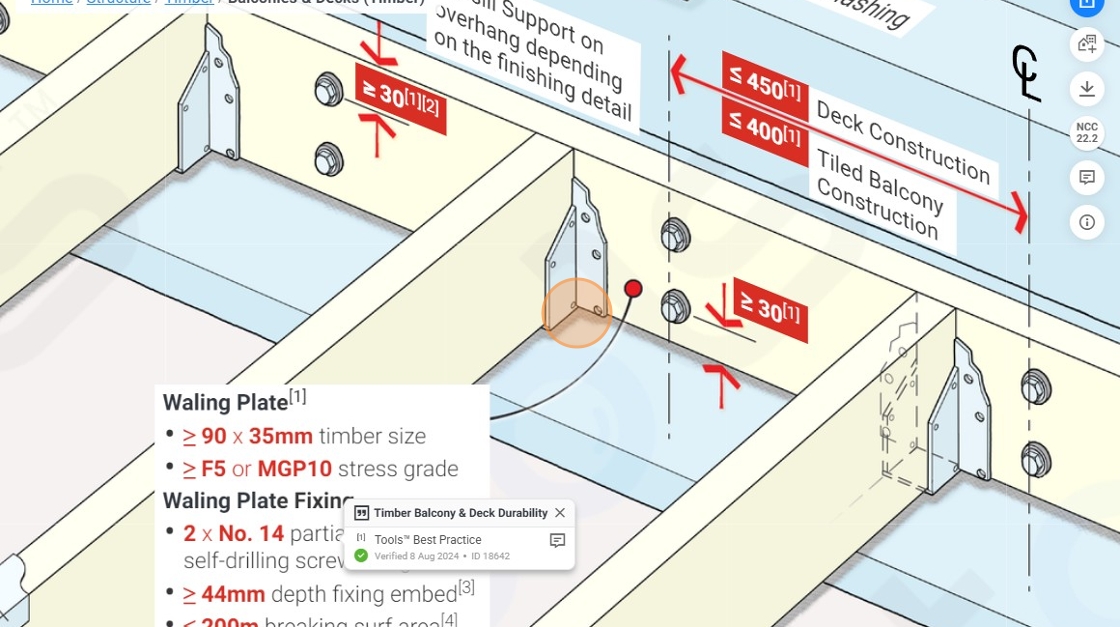
1. Click onto the element you're looking for

2. Zoom into area of focus.
3. Click on the share option.

4. Click 'Copy link'

5. In a new tab, simply paste the link you've copied https://app.buildingtools.co/tools/structure-timber-balconies-decks-ncc2022.2-1.10?v=1764649267609&shareId=FmGcYD-1764649264396&zoom=2.95216374856541&menu_id=8-3-0&x=602.0582925908989&y=290.3157687799565&standard=&action=click&type=0
6. The exact same screen still appears.

7. And you will be able to navigate through the functions.

8. Lets try another function 'Floor Framing (Timber)'

9. Click on the share option.

10. Click 'QR Code'

11. Click 'Copy' to paste the QR in documents to print

12. Click 'Link' to share the QR code with anyone

13. Click 'Image' to download and save the image

14. Click on the edit icon to edit the title.

15. Click the 'Title' textbox.

16. Type any title

17. Click 'Update'

18. Click here to close the share menu
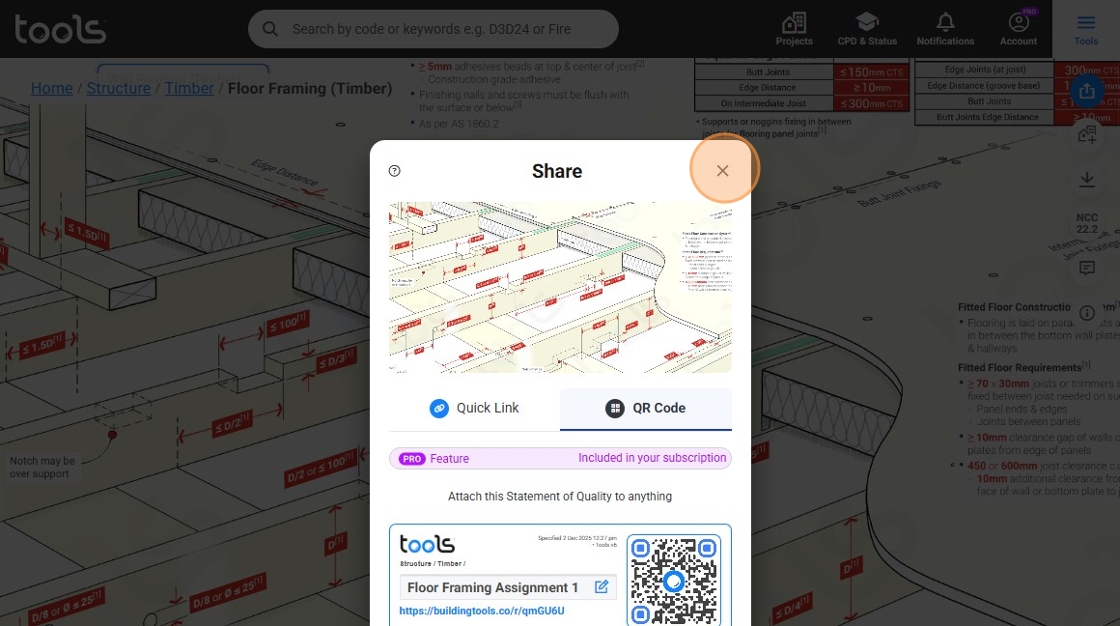
19. Click here to download a PDF.

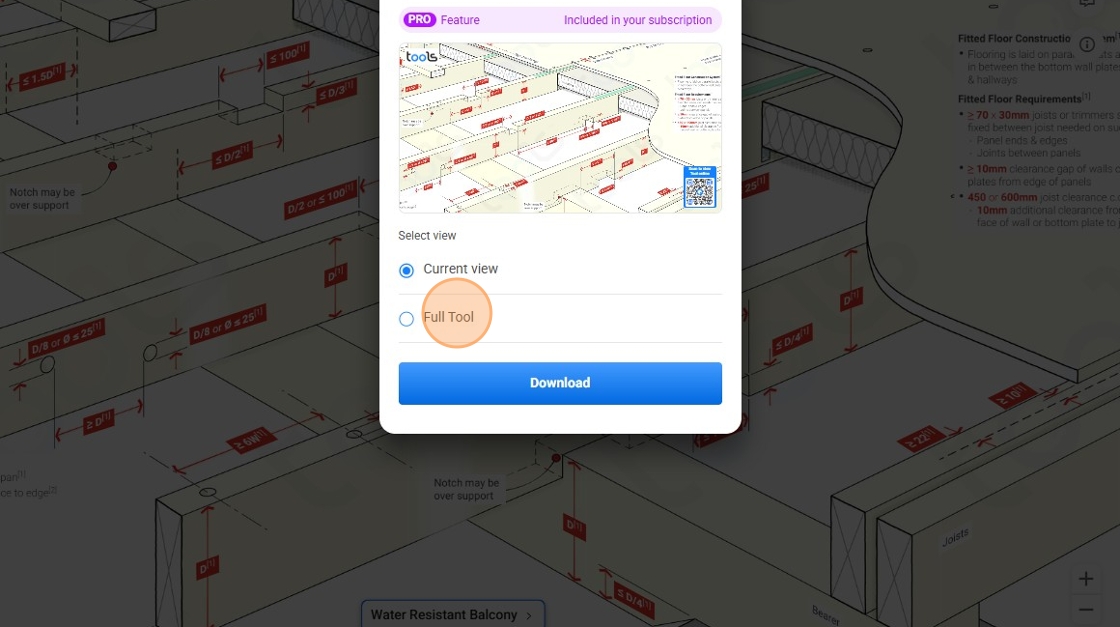
20. Click 'Current view' to download only the current view on screen

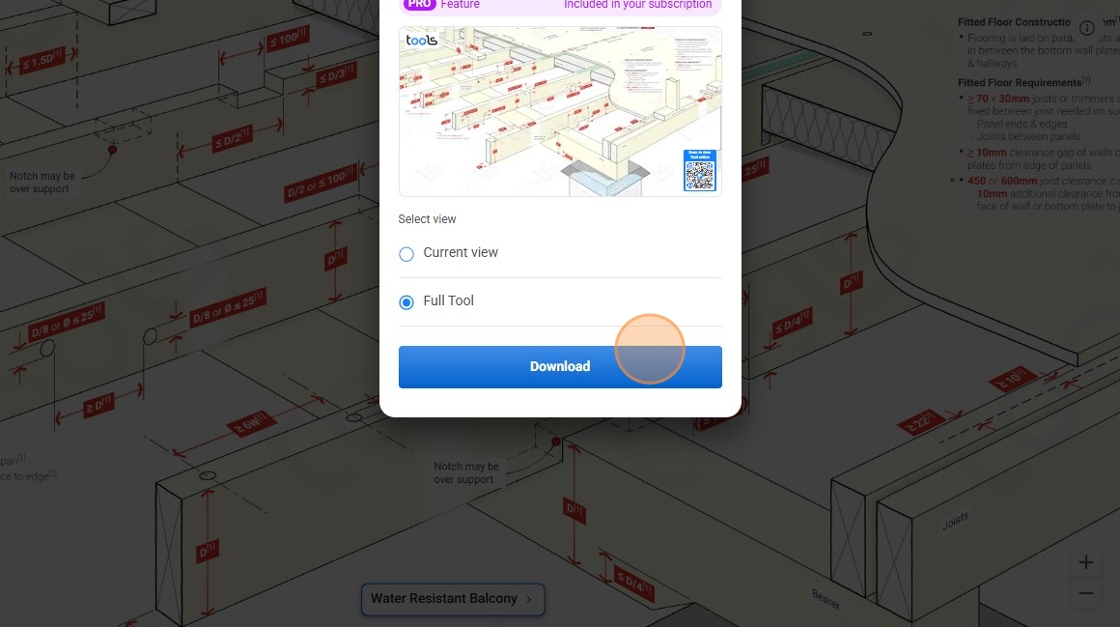
21. Click 'Full Tool' to download a complete view
22. Click 'Download'