
1. Navigate to https://app.buildingtools.co/

2. Click on the menu.

3. Click on the access dropdown menu
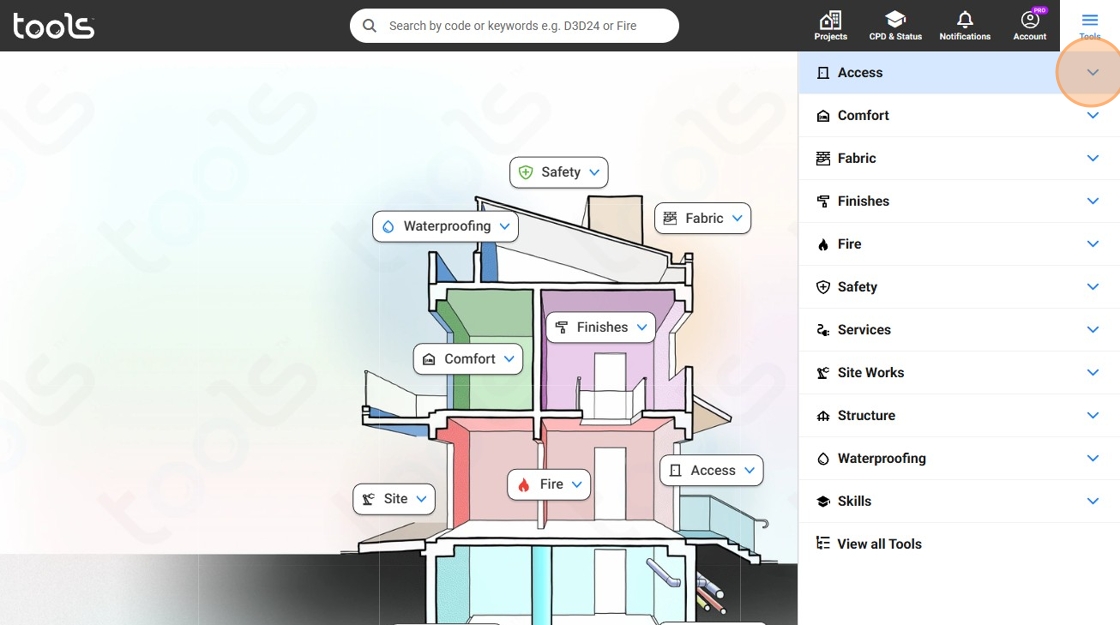
4. Click on the accessibility dropdown menu

5. Click 'Accessibility Overview'

6. Click on this panel

7. Click on this panel

8. Click on this panel

9. Click the close icon.
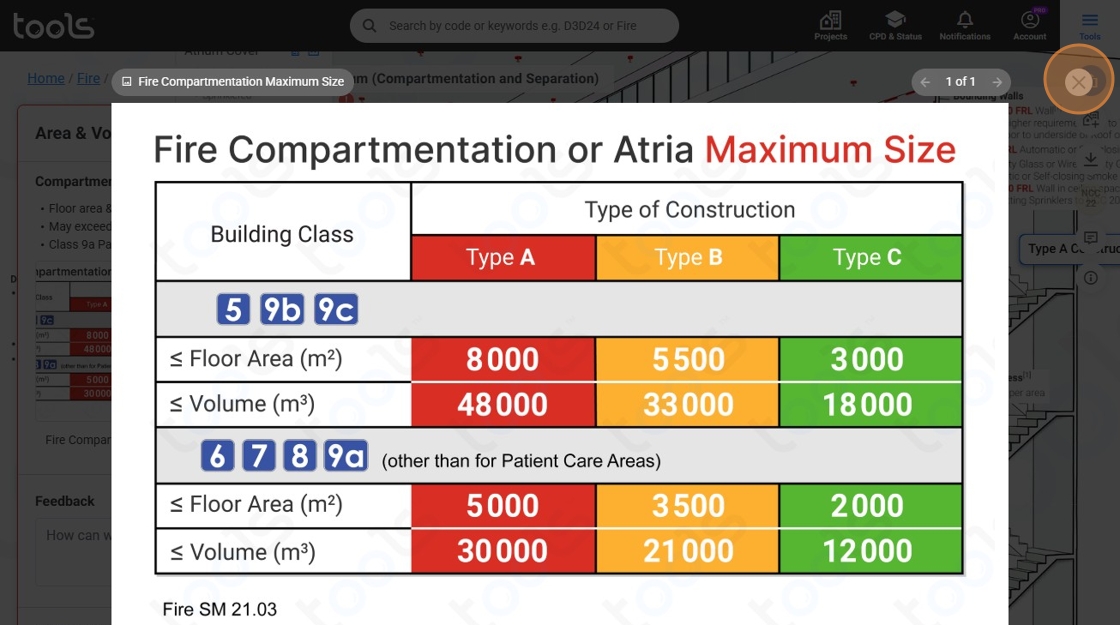
10. Click 'Home'

11. Click 'Tools'

12. Click 'Fire' dropdown menu

13. Click 'Fire Overview'

14. Click 'Home'

15. Click on this panel

16. Click 'Plumbing & Gasfitting' dropdown menu
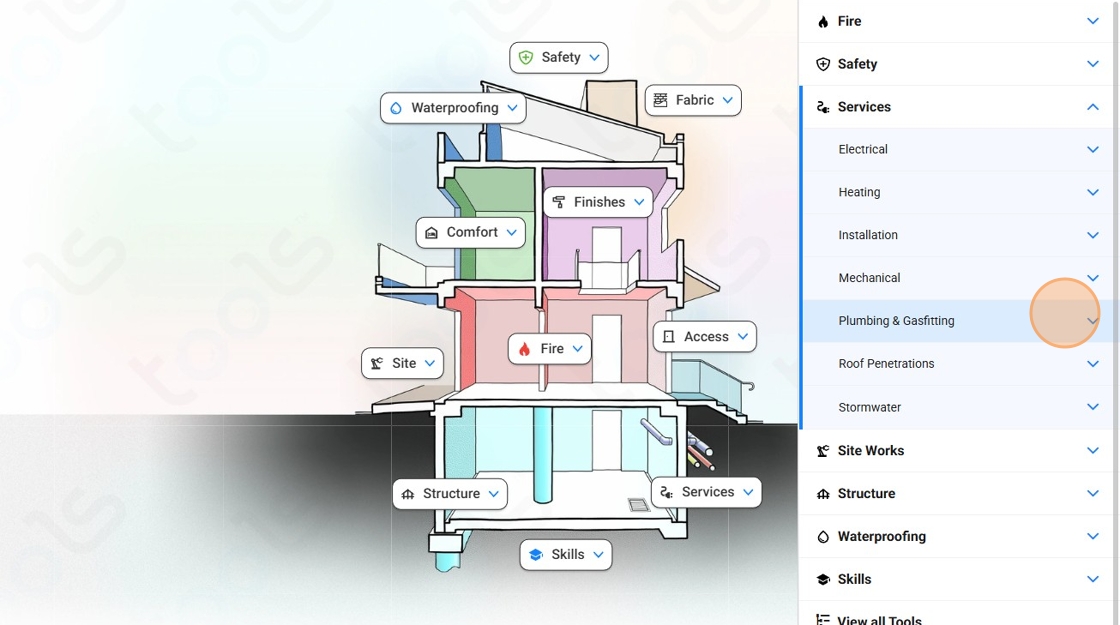
17. Click 'Plumbing Overview'

18. Click on this panel

19. Click here.

20. Click on the menu
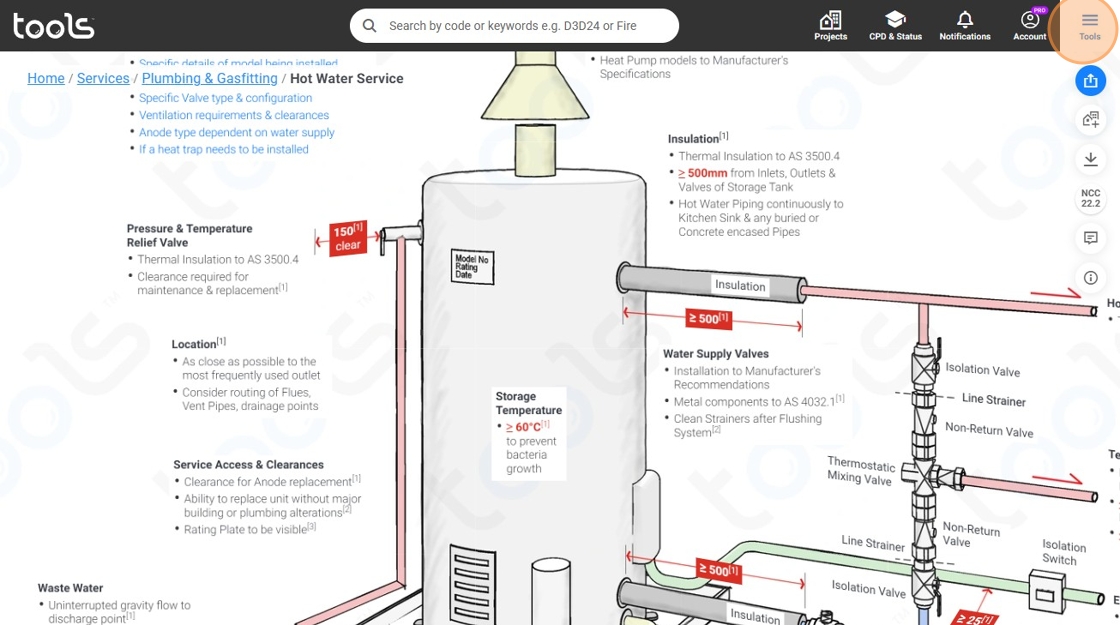
21. Click the skills downdown menu
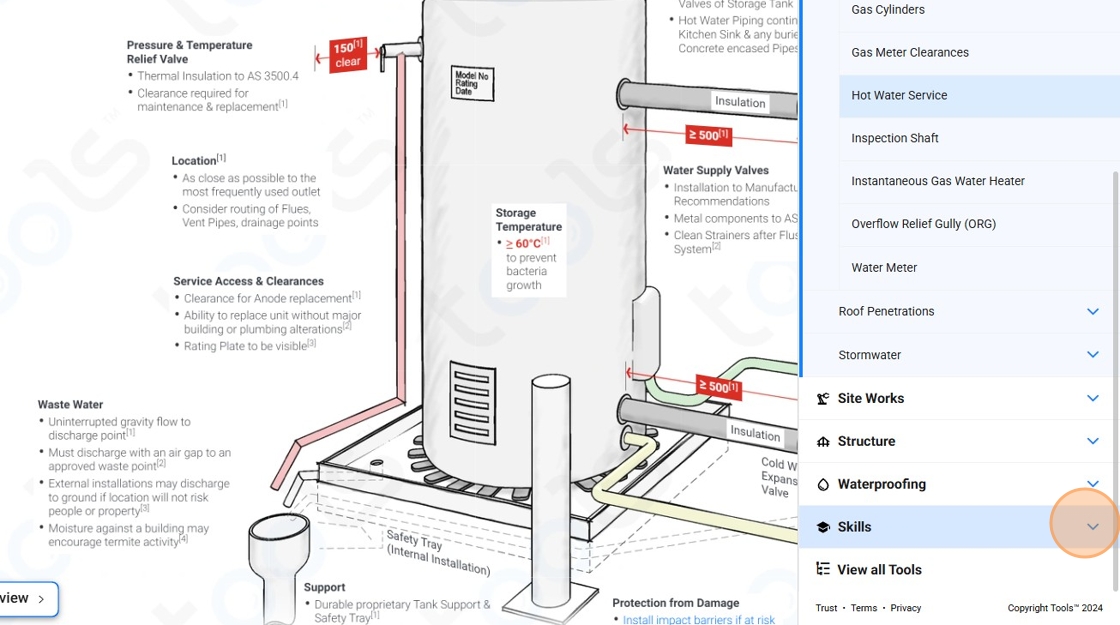
22. Click on the design dropdown menu

23. Click 'Building Classification'
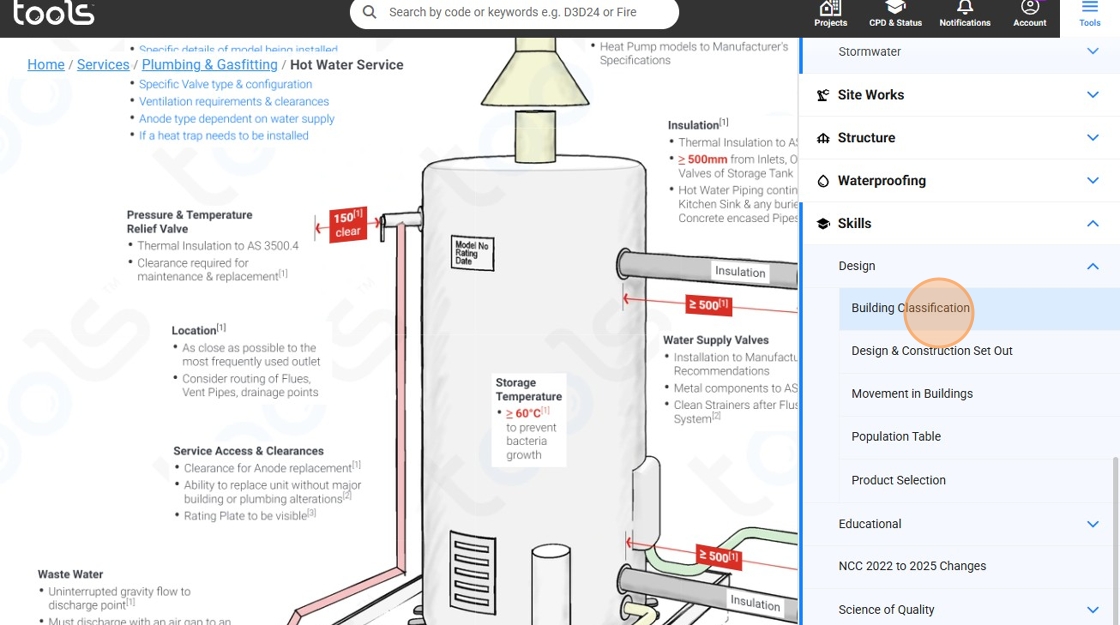
24. Click 'Tools'

25. Click 'Design & Construction Set Out'
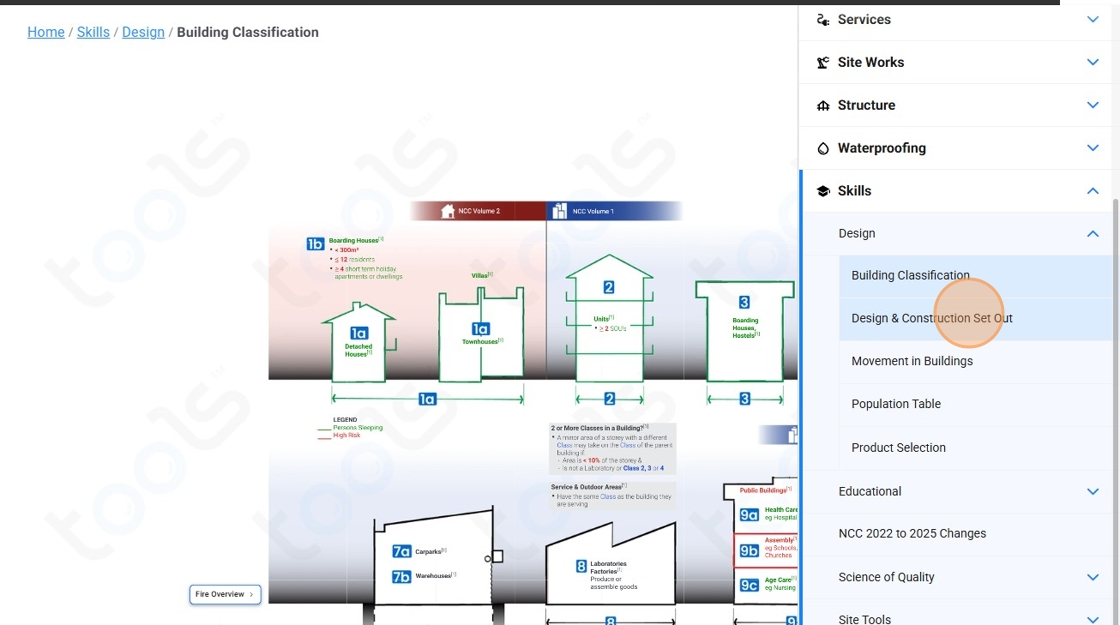
6. Click on this panel

27. Click on this panel

28. Click on this panel

29. Click the close icon

30. Click 'Skills'
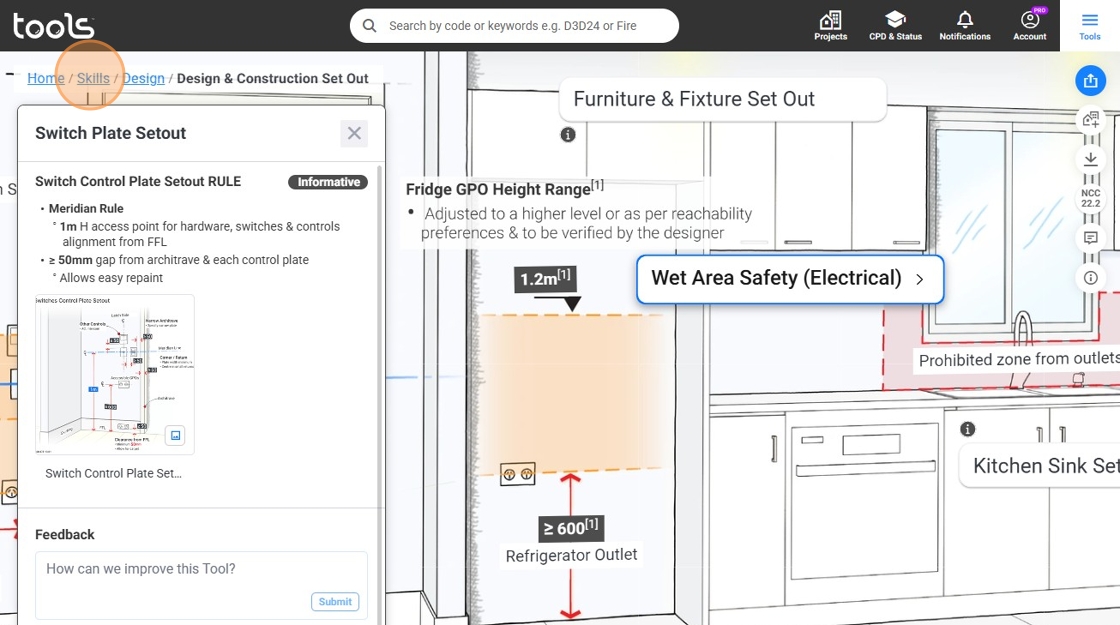
31. Click 'Movement in Buildings'
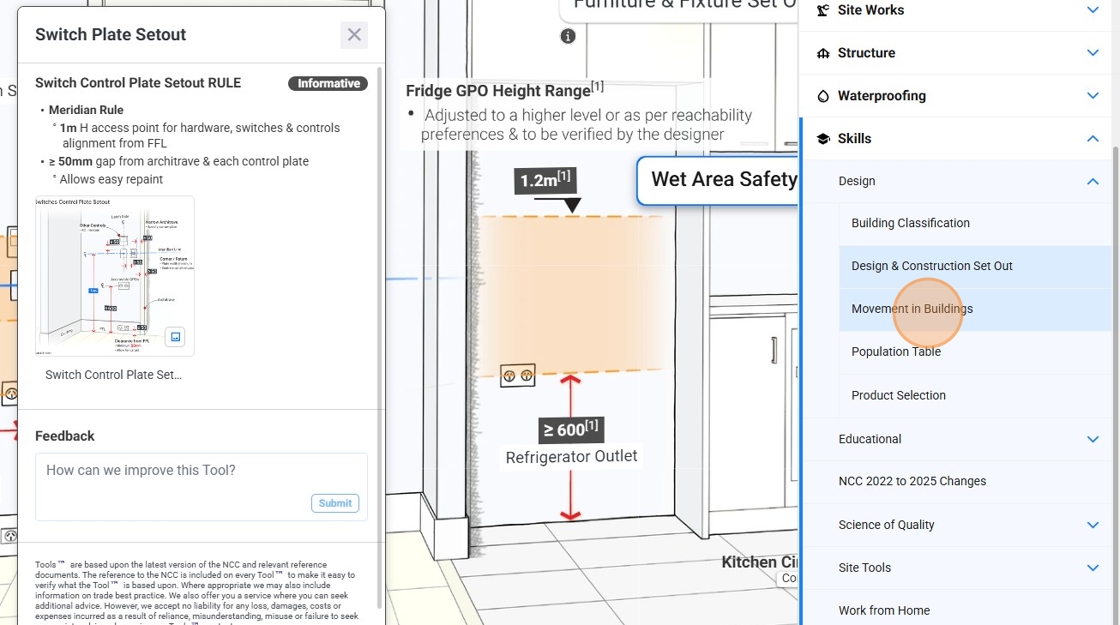
32. Click on this panel

33. Click on the menu icon

34. Click 'Product Selection'

35. Click on this panel

36. Click on the menu icon

37. Click on the educational dropdown menu

38. Click 'ABC of Building Construction'

39. Click on this panel
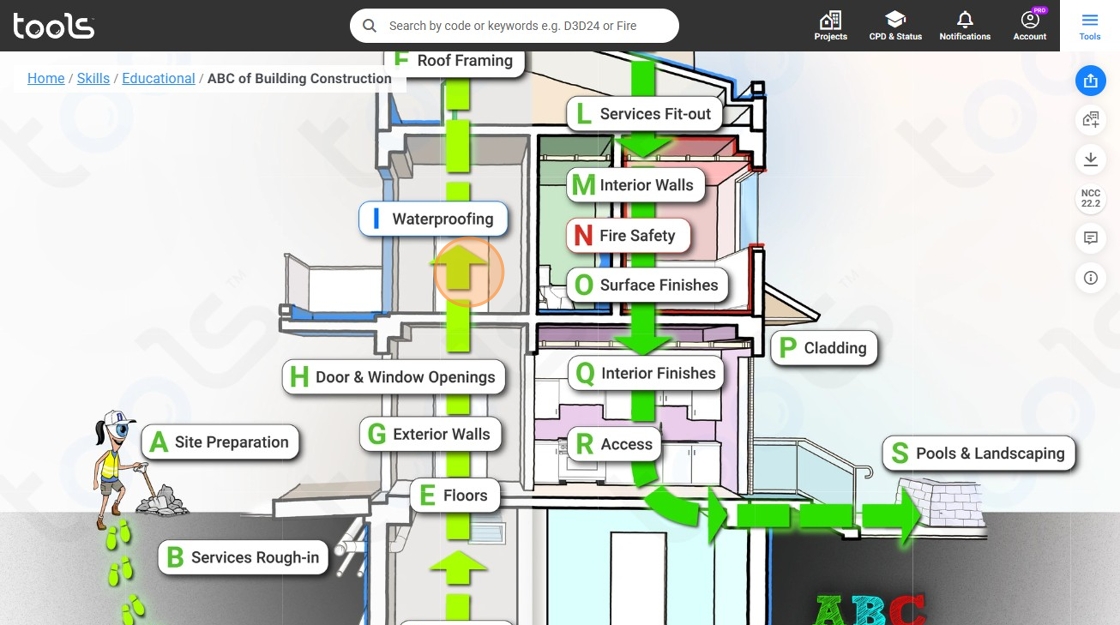
40. Click on this panel

41. Click 'Compliance Overview'

42. Click on this panel

43. Click 'Tools'

44. Click 'Concrete Overview'

45. Click on this panel

46. Click 'Home'

47. Click on the menu icon

48. Click the skills dropdown menu

49. Click on service of quality dropdown menu

50. Click 'Drainage Science'
